
Compare
DigiSafe vs DigiLocker: keep the official copy, and everything else
- Our take
- Use both
- Sources
- 4 official pages
- Checked
- 18 September 2026

DigiLocker and DigiSafe sound alike, but they do different jobs. DigiLocker holds official documents from government issuers, and DigiSafe keeps every other paper encrypted and helps you share copies safely.

A real moment
“Your driving licence is already in DigiLocker. But the warranty card for your fridge, your child's school form and the passport copy your visa agent wants are not. They are spread across your gallery, your email and a drawer.”
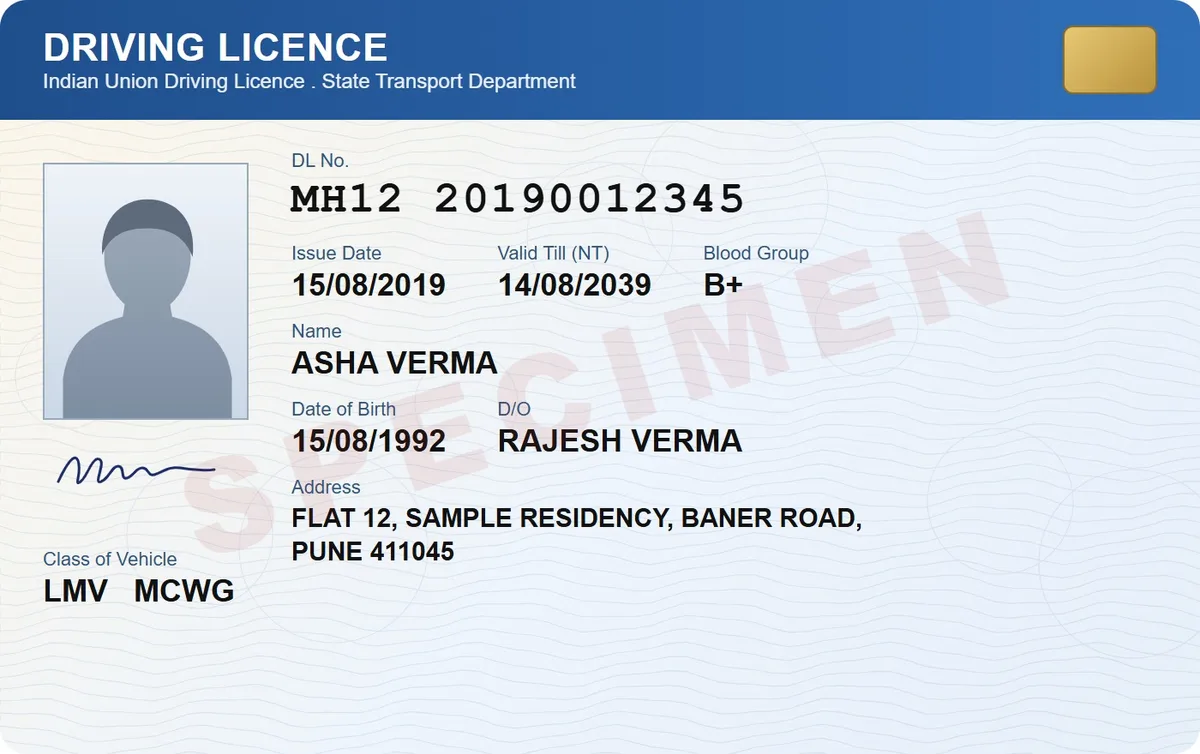
Use both. DigiLocker is the Government of India's platform, and documents issued there count as originals. DigiSafe is a free, end-to-end encrypted vault for everything else, such as bills, warranties and foreign IDs, with expiring links and masked copies for sharing.
Which one is for you
Pick DigiSafe
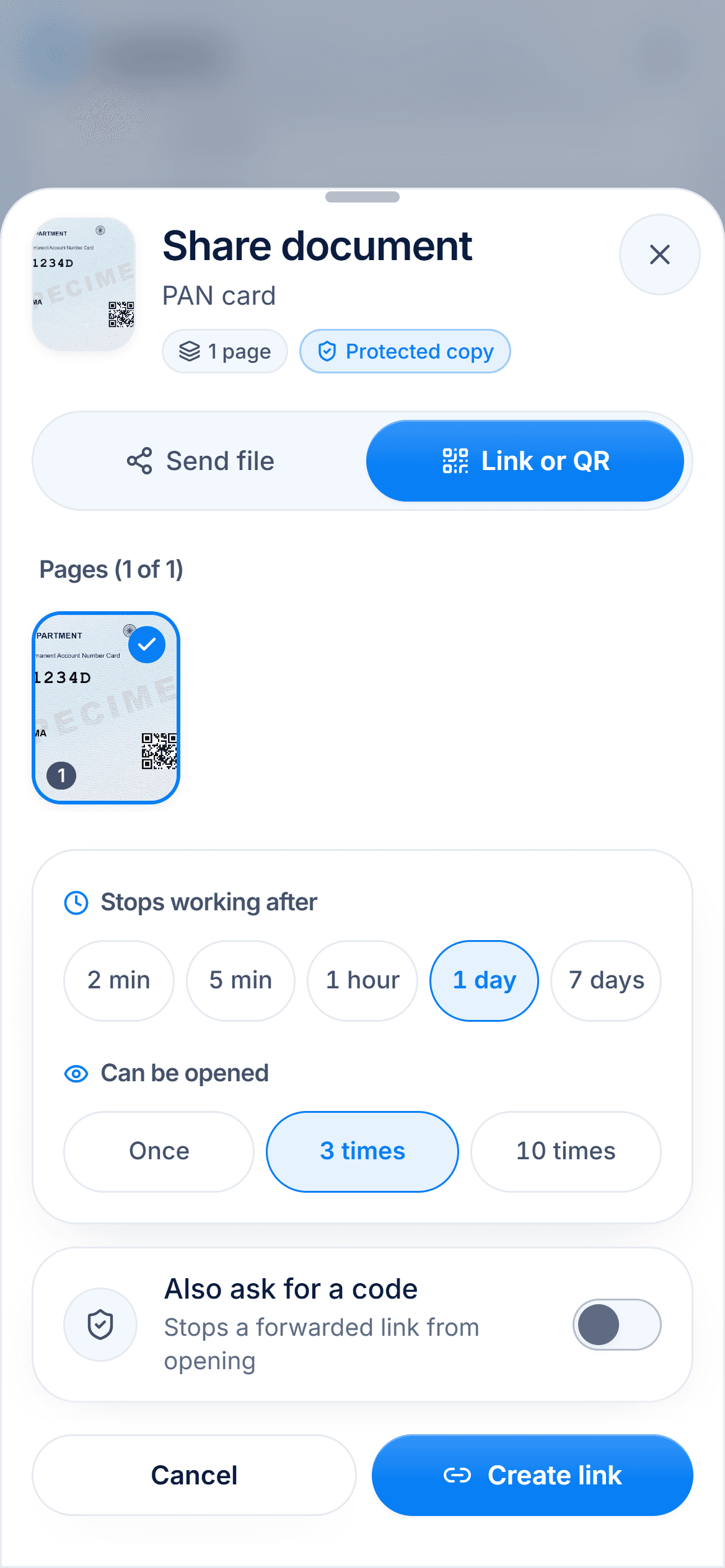
Use DigiSafe for the papers DigiLocker does not issue, and for sharing copies with a link that expires, a watermark or a masked Aadhaar number.
Pick DigiLocker
Use DigiLocker whenever you need an official document that an office will accept as the original, such as your driving licence or a mark sheet.
Most people in India should use both: DigiLocker for official documents, DigiSafe for everything else and for sharing copies safely.
Watch · 39 seconds
Five apps for one document, or one app
A scanner app, Google Drive, DigiLocker, a PDF compressor and WhatsApp, all for one KYC request. The same job in DigiSafe, in 39 seconds.
Read the transcript+
It's 11:47. Bank wants your KYC. By tomorrow.
Scanner app. Google Drive. DigiLocker. Some compress-PDF website. WhatsApp. Five apps. One document.
So... meet DigiSafe. Scan it. Store it. Share it. One app.
Aadhaar? First 8 digits, hidden. File too big? 200 KB. Done. The link? Gone in 24 hours.
Encrypted on your phone. Free. Fewer apps. More sleep. DigiSafe.
Side by side
Facts about DigiLocker from its own pages, checked 18 September 2026.
Made by
DigiSafe
Kavion Solutions, IndiaDigiLocker
Government of India, under MeitYBest for
DigiSafe
Everyday papers, your own copies and safe sharingDigiLocker
Official documents from government issuersOfficial, verified documents
DigiSafe
No. A scan in DigiSafe is your own copyDigiLocker
Yes. Issued documents count as originalsOthers can check it is genuine
DigiSafe
NoDigiLocker
Yes, verifiers can check with your consentWhat you can keep
DigiSafe
Any paper: bills, warranties, foreign IDs, family papersDigiLocker
Issued documents, plus files you uploadSpace for your own files
DigiSafe
Free. Import files up to 30 MB eachDigiLocker
DigiLocker Drive, for your own uploadsEncryption
DigiSafe
End-to-end, on your phone before backupDigiLocker
Encrypted, with ISO 27001 certified hostingHow you share
DigiSafe
A link or QR that expires, 2 minutes to 7 daysDigiLocker
With your consent, to connected apps and officesCountries
DigiSafe
Up to 2 of India, USA, UK, Canada, AustraliaDigiLocker
India
DigiLocker is the official one
DigiLocker is an initiative of the Ministry of Electronics and IT. Documents in its Issued Documents section come from the issuer itself, and the IT rules treat them as at par with the originals. No private app can do that, DigiSafe included. Keep using it for your licence, vehicle RC and mark sheets.

DigiSafe is for everything else
Many of the papers you hunt for never come from a DigiLocker issuer: shop bills, warranty cards, a foreign passport, your parents' old certificates. DigiSafe scans them straight, reads the numbers on your cards and files them in folders. Every page is encrypted on your phone before it is backed up.

A copy is still a copy
A scan in DigiSafe is your own copy, like a photocopy. It is not verified, and it does not replace the original or a DigiLocker document. What DigiSafe gives you is control over that copy: hide the Aadhaar digits, stamp the purpose and date, and send it as a link that stops working.

Two countries, even offline
DigiLocker is built for Indian documents and services. If you study or work abroad, DigiSafe lets you pick up to two of India, the USA, the UK, Canada and Australia, each with its own folders. Your documents also open with no signal.
How we checked
Fair, sourced and dated.
Every fact about DigiLocker on this page comes from its own official pages, listed here. We last checked them on 18 September 2026. Prices and plans are as listed on that date and can change at any time, so check the official page before you decide.
Questions people ask
Is DigiSafe a replacement for DigiLocker?+
No. DigiLocker is the official government platform, and its issued documents count as originals. DigiSafe keeps your other papers and your own copies, and helps you share them safely.
Is DigiLocker safe?+
DigiLocker says it uses encryption, sign-in with OTP, ISO 27001 certified hosting and regular security audits. It is the official place for government-issued documents in India.
Is a DigiSafe copy legally valid?+
No. A DigiSafe scan is your own copy, like a photocopy. For an official digital document, fetch it from the issuer in DigiLocker. Whether an office accepts a copy is up to that office.
Should I keep my Aadhaar in DigiLocker or DigiSafe?+
Use DigiLocker for the official version. When someone asks you for a copy, a DigiSafe copy with the first 8 digits hidden and a watermark gives away far less.
Read next
Best apps to store documents
The best app to store your documents depends on what you keep: official government documents, everyday files, or your own copies of ID papers.
DigiLocker vs UMANG vs mParivahan
DigiLocker holds documents that government departments and agencies issue to you.
Share Aadhaar safely
A masked Aadhaar shows only the last four digits of your number, with the first eight hidden.
More comparisons
DigiSafe vs Google Drive
Google Drive is a good home for everyday files, and many people keep their ID papers there too.
DigiSafe vs WhatsApp
WhatsApp is end-to-end encrypted, so nobody can read your document on the way.

DigiSafe vs phone gallery
Your gallery is where every ID photo ends up by default.

DigiSafe vs Proton Drive
Proton Drive and DigiSafe both encrypt your files so the company storing them cannot read them.

DigiSafe vs Ente Locker
Ente Locker is Ente's document vault, separate from Ente Photos.
DigiSafe vs 1Password
1Password is one of the best-known password managers.