
Watermark
Watermark a copy with its purpose, so it is hard to reuse
- Presets
- Bank KYC, Passport application, Job application, Rent agreement, SIM card, Visa application, Loan application
- Custom text
- Up to 48 characters
- Shows
- The purpose and the date, diagonally and along the bottom

A plain copy of your ID can be used for anything, by anyone who has it. DigiSafe writes the reason and the date across the page before it leaves your phone.

A real moment
“Last year you gave a copy of your PAN card to a SIM card shop. You have no idea where it is now, or what it was used for. A copy stamped "Only for SIM card" would be far harder to misuse.”
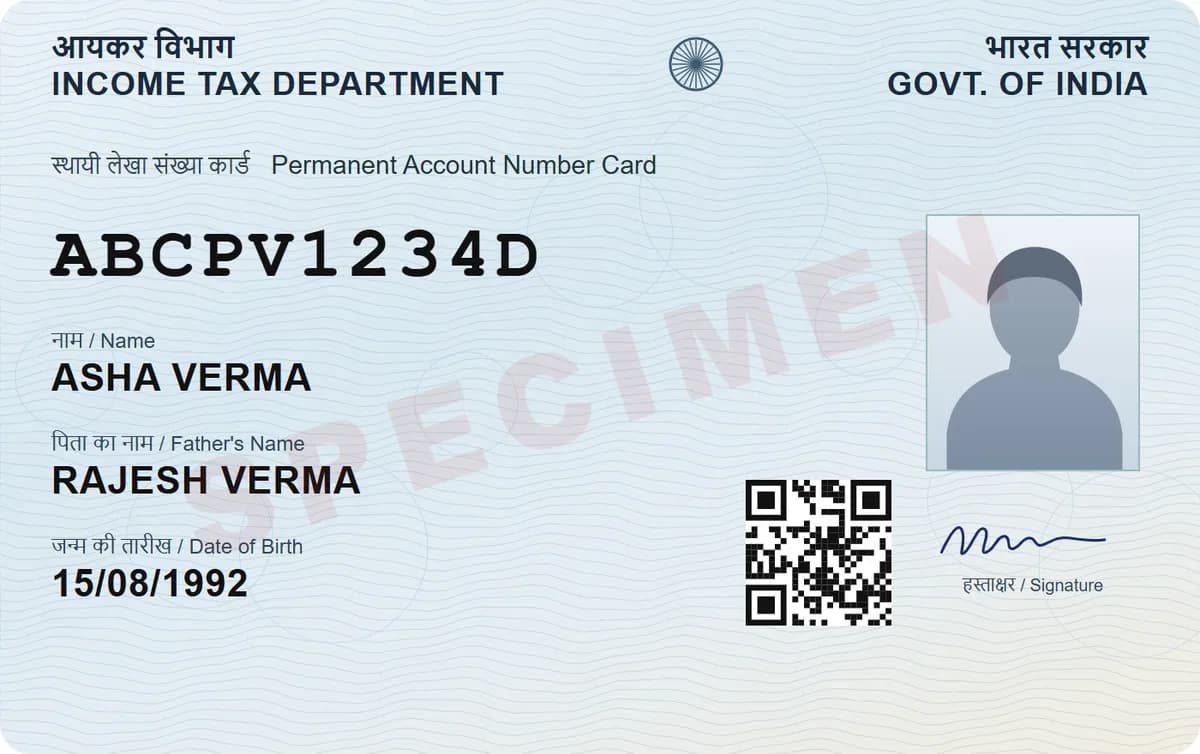
DigiSafe can print a diagonal watermark across a shared copy, such as "Only for Bank KYC" with today's date, plus a band along the bottom. Presets cover the common reasons, or you can type your own, up to 48 characters.
Watch it
Watermarks and a masked Aadhaar, in 16 seconds
7 ready-made purposes, from Bank KYC to Visa
Your own text, up to 48 characters
Your original stays clean and untouched
Presets
Bank KYC, Passport application, Job application, Rent agreement, SIM card, Visa application, Loan application
Custom text
Up to 48 characters
Shows
The purpose and the date, diagonally and along the bottom
Your original
Untouched. Only the copy is stamped
Say what the copy is for
"Only for Bank KYC · 15 Sep 2026" across a page makes it awkward to reuse for a loan six months later. It costs you one tap. It makes the copy far less useful to anyone else.
Pick a purpose in one tap
Seven presets cover the usual reasons: Bank KYC, Passport application, Job application, Rent agreement, SIM card, Visa application and Loan application. Need something else? Type your own, up to 48 characters.
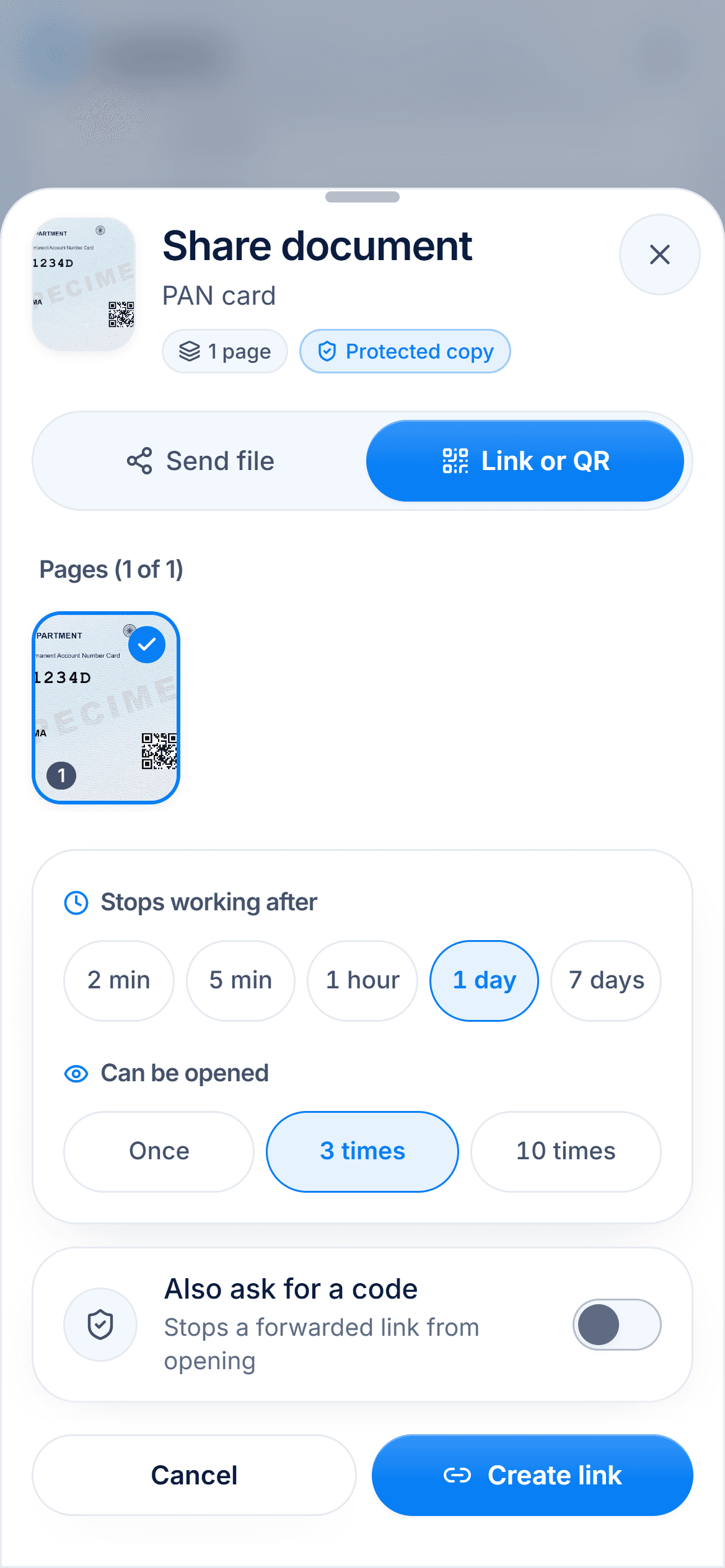
See it before they do
The After preview shows the stamped copy before you send it. You know exactly what the other side will get.

Works however you send it
Send a PDF, separate images or a secure link. The copy carries the same stamp every time, and your original stays clean.
How to do it
- 1
Open the document and tap Share.
- 2
Turn on the watermark.
- 3
Pick a purpose, or type your own.
- 4
Check the After preview.
- 5
Send the file or create a link.
Questions people ask
Does the watermark change my original?+
No. Your document stays as it is. Only the copy you send is stamped.
Can I write my own text?+
Yes, up to 48 characters, so you can name the office or the reason exactly.
Is the date added for me?+
Yes. The stamp shows today's date next to the purpose, across the page and along the bottom.
Can I watermark a copy I share as a link?+
Yes. A link, a PDF and separate images all carry the same stamp.