
Compare
DigiSafe vs DigiLocker, Drive and the apps you already use.


DigiLocker, Google Drive, WhatsApp and your gallery all do some things well. Here is what each one is for, where DigiSafe fits, and when to use both.

Watch · 39 seconds
Five apps for one document, or one app
A scanner app, Google Drive, DigiLocker, a PDF compressor and WhatsApp, all for one KYC request. The same job in DigiSafe, in 39 seconds.
Read the transcript+
It's 11:47. Bank wants your KYC. By tomorrow.
Scanner app. Google Drive. DigiLocker. Some compress-PDF website. WhatsApp. Five apps. One document.
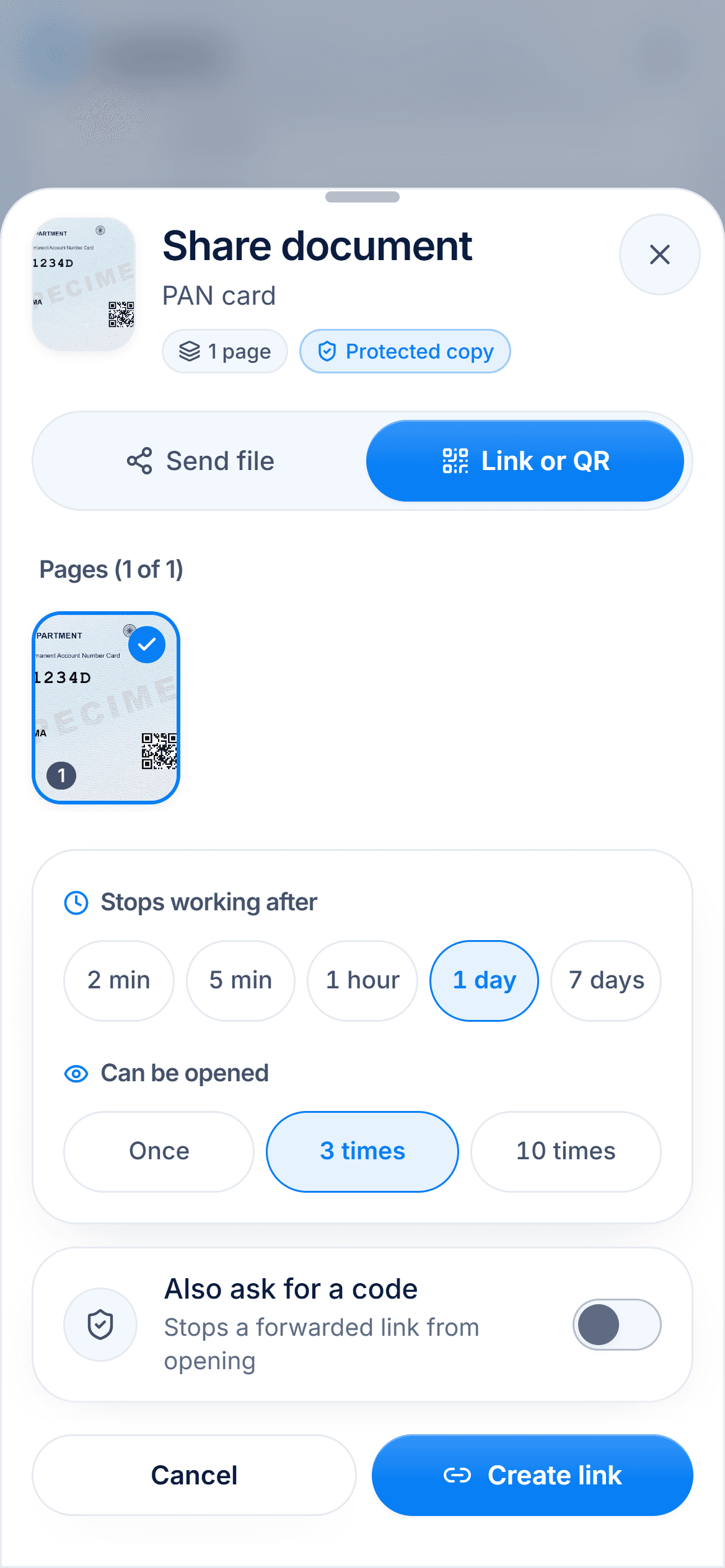
So... meet DigiSafe. Scan it. Store it. Share it. One app.
Aadhaar? First 8 digits, hidden. File too big? 200 KB. Done. The link? Gone in 24 hours.
Encrypted on your phone. Free. Fewer apps. More sleep. DigiSafe.
DigiSafe vs DigiLocker
DigiSafe vs DigiLocker: keep the official copy, and everything else
Most people in India should use both: DigiLocker for official documents, DigiSafe for everything else and for sharing copies safely.
Read the comparisonDigiSafe vs Google Drive
DigiSafe vs Google Drive for your Aadhaar, passport and ID papers
Many people use both: Drive for everyday files, DigiSafe for Aadhaar, passport and other papers that can be misused.
Read the comparison
DigiSafe vs WhatsApp
DigiSafe vs WhatsApp: is it safe to send your Aadhaar in a chat?
Use them together: send the DigiSafe link on WhatsApp, so the chat keeps a link that expires, not your document.
Read the comparisonDigiSafe vs phone gallery
DigiSafe vs your phone's gallery: where should your ID photos live?
Keep your photos in the gallery and your papers in DigiSafe, then delete the loose ID photos once they are scanned.
Read the comparison
DigiSafe vs Proton Drive
DigiSafe vs Proton Drive: two encrypted homes for your documents
They work well together: Proton Drive for general private files, DigiSafe for the ID papers you share with offices.
Read the comparison
DigiSafe vs Ente Locker
DigiSafe vs Ente Locker: two encrypted document vaults, compared
Both encrypt end to end and scan documents. Ente Locker's free plan holds 100 items and 1 GB, any Ente subscription raises that to 1,000 items and 10 GB, and it runs on iOS, Android and the web. DigiSafe is free today, installs on phones and computers, and adds ID tools: masked Aadhaar, number reading, watermarks, expiring links and checklists.
Read the comparisonDigiSafe vs 1Password
DigiSafe vs 1Password for documents, notes and passwords
If you rely on autofill, keep your logins in 1Password and your papers, notes and family details in DigiSafe.
Read the comparisonHow we compare
Facts from their own pages
Everything we say about another product comes from its official help or policy pages, linked on each page.
Dated, so you know how fresh
Each comparison says when it was last checked. Products change, and so will these pages.
We say when theirs is better
DigiLocker is the official one. Drive is better for working together. Each page says so plainly.