
Secure links & QR
Share a document with a link that switches itself off
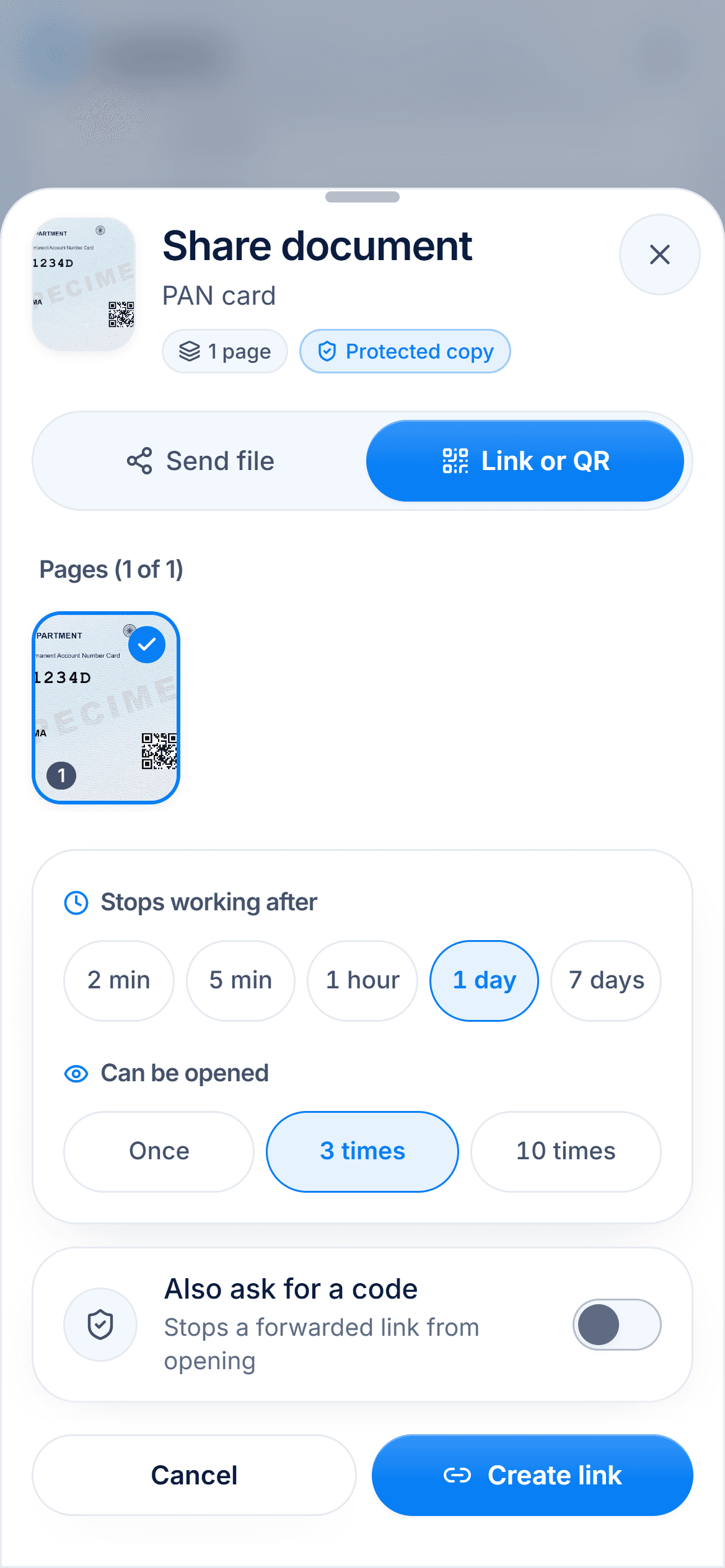
- Expiry
- 2 minutes, 5 minutes, 1 hour, 1 day or 7 days
- Opens
- Once, 3 times or 10 times
- Extra lock
- Optional 4-digit code

The office needs to see your passport, not keep it forever. Send a link that opens on their screen and then stops working, so no copy sits in a chat for years.

A real moment
“A landlord asks for your ID on a chat app, so you send a photo. Now it lives in their gallery, their cloud backup and maybe a friend's phone. You cannot take it back.”
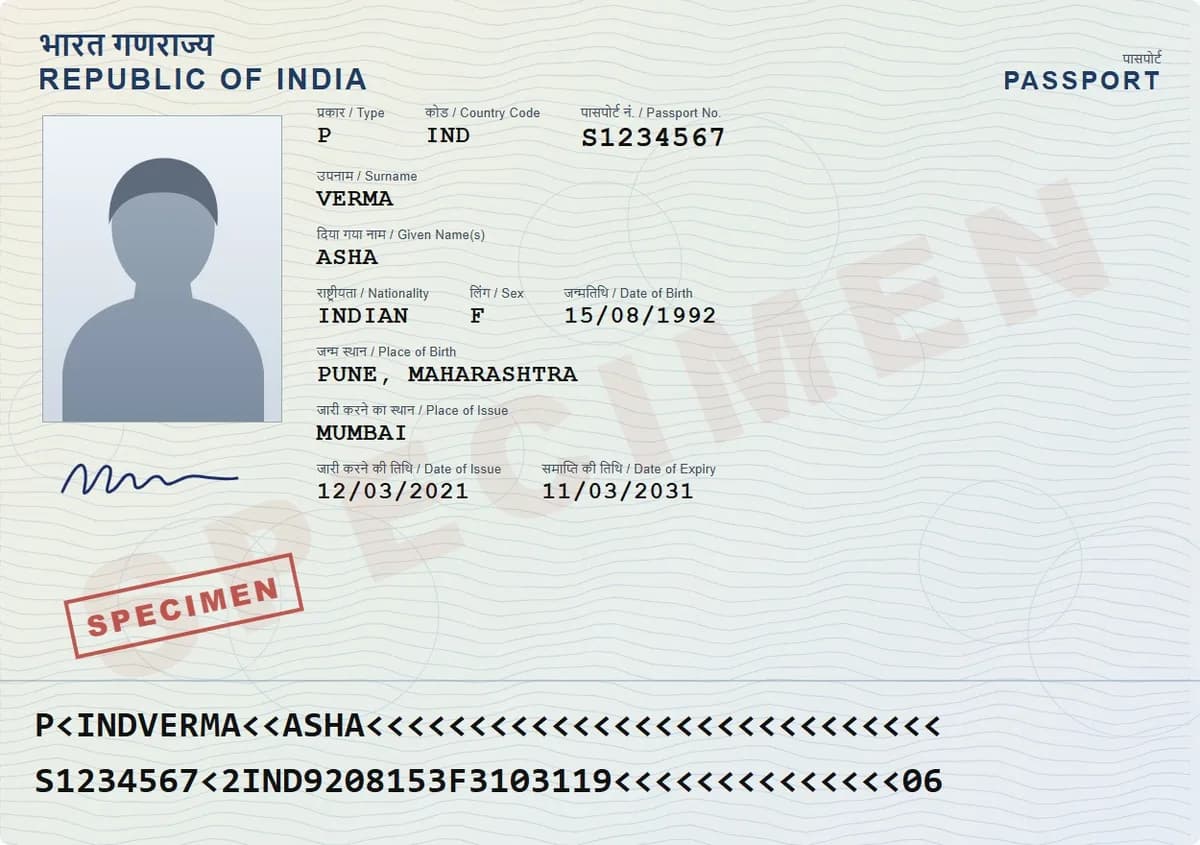
DigiSafe makes a share link or QR code for one document. You choose how long it lasts (2 minutes to 7 days), how many times it opens (once, 3 or 10 times) and whether it needs a 4-digit code. You can stop it at any moment.
Watch it
Share links that expire, in 16 seconds
Links expire in 2 minutes to 7 days
Opens once, 3 or 10 times, then stops
Stop any link instantly, whenever you like
Expiry
2 minutes, 5 minutes, 1 hour, 1 day or 7 days
Opens
Once, 3 times or 10 times
Extra lock
Optional 4-digit code
Size
Up to 10 MB per link, larger files are made smaller to fit
Live links
Up to 20 at a time, each can be stopped instantly
The key lives in the link
The copy behind a link is encrypted. The key that opens it travels inside the link itself, and our server never sees it. The link is the only way in, and stopping it closes the door.
See whether it was opened
Each link shows the time left and whether it was opened, for example "Opened 1 of 3 times". Something looks wrong? Stop it from the share sheet, the bar on screen, or Account, then Shared links.
A QR code for the counter
At a desk, a QR code is faster than spelling out a web address. The person scans it, and the document opens on their phone. Your phone never leaves your hand.

Nothing to install at their end
The person you send it to just opens the link. They can download a PDF without installing anything or signing up.
How to do it
- 1
Open the document and tap Share.
- 2
Choose Link or QR.
- 3
Pick how long the link should last.
- 4
Pick how many times it can be opened.
- 5
Send it. Stop it whenever you like.
Questions people ask
What happens when the link expires?+
It stops opening for everyone, even people it was forwarded to. Your document stays safe in your vault.
Can I stop a link I already sent?+
Yes, at any time. Use the share sheet, the bar on screen, or Account, then Shared links.
Does the other person need DigiSafe?+
No. The link opens without the app or an account, and they can download a PDF.
Is the shared copy encrypted?+
The stored copy is. The person you send it to sees a readable document, which is the point of sharing it.
