
Privacy by design
End-to-end encrypted, so only you hold the key.

DigiSafe encrypts every page on your own device before it is stored. What reaches our servers is a locked copy, and the key that opens it is made from your PIN and your password.

DigiSafe is end-to-end encrypted. Documents are locked with AES-256-GCM on your device, your PIN never reaches our servers, and even the names of your folders are encrypted. We store a copy we cannot open.
Watch it
End-to-end encryption in DigiSafe, in 16 seconds
Everything is encrypted on your device before it is backed up, and only you hold the key. DigiSafe keeps a locked copy it cannot open.
Privacy by design
Every paper lands in one safe place.
Encrypted on your phone the moment it's saved. Only you hold the key.

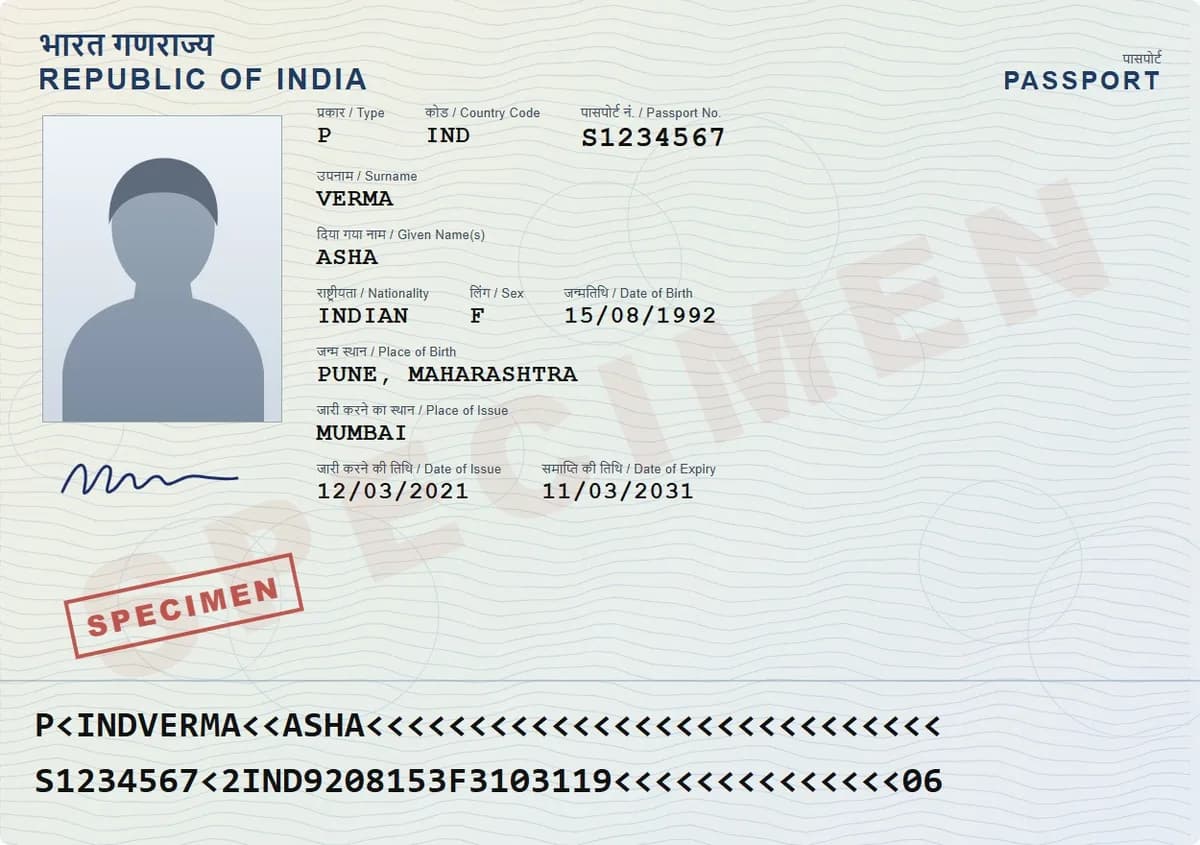
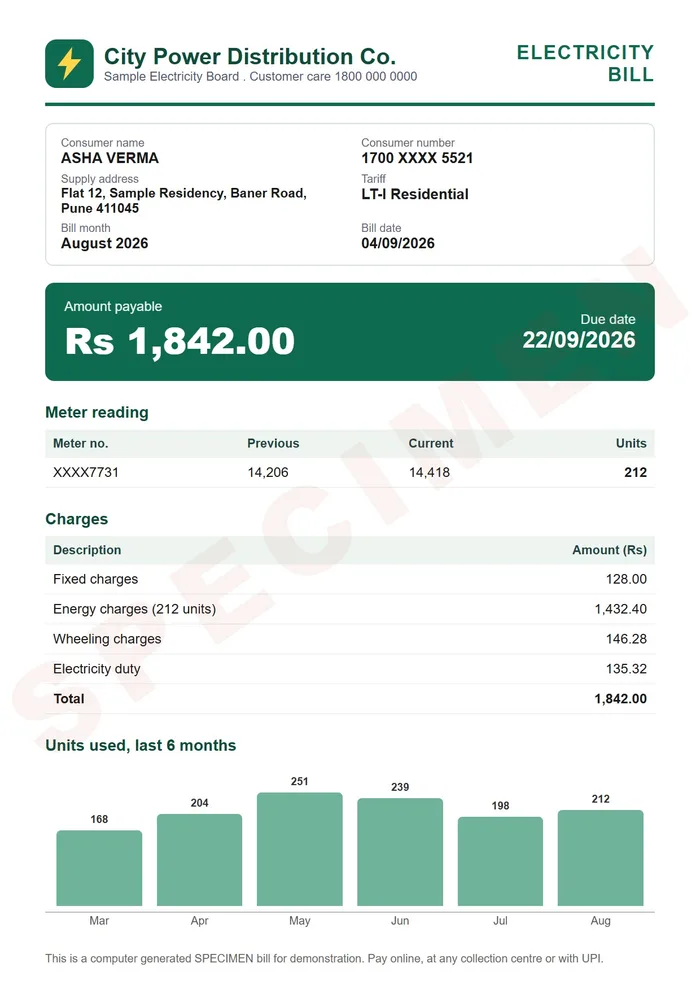
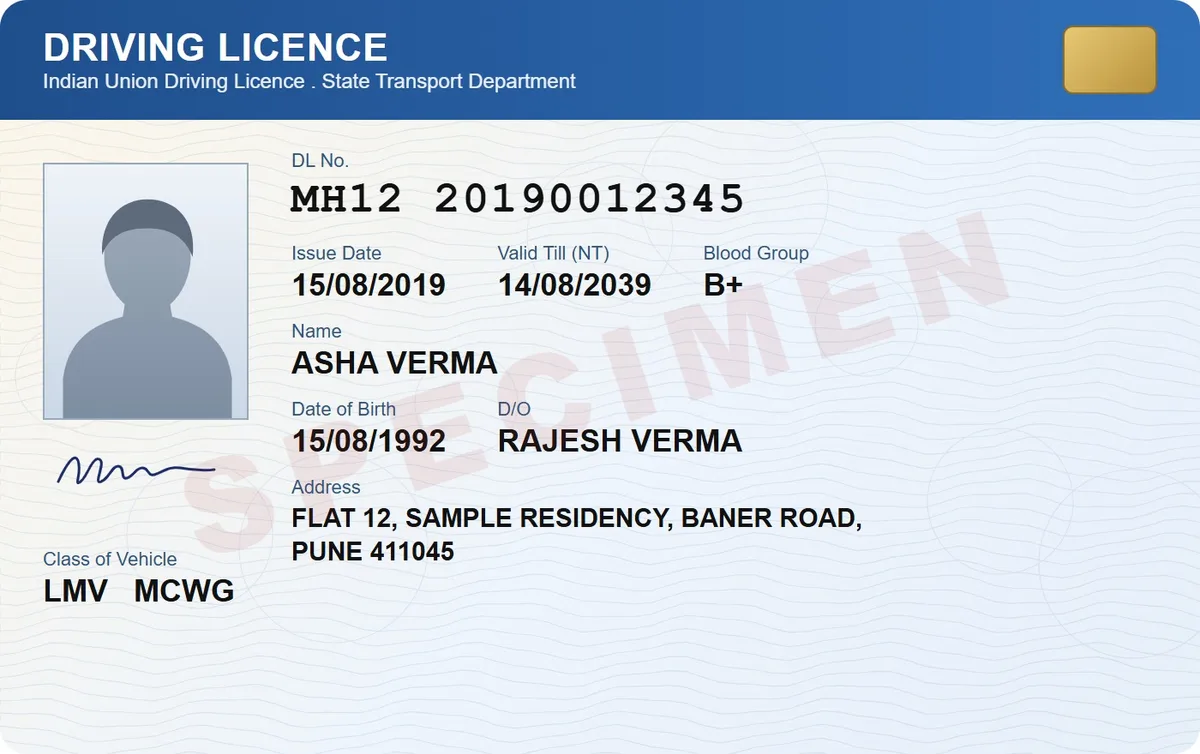
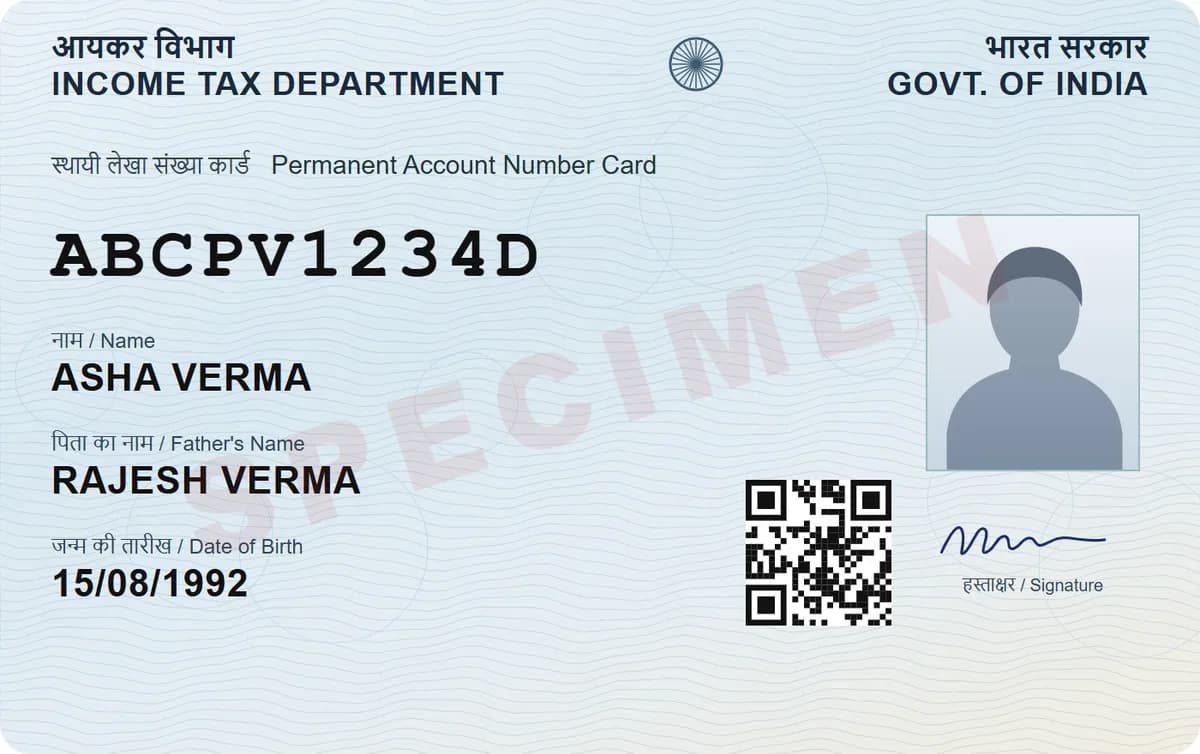
Encryption
AES-256-GCM, applied in your browser or app before anything is stored
Your key
Made from your PIN and your account password, on your device
What we store
A locked copy of your documents, and a locked copy of your key
What we can read
Your name, email, sign-up date, devices, sign-in settings and your nominee's email, if you name one. Not your documents
Share links
Carry their own key in the link. Our server never sees it
Family folders
End-to-end encrypted, with a security code you can compare
Passwords
A second lock: fingerprint, Face ID or account password
Sign-in
Optional two-step sign-in, by authenticator app or email code
If you forget both
Nobody can open your documents, including us
Encrypted before it leaves your hand
When you scan or import a document, it is encrypted on your own device with AES-256-GCM and only then saved and backed up. There is no moment when a readable copy sits on our servers, because a readable copy never reaches them.

Your PIN never reaches us
Your PIN is used on your device to unlock the key that opens your vault. It is not sent to us, not stored by us, and not recoverable by us. That is also why our support team can never open your documents for you, however politely you ask.

Names and sizes are hidden too
Folder names, document names, page counts and file sizes are encrypted as well, and folder identifiers are hashed. A server that cannot tell an Aadhaar card from a shopping list is a server that leaks very little if it is ever breached.

Sharing without handing over the keys
A share link contains its own key. Our server holds the locked file, the link holds the way in, and you can stop it at any time. A family folder works the same way: the key is shared with the people you invite, and a security code lets you check that nobody swapped it.

Passwords get a second lock
Notes are encrypted like your documents. Passwords, card numbers and other secret values are then locked a second time: your PIN shows the item, but your fingerprint, Face ID or account password must open the secret. They lock again after 5 minutes without use.
Two-step sign-in, if you want it
Turn on two-step sign-in and signing in needs a code after your password: from an authenticator app, which we recommend, or a 6-digit code sent to your email. You get 10 backup codes, and you can trust a device for 30 days so you are not asked every time.
A decoy PIN, if you are ever forced to unlock
Set a second PIN that opens a separate, empty vault. What you put in it stays on that device only and is not backed up or synced. Fingerprint or Face ID always opens your real vault, so turn fingerprint unlock off if someone could force your finger. Set it up on each device you use; signing out of a device removes it.
What we can see
We hold your name, your email address, when you joined which devices are signed in, your sign-in settings and your nominee's email, if you name one, because an account needs those things. We cannot see what you keep, what it is called or how many pages it has.
The honest trade
Real end-to-end encryption means the recovery options are yours alone. Forget your PIN and your password can reset it. Forget both and the documents stay locked forever. That is the price of nobody else being able to open them, and it is the right trade for papers like these.
Questions people ask
Can DigiSafe staff read my documents?+
No. Documents are encrypted on your device before they are stored, and the key is made from your PIN and password. We hold a locked copy we cannot open.
What encryption does DigiSafe use?+
AES-256-GCM, applied in your browser or app before anything is saved or uploaded.
What happens if your servers are hacked?+
An attacker would get encrypted files along with encrypted names and folder identifiers. Without your PIN and password, that is noise.
Can I check that a family folder was not tampered with?+
Yes. Each shared folder has a security code. Compare it with the other person to confirm you both hold the same key.
Does DigiSafe have two-step sign-in?+
Yes, and it is optional. Use a code from an authenticator app, which we recommend, or a 6-digit code by email, with 10 backup codes in case you lose your phone or your email.
What is a decoy PIN?+
A second PIN that opens a separate, empty vault, for a moment when someone forces you to unlock. Its contents stay on that device only. Fingerprint or Face ID always opens your real vault, so turn fingerprint unlock off if someone could force your finger.
What if I forget my PIN?+
Reset it with your account password. Your documents stay safe. If you forget both, nobody can open them, including us.
