






Guide
CamScanner alternatives in 2026: free scanner apps, compared
- CamScanner
- Blocked in India on 29 June 2020
- Microsoft Lens
- Retired in 2026; Microsoft points to OneDrive
- Adobe Scan
- Free app, with paid extras

CamScanner was blocked in India in June 2020, and Microsoft retired Lens in 2026. Here is what each remaining option does, from each maker's own pages, and where DigiSafe fits.

A real moment
“You need to scan your marksheet tonight. The scanner app you used for years is gone from the store, and the first replacement you try fills the screen with ads.”
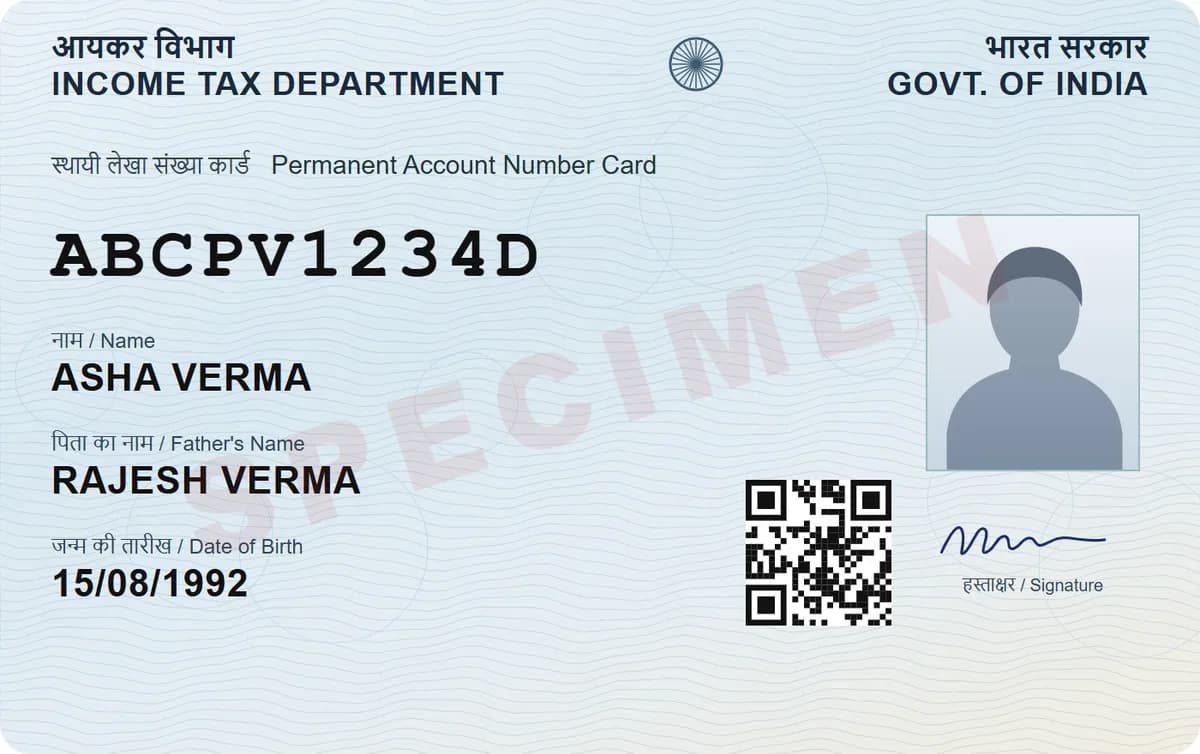
Good free options remain: the scanner built into your phone (Google Drive on Android, Notes or Files on iPhone), Adobe Scan, and DigiSafe. Adobe Scan saves to Adobe's cloud and charges for extras such as compression and passwords. DigiSafe scans with no ads, encrypts each page on your phone, and shrinks files to any size a form asks for.
Each option, from its maker's own pages
Which ones store your scans in their cloud
A free scanner with no ads, encrypted
CamScanner
Blocked in India on 29 June 2020
Microsoft Lens
Retired in 2026; Microsoft points to OneDrive
Adobe Scan
Free app, with paid extras
DigiSafe
Free, no ads, encrypted on your phone
What happened to CamScanner
On 29 June 2020, the Ministry of Electronics and IT blocked 59 apps under section 69A of the IT Act, and CamScanner was on the list. Its store listing in other countries says it contains ads and offers paid subscriptions.
Microsoft Lens has gone too
Microsoft removed Lens from the app stores on 9 February 2026, and it stopped making new scans after 9 March 2026. Microsoft recommends the OneDrive app instead, though it says OneDrive does not save scans on your device itself.

The scanner already on your phone
On Android, the Google Drive app scans receipts and letters into searchable PDFs or JPGs in a Drive folder you choose. On iPhone, Notes and Files both have Scan Documents, and Notes saves the scan as a PDF. For the odd scan, they are hard to beat.

Adobe Scan
Adobe Scan is free and turns scans into searchable PDFs. Scans are saved automatically to Adobe Document Cloud, with 5 GB free. Combining files, compressing a PDF, adding a password and editing need a subscription, listed from $4.99 a month on the US App Store when we checked.

Where DigiSafe fits
DigiSafe is a scanner and a vault in one. It finds the page edges, straightens the page, can shoot when your hand is still, and scans both sides of an ID card. Each page is encrypted on your phone before it is backed up, with no ads. It also reads ID numbers, hides Aadhaar digits, and makes a copy from 10 KB to 20 MB for an online form.

Step by step
- 1
Open DigiSafe and tap the scan button.
- 2
Hold your phone over the page, or turn on Auto.
- 3
Check the edges, and pick a filter if the paper is faded.
- 4
Scan the back too, for an ID card.
- 5
Save it to a folder; it is encrypted on your phone.
- 6
Use Make it smaller when a form wants a size limit.
Questions people ask
Is CamScanner banned in India?+
The Government of India blocked CamScanner on 29 June 2020, along with 58 other apps, under section 69A of the Information Technology Act.
What happened to Microsoft Lens?+
Microsoft retired it in 2026. It left the app stores on 9 February 2026 and stopped making new scans after 9 March 2026. Microsoft recommends the OneDrive app instead.
Which free scanner app has no ads?+
DigiSafe has no adverts, and the scanners in Google Drive and Apple's Notes and Files apps come with your phone. CamScanner's store listing says it contains ads.
Does Adobe Scan save my scans to the cloud?+
Yes. Adobe says scans are saved automatically to Adobe Document Cloud, with 5 GB of free storage.
Where this comes from
Official sources, dated.
Every requirement on this page comes from the official pages listed here, last checked on 2 October 2026. Rules change and offices can ask for more, so check the official page before you go.
- 1PIB: Government blocks 59 mobile apps (29 June 2020)pib.gov.in
- 2Google Play: CamScanner listing (US)play.google.com
- 3Microsoft Support: Retirement of Microsoft Lenssupport.microsoft.com
- 4Google Drive Help: Scan documentssupport.google.com
- 5Apple Support: Scan documents on iPhonesupport.apple.com
- 6Adobe: Adobe Scan appadobe.com
- 7Adobe: Adobe Scan subscriptionsadobe.com
- 8Adobe Help: Adobe Scan FAQhelpx.adobe.com
Read next
Do it in a minute, on your phone.
DigiSafe is free, encrypted on your device, and it works offline.