
PIN & fingerprint
One PIN on every device, and a fingerprint when you are in a hurry
- PIN
- 4 digits, the same on every device
- Fingerprint or face
- Where your device supports it
- Auto-lock
- Off, 1, 5, 15 or 30 minutes, never while scanning

A vault that is hard to open ends up being left open. DigiSafe uses one PIN everywhere, your fingerprint when your phone allows it, and locks itself when you walk away.

A real moment
“You open your documents on a crowded bus, and the person beside you is watching your thumb. Later, you leave your phone on a desk to get some tea. Both are moments when a vault needs a good lock.”
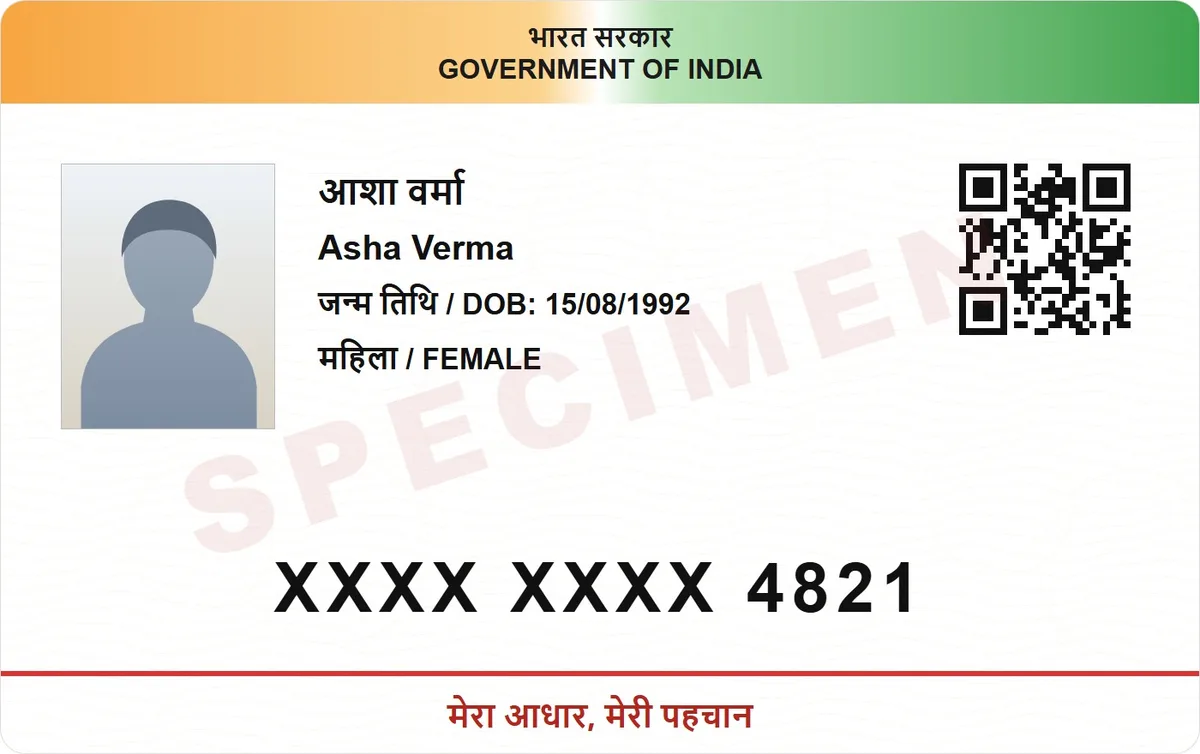
DigiSafe is locked with a 6-digit PIN that is the same on every device you sign in on. You can add fingerprint or face unlock, set auto-lock from 1 to 30 minutes, and keep the number pad shuffled so nobody can learn your PIN by watching.
Watch it
One PIN, fingerprint and auto-lock, in 16 seconds
One 6-digit PIN, the same on every device
Fingerprint or face unlock where supported
A shuffled keypad, so watching tells nothing
PIN
4 digits, the same on every device
Fingerprint or face
Where your device supports it
Auto-lock
Off, 1, 5, 15 or 30 minutes, never while scanning
Keypad
Shuffled by default
Forgot your PIN
Reset it with your account password
Why the PIN matters
Your PIN is part of what unlocks the key to your documents. It is checked on your device, and our servers never see it. That is also why nobody here can open your vault for you.

A keypad that moves
People watch hands on buses and in queues. The numbers on the keypad move each time, so watching your thumb tells them nothing.
It locks when you stop
Set auto-lock to 1, 5, 15 or 30 minutes, or turn it off. The vault closes when you put the phone down, but never in the middle of a scan.

Forgot your PIN? Use your password
You can reset a forgotten PIN with your account password. Keep that password somewhere safe, away from your phone. If you lose both, nobody can open your documents, not even us.
How to do it
- 1
Choose a PIN when you set up your vault.
- 2
Turn on fingerprint or face unlock in Account, then PIN & security.
- 3
Pick how quickly it should lock itself.
- 4
Forgot your PIN? Reset it with your account password.
Questions people ask
What if I forget both my PIN and my password?+
Then nobody can open your documents, including us. That is what end-to-end encryption means, so keep your password somewhere safe.
Is the PIN stored on your servers?+
No. It is used on your device. Our servers hold a locked copy of your vault key, which your password opens.
Is my PIN the same on my phone and my laptop?+
Yes. One 6-digit PIN opens DigiSafe on every device you sign in on.
Will auto-lock interrupt a scan?+
No. The vault never locks itself while you are scanning.


