
Compare
DigiSafe vs Google Drive for your Aadhaar, passport and ID papers
- Our take
- Use both
- Sources
- 4 official pages
- Checked
- 18 September 2026
Google Drive is a good home for everyday files, and many people keep their ID papers there too. For documents that can be misused, it helps to know what each one does with your files and your links.

A real moment
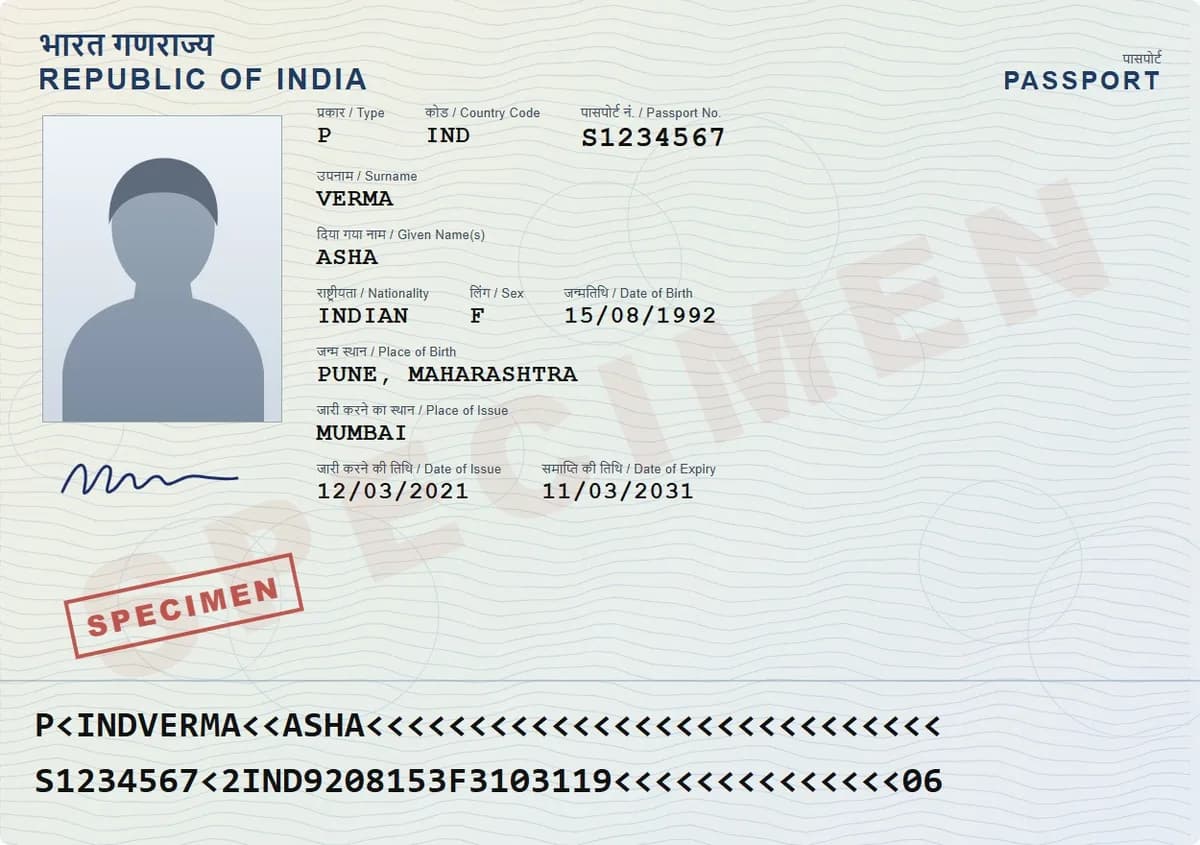
“Years ago you put your passport and PAN card in Drive and sent a link to a visa agent. That link still works today. You have no idea who else has it now.”
Drive keeps files encrypted in transit and at rest, which is fine for everyday files. But in a personal account, Google processes your files and shared access does not end by itself. DigiSafe encrypts on your phone first and shares links that expire.
Which one is for you
Pick DigiSafe
Use DigiSafe for ID papers and certificates you share now and then, when you want each copy to stop working afterwards.
Pick Google Drive
Use Google Drive for everyday files, photos and work you edit or share with others over time.
Many people use both: Drive for everyday files, DigiSafe for Aadhaar, passport and other papers that can be misused.
Watch · 39 seconds
Five apps for one document, or one app
A scanner app, Google Drive, DigiLocker, a PDF compressor and WhatsApp, all for one KYC request. The same job in DigiSafe, in 39 seconds.
Read the transcript+
It's 11:47. Bank wants your KYC. By tomorrow.
Scanner app. Google Drive. DigiLocker. Some compress-PDF website. WhatsApp. Five apps. One document.
So... meet DigiSafe. Scan it. Store it. Share it. One app.
Aadhaar? First 8 digits, hidden. File too big? 200 KB. Done. The link? Gone in 24 hours.
Encrypted on your phone. Free. Fewer apps. More sleep. DigiSafe.
Side by side
Facts about Google Drive from its own pages, checked 18 September 2026.
Made by
DigiSafe
Kavion Solutions, IndiaGoogle Drive
GoogleBest for
DigiSafe
ID papers, certificates and billsGoogle Drive
Everyday files and working togetherFree space
DigiSafe
Free, no subscriptionGoogle Drive
Up to 15 GB, shared with Gmail and Google PhotosEncryption
DigiSafe
End-to-end, on your phone before backupGoogle Drive
In transit and at restEnd-to-end encryption
DigiSafe
Always onGoogle Drive
Only on some paid work and school plansYour files on the server
DigiSafe
A locked copy we can't openGoogle Drive
Processed by Google, for example for virus checksShare with a link that expires
DigiSafe
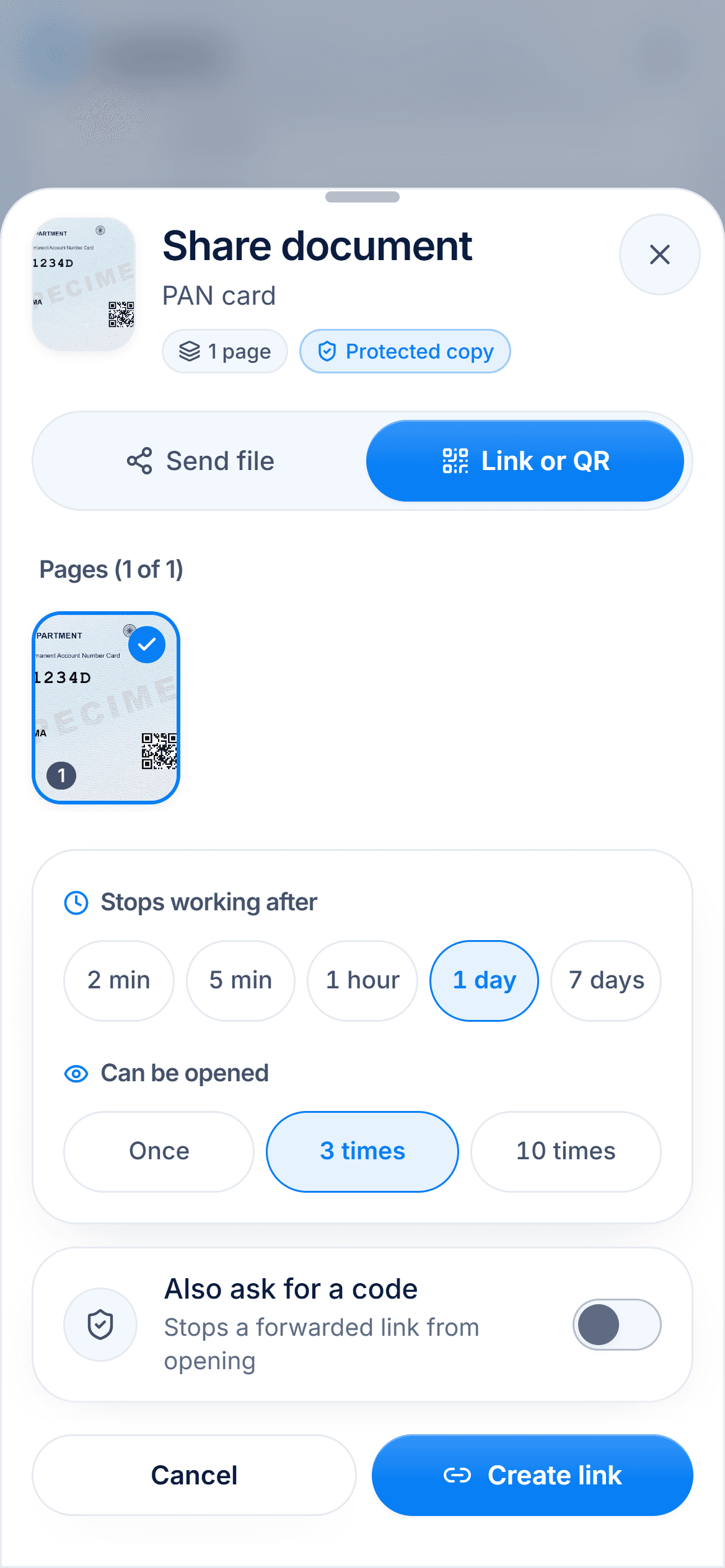
Yes, 2 minutes to 7 daysGoogle Drive
Expiry for named people, work or school accounts onlyLimit how often it opens
DigiSafe
Once, 3 or 10 timesGoogle Drive
Not built inHide Aadhaar digits before sharing
DigiSafe
Yes, the first 8 digits and the QR codeGoogle Drive
Not built inWorking together
DigiSafe
Family folders, up to 12 peopleGoogle Drive
Share as viewer, commenter or editor
Drive does a lot, and does it well
Every Google Account includes up to 15 GB, shared across Drive, Gmail and Google Photos. Files are encrypted in transit and at rest, and you can let people view, comment on or edit them. For work files, school projects and family photos, it is a good choice.

Who can open the stored copy
Google says it processes the content in Drive, for example for virus and spam checks. Encryption that Google's servers can't decrypt, called client-side encryption, is only on some paid Workspace plans for business and education. DigiSafe encrypts every page on your phone before backup, so we store a copy we can't open.

Links that switch themselves off
In Drive you can stop sharing at any time. Setting an end date for someone's access is for work or school accounts only, and it is set for named people, not for a link. A DigiSafe link ends by itself after 2 minutes to 7 days, or after 1, 3 or 10 opens.
Made for ID papers
DigiSafe also does the small jobs ID papers need. It hides the first 8 Aadhaar digits, stamps a copy with its purpose, shrinks a file to 100 KB for a form and reads your passport and PAN numbers. Drive is built for files of every kind, so these jobs are not its focus.

How we checked
Fair, sourced and dated.
Every fact about Google Drive on this page comes from its own official pages, listed here. We last checked them on 18 September 2026. Prices and plans are as listed on that date and can change at any time, so check the official page before you decide.
Questions people ask
Is Google Drive safe for Aadhaar and passport copies?+
Drive protects files well against outsiders, with encryption in transit and at rest. But Google processes the files, and a shared link keeps working until you change it. For ID papers, an end-to-end encrypted vault with expiring links gives away less.
Can I set an expiry date on a Google Drive link?+
Google's help pages say access expiry is only for eligible work or school accounts. It is set for named people, up to a year ahead. In a personal account, you stop sharing by hand.
Is Google Drive end-to-end encrypted?+
Not by default. Google's client-side encryption, which its servers can't decrypt, is offered on some Workspace plans: Frontline Plus, Enterprise Plus, Education Standard and Education Plus.
Can I move my documents from Drive to DigiSafe?+
Yes. Download them from Drive, then import up to 30 files at a time into DigiSafe, up to 30 MB each. A PDF is kept exactly as it is.
Read next
Best apps to store documents
The best app to store your documents depends on what you keep: official government documents, everyday files, or your own copies of ID papers.
Secure links & QR
The office needs to see your passport, not keep it forever.

Keep documents safe
Most people keep their documents as photos in the gallery.
More comparisons
DigiSafe vs DigiLocker
DigiLocker and DigiSafe sound alike, but they do different jobs.
DigiSafe vs WhatsApp
WhatsApp is end-to-end encrypted, so nobody can read your document on the way.
DigiSafe vs phone gallery
Your gallery is where every ID photo ends up by default.

DigiSafe vs Proton Drive
Proton Drive and DigiSafe both encrypt your files so the company storing them cannot read them.

DigiSafe vs Ente Locker
Ente Locker is Ente's document vault, separate from Ente Photos.

DigiSafe vs 1Password
1Password is one of the best-known password managers.