









Document expiry reminders
A reminder before your passport, licence or insurance expires
- Documents
- Passport, driving licence, insurance, vehicle RC
- Date
- Read from the scan on your phone, or added by you
- Reminders
- 60 days before, 7 days before and on the day

Scan your passport, driving licence, insurance policy or vehicle RC, and DigiSafe reads the expiry date on your phone where it can. You get a reminder 60 days before, 7 days before and on the day. DigiSafe is a private app for all your important papers, free today.

A real moment
“Your car insurance renews once a year, and the renewal email lands in a folder you never open. With the policy scanned into DigiSafe, a reminder arrives 60 days before it ends, again 7 days before and on the day, so there is time to compare and renew.”
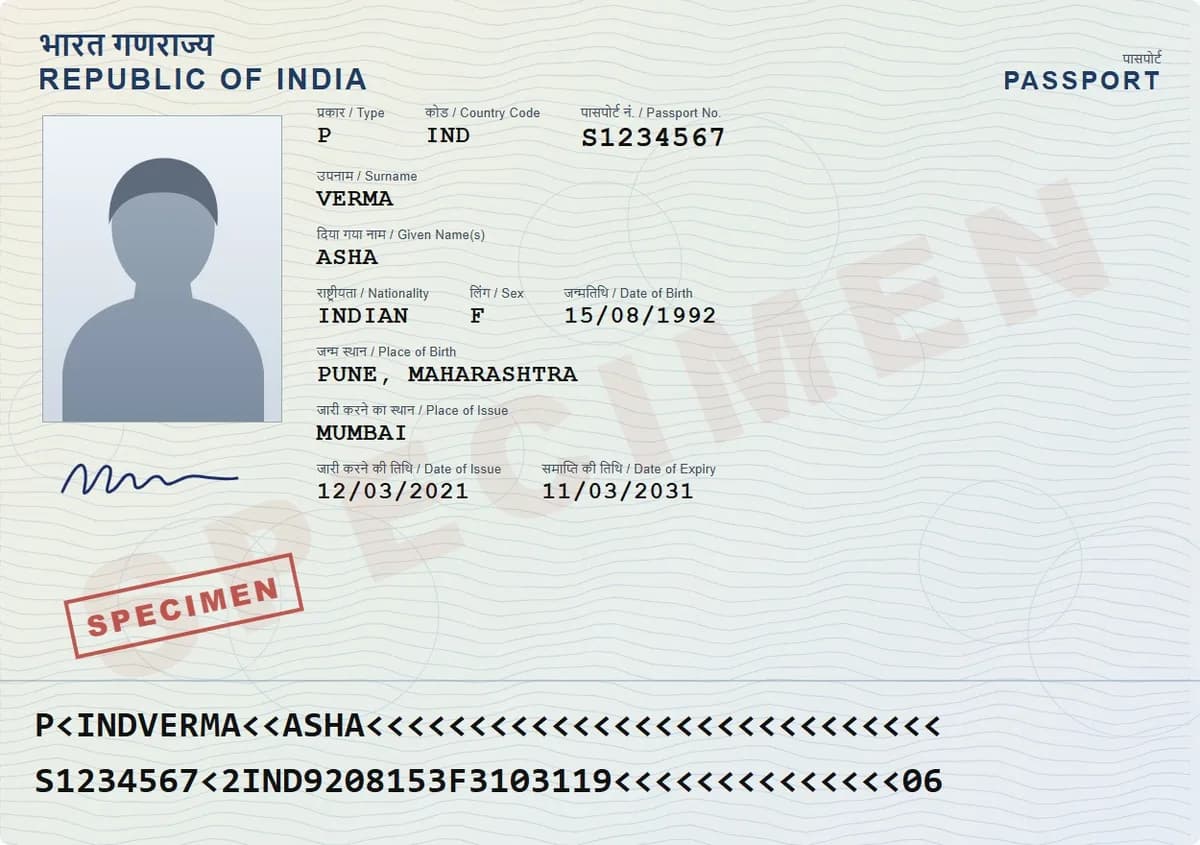
Once you allow notifications on your phone, the reminder arrives even when DigiSafe is closed. Open DigiSafe now and then so reminders stay scheduled. On iPhone, add DigiSafe to your Home Screen first, and for a second alert that does not depend on DigiSafe, add the date to your phone's calendar.
Expiry date read from the scan
Reminders 60 days, 7 days and on the day
Add it to your phone's calendar
Documents
Passport, driving licence, insurance, vehicle RC
Date
Read from the scan on your phone, or added by you
Reminders
60 days before, 7 days before and on the day
Calendar
A calendar file with alerts 60 and 7 days before
It reads the date for you
When you save a scan, DigiSafe tries to read the expiry date on your phone and fills it in. It only keeps a date that is still in the future, and a date you typed yourself is never overwritten. If it can't read one, add the date yourself.

When your passport expiry reminder arrives
Every document expiry reminder comes three times: 60 days before the date, 7 days before, and on the day, at the time you set for reminders (9am unless you change it). Anything expiring within 90 days also shows on your Home screen, so you see it every time you open the app.
In your own calendar too
Download a calendar reminder for any document with an expiry date. It alerts you 60 and 7 days before, and it only says what kind of document expires, never your name or its number.

Warranties get reminders too
Save the purchase bill with its warranty end date, and DigiSafe reminds you 7, 15 or 30 days before the warranty ends, and on the day, while a repair may still be covered.
How to do it
- 1
Install DigiSafe from your browser; setup takes about two minutes. Then scan your passport, licence, insurance or RC.
- 2
Check the expiry date DigiSafe read, or add it.
- 3
Allow notifications on this phone when asked.
- 4
Add the date to your calendar for a second alert.
- 5
Renew when the 60-day reminder arrives.
Questions people ask
Which documents does DigiSafe track expiry dates for?+
It asks for an expiry date on passports, driving licences, insurance policies and vehicle RCs, and reads it from the scan where it can. If it reads an expiry date on any other document, that date gets reminders too.
When will I be reminded?+
60 days before the expiry date, 7 days before, and on the day, at the time you set for reminders. Documents expiring within 90 days also show on your Home screen.
Do I need to keep the app open?+
No, but notifications must be allowed on your device, and on iPhone DigiSafe must be added to your Home Screen. Open DigiSafe now and then so reminders stay scheduled, and for a second alert that does not depend on DigiSafe, add the date to your phone's calendar.
Can it remind me to renew my insurance?+
Yes. Scan the policy and DigiSafe reads the end date where it can, or you add it. You get the same three insurance renewal reminders, so there is time to compare and renew.
Does the calendar reminder show my passport number?+
No. The calendar entry only says which kind of document expires, such as Passport expires. Your name and number stay in DigiSafe, encrypted on your device with AES-256-GCM.