
Compare
DigiSafe vs your phone's gallery: where should your ID photos live?
- Our take
- Use both
- Sources
- 3 official pages
- Checked
- 18 September 2026

Your gallery is where every ID photo ends up by default. It is quick, but it was built for memories, not for documents someone could misuse.

A real moment
“You scroll through wedding photos to show a friend, and your Aadhaar and PAN card flash past between them. Last week you gave a new photo editing app access to all your photos. It can see them too.”
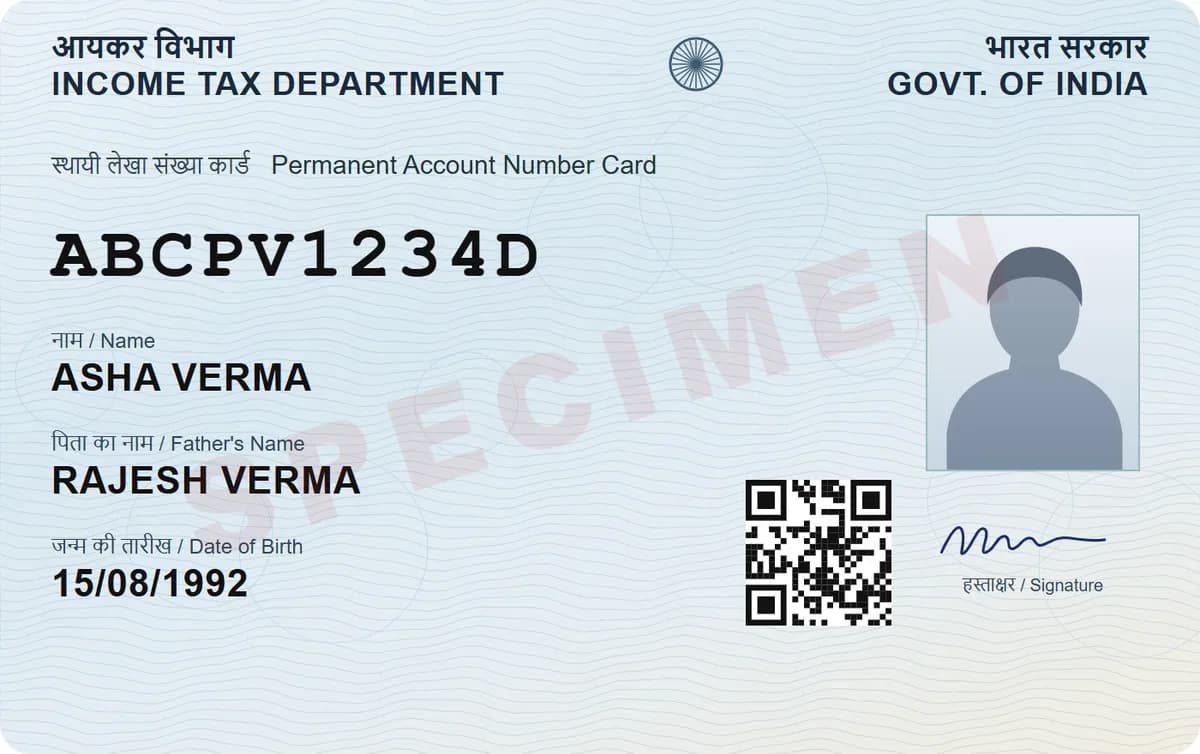
Keep ID papers out of the open gallery, where apps with photo access and photo backup can reach them. Locked Folder, the Hidden album or Secure Folder help. DigiSafe adds encryption before backup, folders, number reading and sharing that expires.
Which one is for you
Pick DigiSafe
Use DigiSafe for ID cards, certificates and bills you need to find, share and keep private.
Pick Your phone's gallery
Use your gallery for everyday photos, and its locked space for private photos you only need to look at.
Keep your photos in the gallery and your papers in DigiSafe, then delete the loose ID photos once they are scanned.
Side by side
Facts about Your phone's gallery from its own pages, checked 18 September 2026.
Made by
DigiSafe
Kavion Solutions, IndiaYour phone's gallery
Comes with your phoneBest for
DigiSafe
ID papers, certificates and billsYour phone's gallery
Photos and videos of your lifeLock
DigiSafe
PIN or fingerprint, auto-lock, shuffled keypadYour phone's gallery
Your phone lock, plus an optional locked spaceApps with photo access
DigiSafe
Can't see your documentsYour phone's gallery
Can see ordinary gallery photosCloud backup
DigiSafe
Encrypted on your phone before it goesYour phone's gallery
Goes with your other photos, if backup is onOrganised by
DigiSafe
Document type and countryYour phone's gallery
Mixed in with your other photosShare a copy that expires
DigiSafe
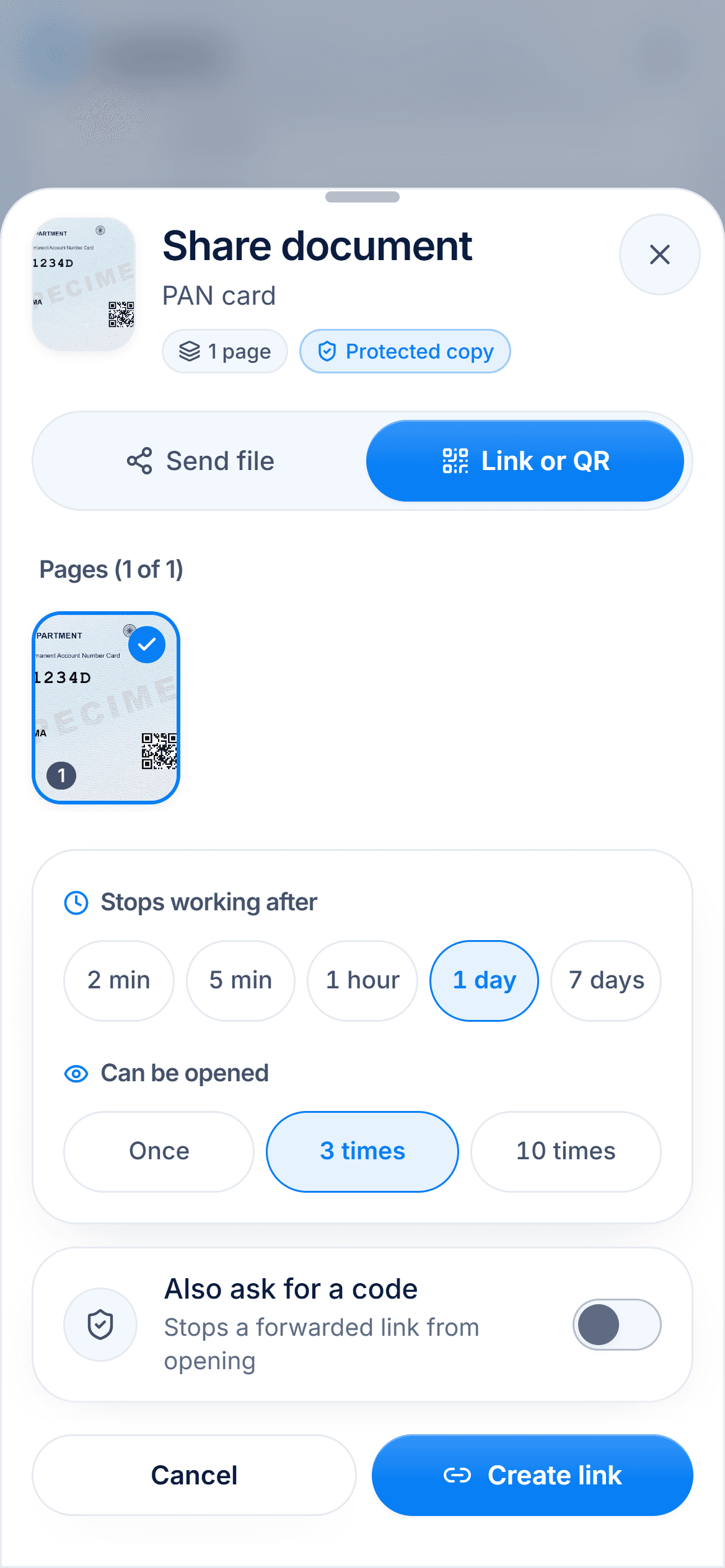
A link, 2 minutes to 7 daysYour phone's gallery
You send the photo itselfHide Aadhaar digits for you
DigiSafe
The first 8 digits and the QR codeYour phone's gallery
No automatic maskingWarranty reminders
DigiSafe
7, 15 or 30 days before it endsYour phone's gallery
Not built inWorks offline
DigiSafe
Yes, your whole vaultYour phone's gallery
Yes, for photos kept on the phone
Why the gallery is risky for ID papers
Any app you give full photo access to can see your ordinary gallery photos, and that includes your Aadhaar and passport. If photo backup is on, they go to the cloud with everything else. And they sit one swipe away from your holiday pictures.

Your phone already has a locked space
Google Photos has a Locked Folder that opens with your screen lock and is hidden from other apps. On iPhone, the Hidden album is locked with Face ID or Touch ID from iOS 16. Samsung Galaxy phones have Secure Folder, an encrypted space protected by Samsung Knox. If you only need to hide a photo, these are a good step.
Where locked spaces stop
They are built to hide photos, not to manage papers. In Locked Folder, items you don't back up stay on that one phone, and you must move a photo out before you can share it. When you do share, you send the photo itself.

What DigiSafe adds
DigiSafe encrypts every page on your phone before backup, so the cloud copy stays locked. It sorts papers into folders, reads passport, PAN and Aadhaar numbers with a Copy button, and reminds you before a warranty ends. When you share, you can send a masked, watermarked copy behind a link that expires.

How we checked
Fair, sourced and dated.
Every fact about Your phone's gallery on this page comes from its own official pages, listed here. We last checked them on 18 September 2026. Prices and plans are as listed on that date and can change at any time, so check the official page before you decide.
Questions people ask
Should I keep my Aadhaar photo in the gallery?+
Better not in the open gallery, where apps with photo access and photo backup can reach it. Move it to a locked space, or scan it into an encrypted vault like DigiSafe and delete the loose photo.
Is Google Photos Locked Folder safe for ID cards?+
It keeps photos behind your screen lock and hides them from other apps. Items you don't back up stay only on that phone, and you lose them if you uninstall Google Photos or clear its data.
Is the iPhone Hidden album locked?+
Yes. From iOS 16, the Hidden album is locked by default and opens with Face ID or Touch ID. With iCloud Photos, a photo you hide on one device is hidden on the others too.
What should I do with the ID photos I already have?+
Import them into DigiSafe, up to 30 files at a time. Then delete them from your gallery, and empty its bin as well.
Read next

More comparisons
DigiSafe vs DigiLocker
DigiLocker and DigiSafe sound alike, but they do different jobs.

DigiSafe vs Google Drive
Google Drive is a good home for everyday files, and many people keep their ID papers there too.
DigiSafe vs WhatsApp
WhatsApp is end-to-end encrypted, so nobody can read your document on the way.

DigiSafe vs Proton Drive
Proton Drive and DigiSafe both encrypt your files so the company storing them cannot read them.

DigiSafe vs Ente Locker
Ente Locker is Ente's document vault, separate from Ente Photos.
DigiSafe vs 1Password
1Password is one of the best-known password managers.