
Make it smaller
Shrink any document to the size the upload form asks for
- Sizes
- 50 KB, 100 KB, 200 KB, 500 KB, 1 MB, 2 MB, or type your own
- Formats
- JPG or PDF
- Extra
- Optional black and white

The upload form says "Max 200 KB" and your scan is 3 MB. DigiSafe makes a copy that fits the size you pick, right on your phone, and keeps your original as it is.

A real moment
“It is the last day to apply, and the portal rejects your mark sheet: "File size must be less than 200 KB". Yours is 312 KB. The first free compressor you find wants you to upload it to a stranger's website.”
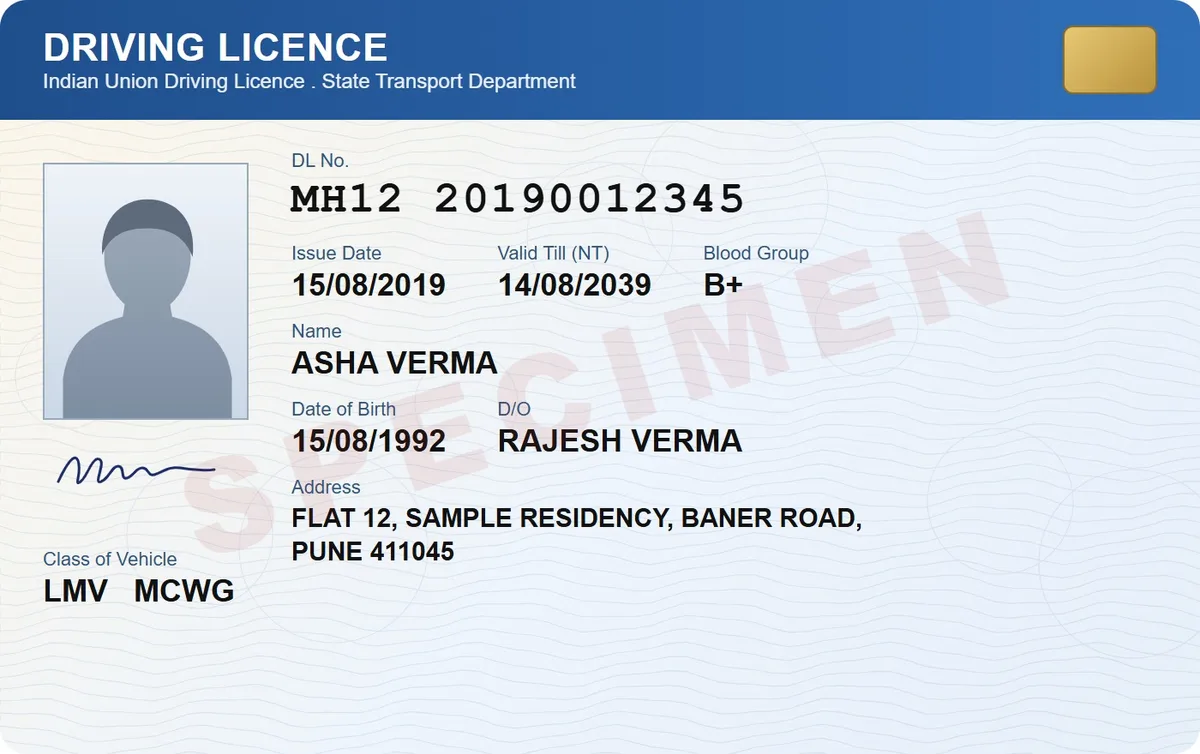
DigiSafe makes a smaller JPG or PDF copy of a document at the size you choose: 50 KB, 100 KB, 200 KB, 500 KB, 1 MB, 2 MB or a size you type. A black and white option helps with forms that ask for one.
Watch it
Make a file smaller for a form, in 16 seconds
Pick a common size, or type any from 10 KB to 20 MB
JPG or PDF, with a black and white option
Made on your phone, nothing is uploaded
Sizes
50 KB, 100 KB, 200 KB, 500 KB, 1 MB, 2 MB, or type your own
Formats
JPG or PDF
Extra
Optional black and white
Where
Made on your phone. Nothing is uploaded
Your original
Stays at full quality
Built for the forms that say no
Passport, bank, exam and visa portals all cap uploads, often at 100 KB or 200 KB. Anything bigger is rejected, usually with no useful message. Picking the cap from a list is faster than guessing with a slider.
Smaller, but still readable
DigiSafe resizes and compresses the copy to fit the cap, and keeps the text readable. For a text form, black and white makes it smaller again. It is often what a portal wants anyway.

No stranger's server involved
Most free compressors ask you to upload your document first. That is how a private paper ends up on someone else's computer. DigiSafe makes the copy on your phone and uploads nothing.

Your original stays sharp
The smaller file is a separate copy. Your document stays at full quality in your vault, ready for the next form with a different limit.
How to do it
- 1
Open the document and tap Make it smaller.
- 2
Choose JPG or PDF.
- 3
Pick the size the website asks for.
- 4
Turn on black and white if the form wants it.
- 5
Tap Make file, then upload the copy.
Questions people ask
Will the text still be readable at 100 KB?+
For one page of text or an ID card, yes in most cases. If the page is dense, try 200 KB or black and white.
Does it change my original?+
No. The smaller version is a separate copy. Your document stays at full quality.
What if the form wants a size that is not listed?+
Type your own size, anywhere from 10 KB to 20 MB. The list is there for the common caps, from 50 KB to 2 MB.
Is my document uploaded to make it smaller?+
No. The copy is made on your phone, and nothing is uploaded.