
Guide
Masked Aadhaar: what it is, and how to share one safely
- Hide
- The first 8 digits and the QR code
- Show
- The last 4 digits, which most offices ask for
- Stamp
- The purpose and the date, for example "Only for Bank KYC"

A masked Aadhaar shows only the last four digits of your number, with the first eight hidden. A full copy sent in a chat can give away far more than the job needs.

A real moment
“This year a new employer, a landlord and a SIM card shop all asked for your Aadhaar. Each one got a full photo on chat. Every one of those photos is still sitting on a phone you will never see.”
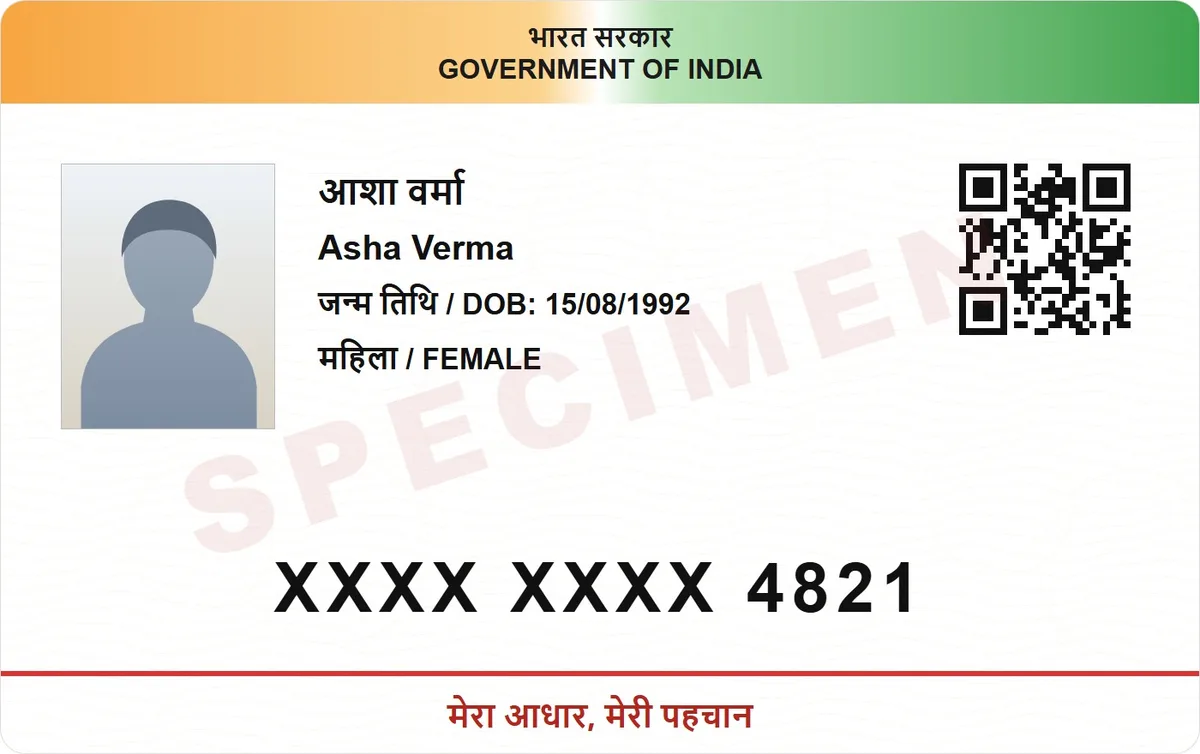
Share a masked copy: hide the first 8 digits and the QR code, stamp it with the purpose and date, and send it as a link that expires, not a photo that stays in someone's gallery. DigiSafe does all three before the copy leaves your phone.
Hide the first 8 digits and the QR code
Stamp the copy with its purpose and date
Send a link that expires, not a photo
Hide
The first 8 digits and the QR code
Show
The last 4 digits, which most offices ask for
Stamp
The purpose and the date, for example "Only for Bank KYC"
Send
A link that expires, not a photo in a chat
Why a full copy is worth more than you think
An Aadhaar copy shows your number, photo, date of birth and address. The QR code repeats the same details in machine form. Together, that can be enough for someone to pretend to be you. So hand over as little as the office will accept.
Mask, stamp, expire
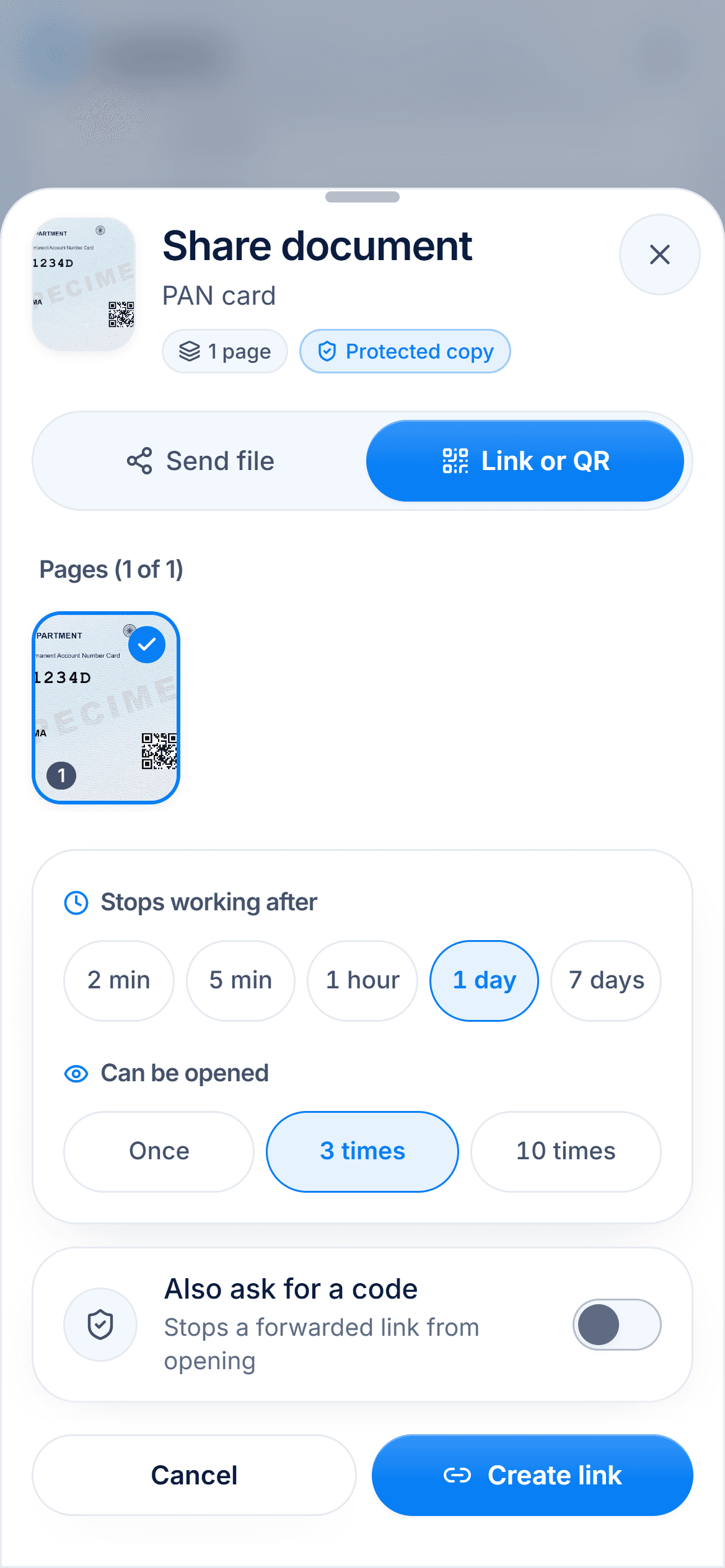
Three habits cover most of the risk. Mask the digits and the QR code. Stamp the copy with what it is for and the date, so it is awkward to reuse. Send it as a link that stops working, so it does not sit in a stranger's gallery for years.
Ask the office what it needs
Rules differ between banks, employers and government offices, and they change. Many accept a masked copy, while some ask for a different kind of check. Ask first, then send the least that satisfies them.

Never send it to someone who called you
No genuine bank, office or delivery company will phone you and ask for an Aadhaar copy on the spot. If someone does, hang up. Then call the organisation back on a number you looked up yourself.

Watch it
Hide your Aadhaar number, in 16 seconds
DigiSafe hides the first 8 digits of your Aadhaar on a copy, and can stamp what the copy is for across it.
Step by step
- 1
Open the Aadhaar copy in DigiSafe and tap Share.
- 2
Turn on hiding.
- 3
Check the boxes cover the first 8 digits and the QR code.
- 4
Add a watermark with the purpose, for example "Only for Bank KYC".
- 5
Send it as a link with a short expiry, or as a file if the office insists.
Questions people ask
Is a masked Aadhaar copy accepted everywhere?+
No. Many offices accept one, but the rule is theirs. Ask before you send.
Can I unmask my own copy later?+
Yes. Your own document stays complete. Masking only applies to the copy you share.
Is a link safer than sending the file?+
Usually, because a link can expire and be stopped. A file, once sent, is out of your hands.
Someone called and asked for my Aadhaar. What do I do?+
Do not send it. Hang up, and call the organisation back on a number you looked up yourself.
Read next
Masked Aadhaar
A masked Aadhaar is your e-Aadhaar with the first 8 digits of the number replaced by xxxx-xxxx.
Aadhaar biometric lock
Locking your Aadhaar biometrics stops anyone using your fingerprint, iris or face for Aadhaar authentication, while OTP authentication keeps working.

Aadhaar masking
A masked Aadhaar shows only the last four digits.