




Compare
DigiSafe vs Ente Locker: two encrypted document vaults, compared
- Our take
- Use both
- Sources
- 7 official pages
- Checked
- 2 October 2026

Ente Locker is Ente's document vault, separate from Ente Photos. Like DigiSafe, it encrypts on your device. Here is how they differ, from Ente's own help pages.

A real moment
“You already use Ente for photos and saw Locker appear. You are deciding whether your passport and PAN should live there, or in an app built around ID papers.”
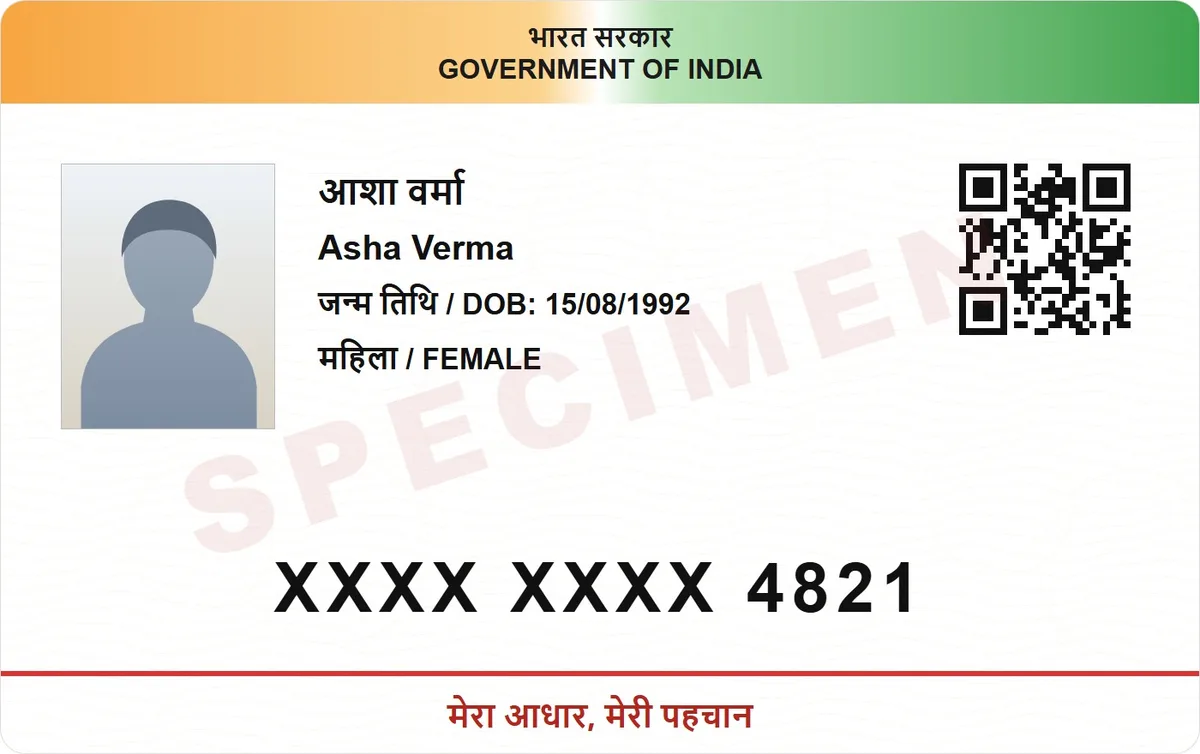
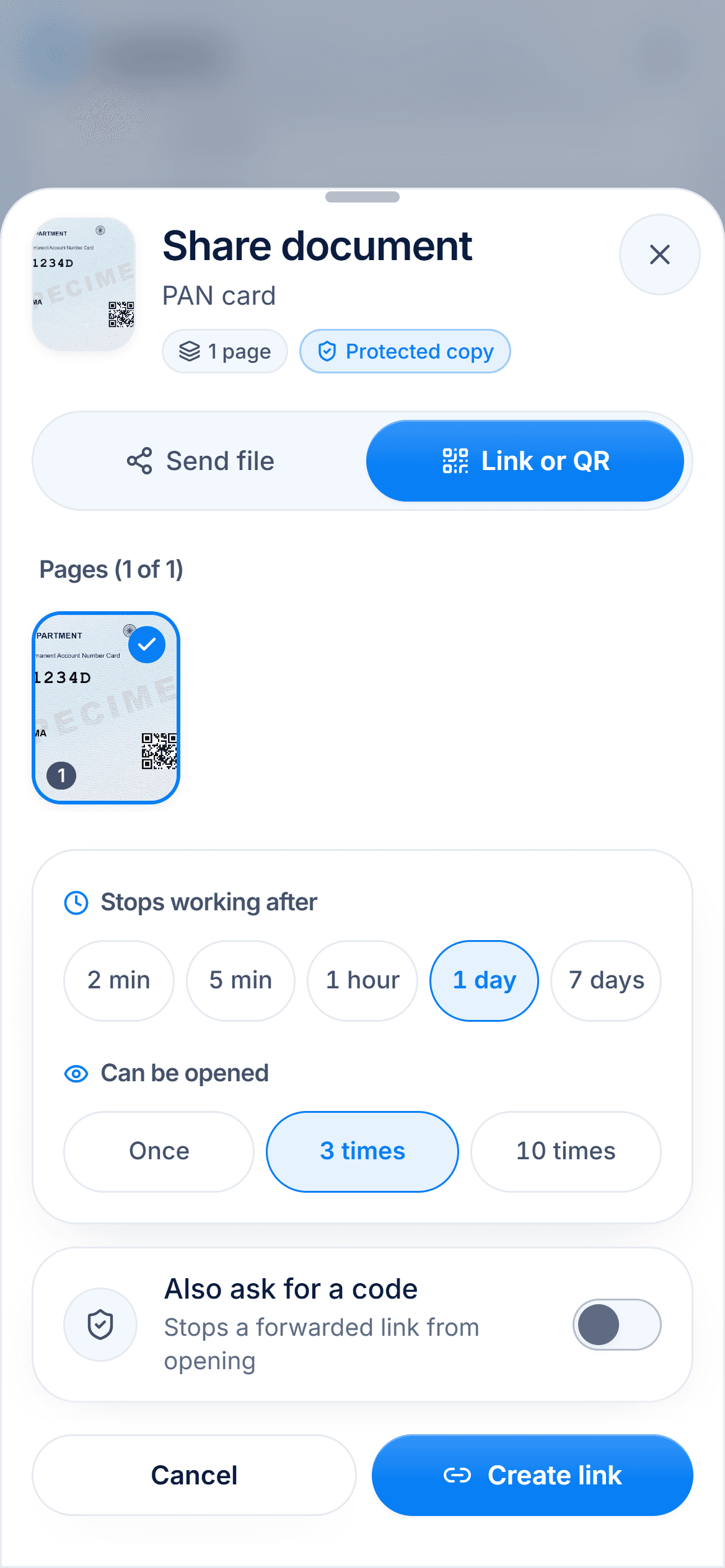
Both encrypt end to end and scan documents. Ente Locker's free plan holds 100 items and 1 GB, any Ente subscription raises that to 1,000 items and 10 GB, and it runs on iOS, Android and the web. DigiSafe is free, installs on phones and computers, and adds ID tools: masked Aadhaar, number reading, watermarks, expiring links and checklists.
Which one is for you
Pick DigiSafe
Use DigiSafe for ID papers you share with offices and keep ready for applications, especially Indian ones.
Pick Ente Locker
Use Ente Locker if you already pay for Ente Photos and want notes, secrets and documents in the same Ente account.
Side by side
Facts about Ente Locker from its own pages, checked 2 October 2026.
Made by
DigiSafe
Kavion Solutions, IndiaEnte Locker
EnteEnd-to-end encryption
DigiSafe
Yes, on your deviceEnte Locker
Yes, on your deviceFree plan
DigiSafe
Free, no subscriptionEnte Locker
100 items and 1 GBWith a paid plan
DigiSafe
No paid plan todayEnte Locker
Any Ente plan: 1,000 items and 10 GBDocument scanner
DigiSafe
Finds edges, straightens, scans both sides of an ID cardEnte Locker
Auto capture and crop, added in September 2026Organised by
DigiSafe
Folders by country and document typeEnte Locker
Flat collections, which cannot be nestedReads ID numbers
DigiSafe
Yes, each with a Copy buttonEnte Locker
Documents have a title and collectionReminders
DigiSafe
Warranty reminders in your phone's calendarEnte Locker
Ente suggests noting expiry dates in a notes fieldOn a computer
DigiSafe
Installs from Chrome or Edge on Windows and MacEnte Locker
Web only; no desktop app yetOffline
DigiSafe
Your whole vaultEnte Locker
Items you choose to keep offline
Two vaults built on the same idea
Ente says Locker encrypts your information on your device before it reaches its servers, so it cannot see your data. DigiSafe works the same way. Both scan paper documents into a PDF, and both let you open chosen documents without a connection.
Free limits
Ente Locker's free plan holds up to 100 items and 1 GB. Any Ente subscription, such as the 50 GB Photos plan at Rs 199 a month when we checked, raises Locker to 1,000 items and 10 GB. DigiSafe is free, with no item count.

Built for ID papers
Ente's documents have a title and a collection. DigiSafe reads the number on a passport, PAN or Aadhaar, hides the first 8 Aadhaar digits, stamps a copy with its purpose, shrinks a file for an online form, and gathers an application's papers into one pack with a checklist.

Where Ente Locker fits
Locker also stores notes, secrets and records of physical items, and works with Ente's family plan and Legacy contacts. If you already use Ente Photos, keeping a few documents there is convenient. Ente says data export from Locker is not available yet.

How we checked
Fair, sourced and dated.
Every fact about Ente Locker on this page comes from its own official pages, listed here. We last checked them on 2 October 2026. Products change, so check the official page before you decide.
Questions people ask
Is Ente Locker free?+
Yes, for up to 100 items and 1 GB. Any Ente subscription raises the limit to 1,000 items and 10 GB.
Does Ente Locker have a document scanner?+
Yes. Ente added scanning to the Locker mobile app in September 2026, with automatic capture, cropping and multi-page PDFs.
Can I use Ente Locker on my computer?+
In a web browser. Ente says native desktop apps for Locker are not available yet.
Can I export my documents from Ente Locker?+
Not yet. Ente's help pages say data export from Locker is not currently available.
Read next
More comparisons
DigiSafe vs DigiLocker
DigiLocker and DigiSafe sound alike, but they do different jobs.

DigiSafe vs Google Drive
Google Drive is a good home for everyday files, and many people keep their ID papers there too.
DigiSafe vs WhatsApp
WhatsApp is end-to-end encrypted, so nobody can read your document on the way.

DigiSafe vs phone gallery
Your gallery is where every ID photo ends up by default.

DigiSafe vs Proton Drive
Proton Drive and DigiSafe both encrypt your files so the company storing them cannot read them.

DigiSafe vs 1Password
1Password is one of the best-known password managers, and it can hold passport and licence details too.
Give your papers a proper home. Free, and locked.
DigiSafe is free, encrypted on your device, and it works offline.