
Aadhaar masking
Hide your Aadhaar number before you share a copy
- Hidden
- The first 8 digits and the QR code
- Visible
- The last 4 digits, as offices usually ask
- Control
- Check and move the boxes before sending

A masked Aadhaar shows only the last four digits. DigiSafe covers the first eight and the QR code, then shows you the result before anything is sent.

A real moment
“A new gym wants a copy of your Aadhaar for its records. The full card shows your number, your photo, your date of birth and your address. Does a gym really need all of that?”
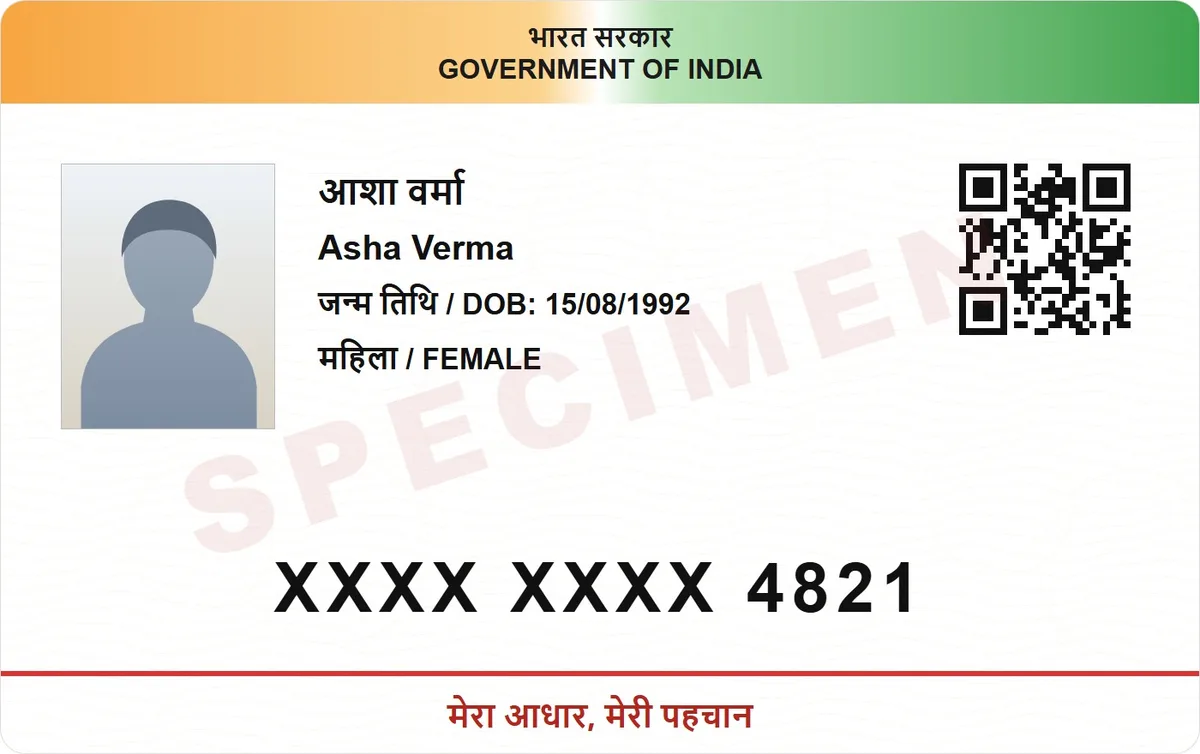
DigiSafe masks an Aadhaar copy: it covers the first 8 digits of the number and the QR code, and leaves the last 4 visible. You check and adjust the black boxes before you share it.
Watch it
Hide your Aadhaar number, in 16 seconds
Covers the first 8 digits and the QR code
Leaves the last 4 digits, as offices usually ask
You check every box before it is sent
Hidden
The first 8 digits and the QR code
Visible
The last 4 digits, as offices usually ask
Control
Check and move the boxes before sending
Your original
Stays complete in your vault
Why masking matters
A full Aadhaar copy is worth more to a stranger than to the office that asked for it. A masked copy still lets the office match your record. If that copy is ever mishandled, far less is left behind.
The QR code, not just the digits
The QR code on an Aadhaar card holds the same details in machine form. Hiding the digits but leaving the code would be pointless. So DigiSafe covers both.
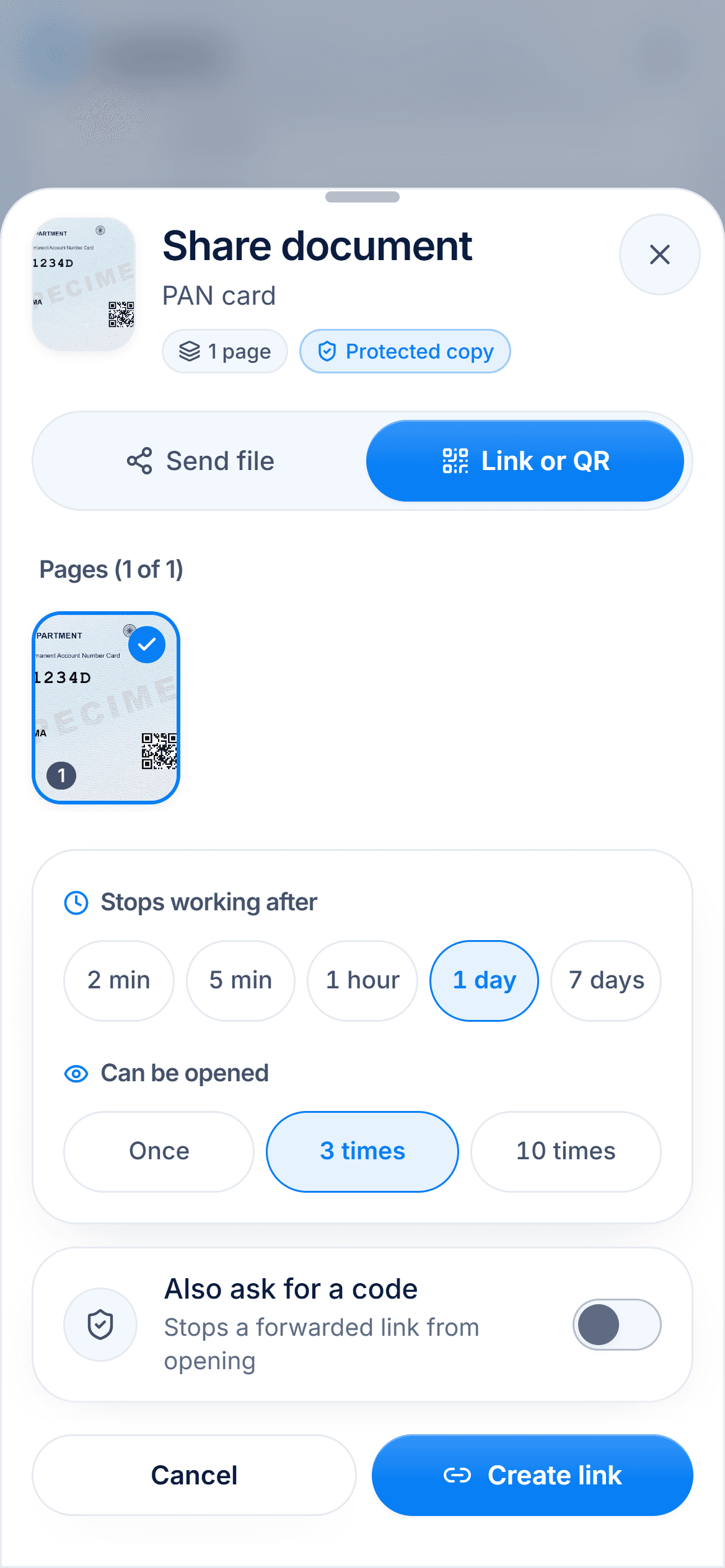
You make the final check
Automatic detection can slip on a folded or faded card. That is why the black boxes are yours to move. Check them, then send.

Your own copy stays complete
Masking only changes the copy you share. The full card stays in your vault, and you can reveal the number in the app whenever you need it.
How to do it
- 1
Open the Aadhaar copy in DigiSafe.
- 2
Tap Share and turn on hiding.
- 3
Check the boxes cover the first 8 digits and the QR code.
- 4
Add a watermark if you like.
- 5
Send the copy.
Questions people ask
Is a masked Aadhaar copy accepted?+
Many offices ask for a masked copy and accept it, but the rule is theirs, not ours. Ask the office what it needs before you send.
Can I still see the full number myself?+
Yes. Your own copy stays complete, and you can reveal the number in the app when you need it.
What if a box is in the wrong place?+
Move it. Detection can slip on a folded or faded card, so you can adjust every box before you share.
Can I add a watermark as well?+
Yes. Hide the number, then stamp the purpose and date on the same copy, for example "Only for Bank KYC".
Read next
Masked Aadhaar
A masked Aadhaar is your e-Aadhaar with the first 8 digits of the number replaced by xxxx-xxxx.
Share Aadhaar safely
A masked Aadhaar shows only the last four digits of your number, with the first eight hidden.
Watermark
A plain copy of your ID can be used for anything, by anyone who has it.