






Compare
DigiSafe vs 1Password for passports, IDs and important documents
- Our take
- Use both
- Sources
- 6 official pages
- Checked
- 2 October 2026

1Password is one of the best-known password managers, and it can hold passport and licence details too. DigiSafe is built only for documents. Here is where each one fits.

A real moment
“You already keep your passwords in 1Password, and someone suggests putting your passport and PAN scans there too. You wonder whether a password manager is the right home for a pile of papers.”
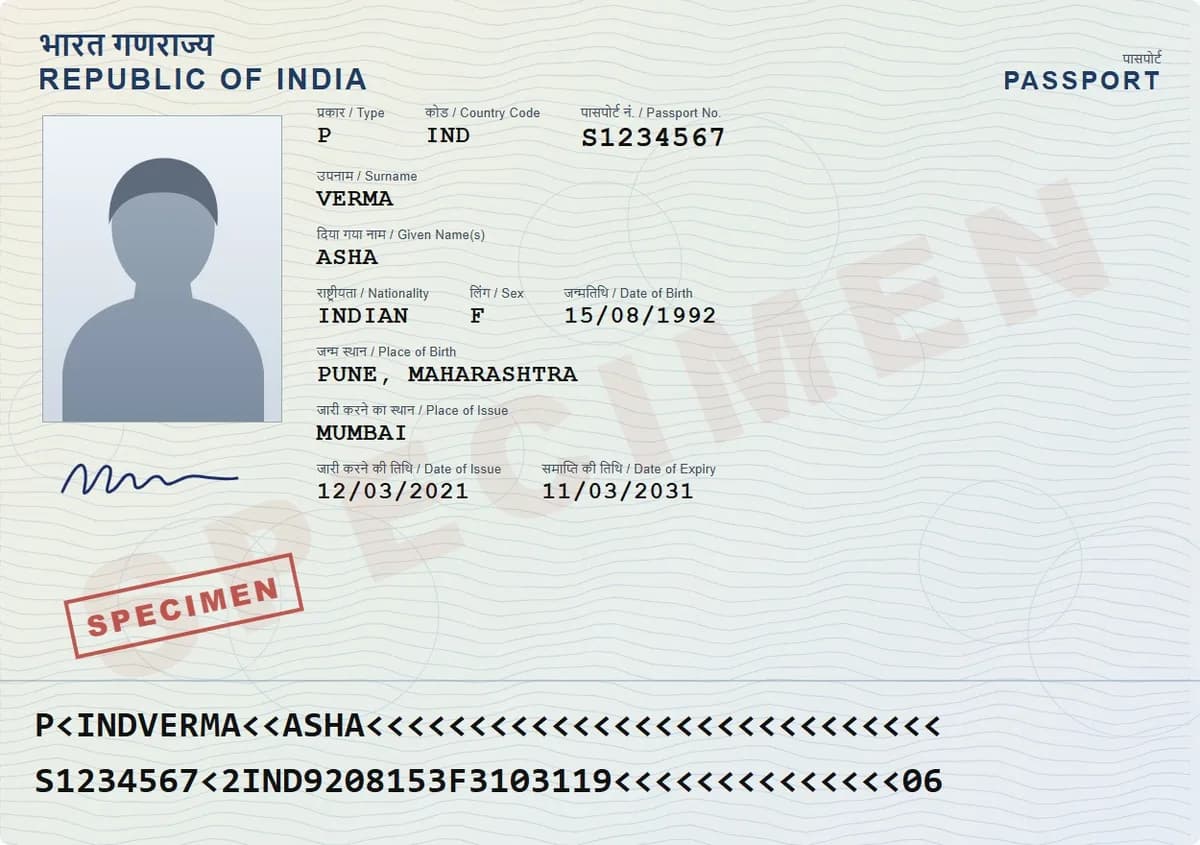
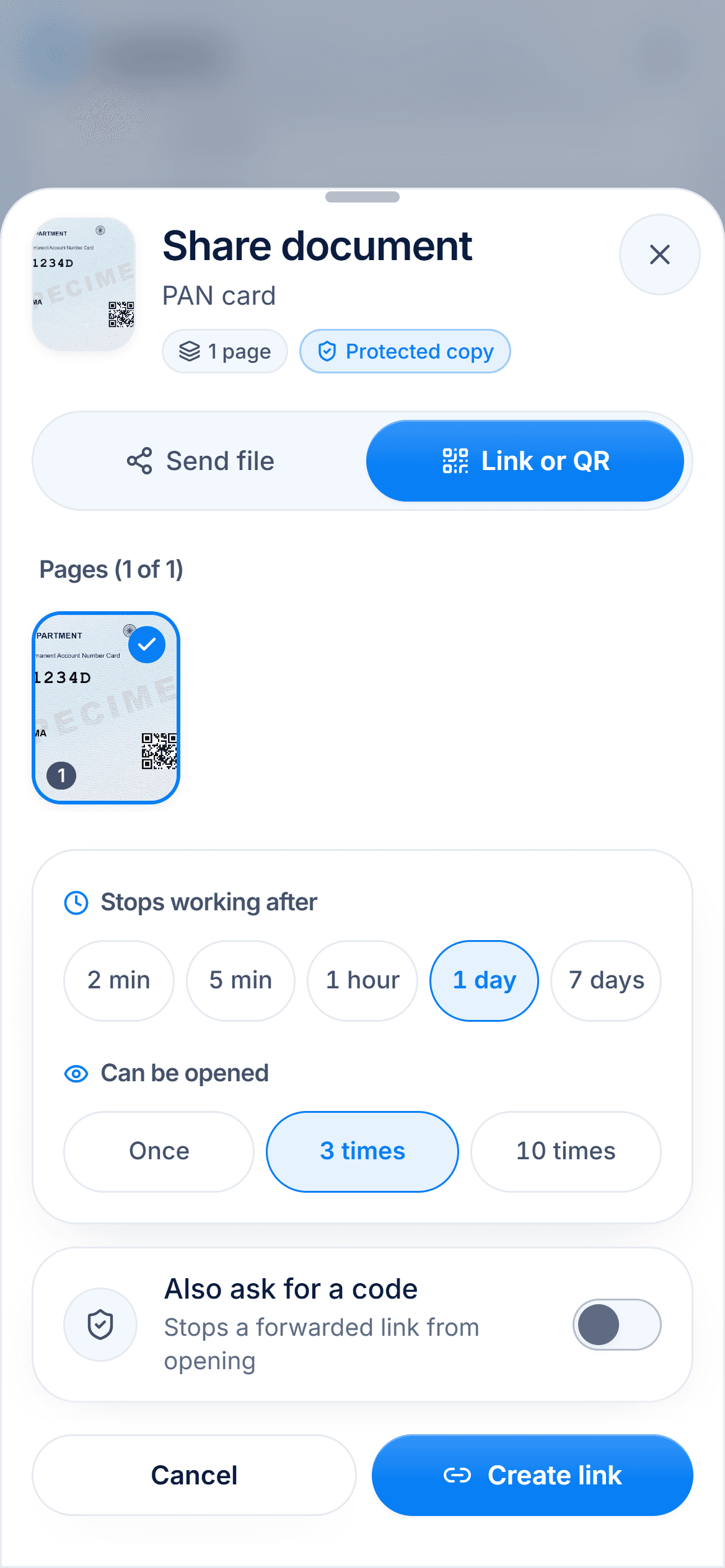
1Password is a paid password manager, from $2.99 a month on a yearly promotion after a 14-day trial, with passport and licence templates, expiry alerts and 1 GB for files. DigiSafe is a free document vault: it scans papers, reads their numbers, masks Aadhaar, and shares copies with links that stop on their own.
Which one is for you
Pick DigiSafe
Use DigiSafe for the papers themselves: scans, bills, certificates and the copies you share with offices.
Pick 1Password
Use 1Password for passwords, logins and the key details of your IDs, with alerts before they expire.
They work well together: passwords and ID details in 1Password, the scanned papers in DigiSafe.
Side by side
Facts about 1Password from its own pages, checked 2 October 2026.
Made by
DigiSafe
Kavion Solutions, India1Password
1PasswordBuilt for
DigiSafe
Documents1Password
Passwords, logins and private detailsPrice
DigiSafe
Free1Password
No free plan; a 14-day trial, then paidEnd-to-end encryption
DigiSafe
Yes1Password
YesDocument scanner
DigiSafe
Yes, with edge finding and ID card front and back1Password
Not in its current help pagesFile storage
DigiSafe
No limit we impose1Password
1 GB per personID details
DigiSafe
Reads passport, PAN, Aadhaar and licence numbers1Password
Passport and driver's licence templates, with expiry alertsShare links
DigiSafe
End after 2 minutes to 7 days or 1, 3 or 10 opens1Password
Expiring links, for anyone or named email addressesHide Aadhaar digits before sharing
DigiSafe
Yes, the first 8 digits and the QR code1Password
Not built inFamily
DigiSafe
Family folders, up to 12 people1Password
Families plan, up to 5 invited members
1Password is a great password manager
1Password keeps everything end-to-end encrypted, works on Windows, macOS, Linux, iOS, Android and the major browsers, and has templates for passports, driver's licences and other IDs. Its Watchtower alerts you to passports expiring within 10 months and licences within 2 months.
Price and space
There is no free plan: you get a 14-day trial, then the Individual plan was $2.99 a month on a yearly promotion, normally $3.99, when we checked. Each account includes 1 GB for files. DigiSafe is free.

Papers, not passwords
DigiSafe is built around the papers themselves. It scans and straightens a page, reads its numbers, hides Aadhaar digits, stamps a copy with its purpose, shrinks it for an online form, and gathers the papers an application needs into one pack.

Use them together
Many people will want both: a password manager for logins and card details, and a document vault for the scans and certificates offices keep asking for.
How we checked
Fair, sourced and dated.
Every fact about 1Password on this page comes from its own official pages, listed here. We last checked them on 2 October 2026. Products change, so check the official page before you decide.
Questions people ask
Is 1Password free?+
No. 1Password offers a 14-day free trial, then a paid Individual or Families plan.
Can 1Password store passport scans?+
Yes. 1Password can store files, such as photos of your passport and driver's licence, with 1 GB of storage per individual account.
Does 1Password remind me when my passport expires?+
Yes. Its Watchtower feature flags passports expiring within 10 months and driver's licences within 2 months.
Do I need both 1Password and DigiSafe?+
Not necessarily, but they fit together: 1Password for passwords and ID details, DigiSafe for scanning, storing and safely sharing the papers.
Read next
More comparisons
DigiSafe vs DigiLocker
DigiLocker and DigiSafe sound alike, but they do different jobs.

DigiSafe vs Google Drive
Google Drive is a good home for everyday files, and many people keep their ID papers there too.
DigiSafe vs WhatsApp
WhatsApp is end-to-end encrypted, so nobody can read your document on the way.

DigiSafe vs phone gallery
Your gallery is where every ID photo ends up by default.
DigiSafe vs Proton Drive
Proton Drive and DigiSafe both encrypt your files so the company storing them cannot read them.

DigiSafe vs Ente Locker
Ente Locker is Ente's document vault, separate from Ente Photos.

Give your papers a proper home. Free, and locked.
DigiSafe is free, encrypted on your device, and it works offline.