







Guide
The best free document scanner apps in 2026, compared honestly
- iPhone, quick scan
- Notes or Files, built in
- Android, quick scan
- Google Drive's scanner
- Searchable PDFs
- Adobe Scan, free with paid extras

The best free scanner depends on what happens after the scan: a quick PDF, searchable text, or a private home for your IDs. Here is what each free option really does, from each maker's own pages.

A real moment
“You search for a free PDF scanner and every app in the list wants a subscription, adds a watermark or shows an ad after each page. You just need one clean scan of a document.”
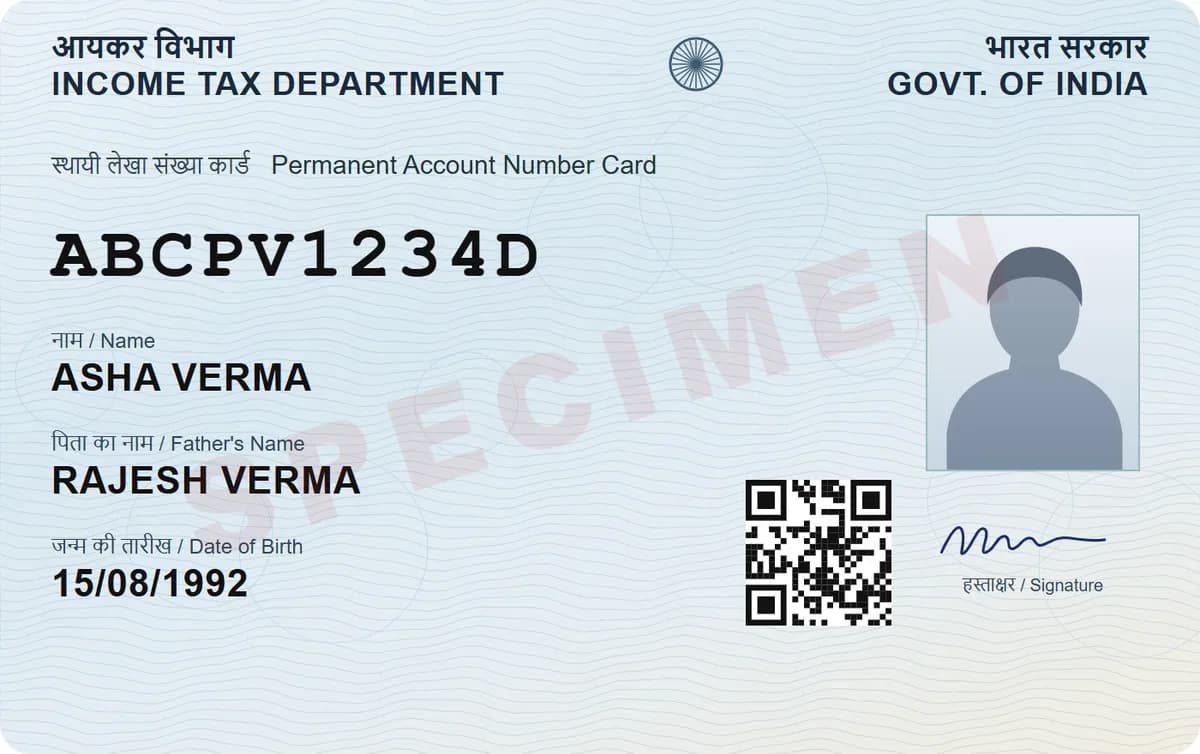
For a quick scan, the scanner already on your phone is free and clean: Notes or Files on iPhone, Google Drive on Android. Adobe Scan adds searchable text but saves to Adobe's cloud. For IDs and private papers, DigiSafe scans with no ads or watermark and encrypts each page on your device, on phone or laptop.
Free document scanners side by side
| App | Cost | Where scans are kept | Encrypted end to end | Good to know |
|---|---|---|---|---|
| DigiSafe | Free, no ads, no watermark | Your encrypted vault, readable offline | Yes, on your device | Scans both sides of ID cards, reads ID numbers, shrinks files from 10 KB to 20 MB; works in the browser on phone or laptop |
| Apple Notes and Files | Free, built into iPhone | In a note as a PDF, or a Files folder | Not stated for scans | Simplest option on iPhone |
| Google Drive scanner | Free, built into the Drive app | Your Google Drive, as a PDF or JPG | No (encrypted in transit and at rest) | Saves searchable PDFs on Android |
| Adobe Scan | Free app; paid extras | Adobe Document Cloud, 5 GB free | Not stated (encrypted in transit and at rest) | Compressing, combining and passwords need a subscription |
| Proton Drive | Free plan, 5 GB (starts at 2 GB) | Proton Drive | Yes | Scanner on iOS and Android; a general private drive |
| Ente Locker | Free for 100 items and 1 GB | Ente Locker | Yes | Scanner added in September 2026; no desktop app yet |
| CamScanner | Free with ads; paid plans | CamScanner | Not stated | Blocked in India in June 2020 |
| Microsoft Lens | Retired | Stopped making new scans in March 2026; Microsoft points to OneDrive |
Free options for iPhone, Android and PC
Which ones store scans in their cloud
Which ones keep your scans private
iPhone, quick scan
Notes or Files, built in
Android, quick scan
Google Drive's scanner
Searchable PDFs
Adobe Scan, free with paid extras
Private IDs and papers
DigiSafe, encrypted, no ads
On iPhone: start with Notes or Files
Apple's Notes and Files apps both have Scan Documents, and Notes saves the scan as a PDF in the note. It is free, has no watermark and is already on your phone, so for an occasional scan it is hard to beat.
On Android: Google Drive's scanner
The Google Drive app scans receipts, letters and statements into searchable PDFs or JPGs in a Drive folder you choose, with crop, rotate and filter tools. Drive encrypts files in transit and at rest, but Google can process them, for example for virus checks.

Adobe Scan: searchable text, in Adobe's cloud
Adobe Scan is free and turns scans into searchable PDFs, saved automatically to Adobe Document Cloud with 5 GB free. Compressing, combining, password-protecting and editing need a subscription.

For private papers: an encrypted scanner
Proton Drive, Ente Locker and DigiSafe all scan into end-to-end encrypted storage. DigiSafe is the one built around ID papers: it scans both sides of an ID card, reads passport, PAN and Aadhaar numbers, hides Aadhaar digits, and makes a copy at the exact size a form asks for. It runs in the browser on your phone or laptop, with a free account.

The ones that have gone
Microsoft retired Lens in 2026, and CamScanner was blocked in India in June 2020. Its store listing elsewhere says it contains ads.

Step by step
- 1
Decide what you need: a quick PDF, searchable text, or a private copy.
- 2
For a one-off scan, try the scanner already on your phone.
- 3
For IDs and private papers, open DigiSafe in your browser.
- 4
Scan the page and let it find the edges.
- 5
Save it to an encrypted folder.
- 6
Shrink it to the size the form asks for, if there is a limit.
Questions people ask
What is the best free document scanner app?+
It depends on the job. For a quick scan, use Notes on iPhone or Google Drive on Android. For searchable text, Adobe Scan. For ID cards and private papers, DigiSafe: free, no ads or watermark, and encrypted on your device.
Which free scanner app has no watermark?+
Apple Notes and Files, Google Drive's scanner and DigiSafe all scan without a watermark.
Can I scan documents online without installing an app?+
Yes. DigiSafe runs in your browser on a phone or laptop and uses its camera to scan, with a free account. You can add it to your home screen later if you like.
Is there a free scanner that encrypts my documents?+
Yes. DigiSafe, Proton Drive and Ente Locker all encrypt scans end to end. DigiSafe adds tools for ID papers, such as Aadhaar masking and exact file sizes for forms.
Where this comes from
Official sources, dated.
Every requirement on this page comes from the official pages listed here, last checked on 3 October 2026. Rules change and offices can ask for more, so check the official page before you go.
- 1Apple Support: Scan documents on iPhonesupport.apple.com
- 2Google Drive Help: Scan documentssupport.google.com
- 3Google Drive Help: Privacy and securitysupport.google.com
- 4Adobe: Adobe Scan appadobe.com
- 5Adobe: Adobe Scan subscriptionsadobe.com
- 6Proton support: Scan a documentproton.me
- 7Ente Help: Locker documents and scanningente.com
- 8Microsoft Support: Retirement of Microsoft Lenssupport.microsoft.com
- 9PIB: Government blocks 59 mobile apps (29 June 2020)pib.gov.in
Read next
Do it in a minute, on your phone.
DigiSafe is free, encrypted on your device, and it works offline.