
Family folders
One safe folder the whole family can reach
- People
- Up to 12 per folder
- Folders
- Up to 20 per owner
- Members can
- View and add documents

When someone needs a birth certificate in a hurry, it is usually family who asks. A shared folder keeps it where they can all reach it, without a group chat full of photos.

A real moment
“It is 10 at night, and your brother calls. He needs your father's birth certificate for a form due tomorrow, and the only copy is on your phone. So you send it on chat, where it will sit for years.”
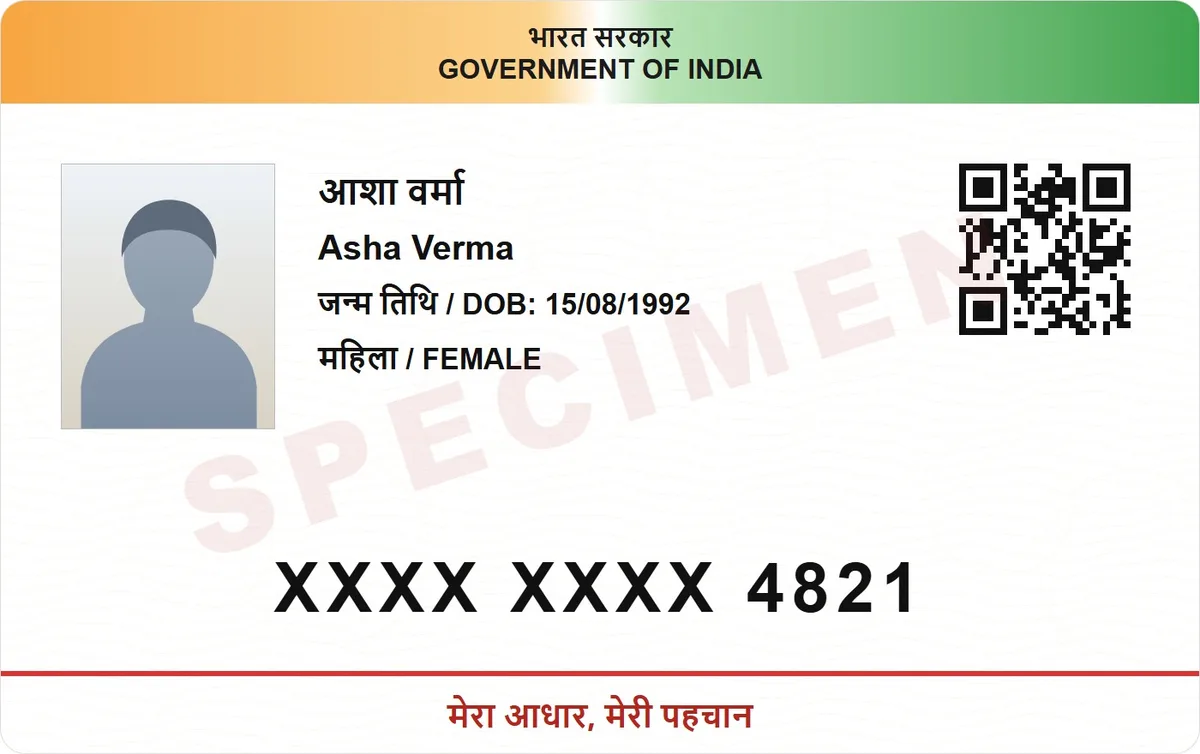
A DigiSafe family folder is shared with up to 12 people you invite by email. Members can view and add documents, only the owner can invite or remove people, and the folder stays end-to-end encrypted.
Watch it
Family folders in 16 seconds
Up to 12 people in each family folder
Everyone can view and add documents
Only you decide who joins or leaves
People
Up to 12 per folder
Folders
Up to 20 per owner
Members can
View and add documents
Only the owner can
Invite or remove people
Encryption
End-to-end, with a security code to check the keys
Shared, and still private
A family folder is encrypted for the people in it. Adding someone shares the key with them. Removing someone takes their access away. Our servers only ever hold a locked copy.
A security code you can compare
Each shared folder has a security code. Compare it with the other person, in the same room or on a call. If the codes match, nobody swapped a key in the middle.

Everyone uses their own account
You invite people by email. They accept in their own DigiSafe account, and the documents appear for them. Nothing is sent as a plain attachment.

You stay in charge
Members can view and add documents. Only you, the owner, can invite or remove people. You can own up to 20 folders, for example one for parents and one for in-laws.
How to do it
- 1
Create a family folder.
- 2
Invite people by email.
- 3
Each person accepts in their own account.
- 4
Add the documents everyone needs.
Questions people ask
Can a member delete the folder?+
No. Members can view and add. Inviting, removing and deleting stay with the owner.
What happens if I remove someone?+
They lose access to the folder. Copies they already downloaded to their own device stay with them, as with anything you share.
Does everyone need a DigiSafe account?+
Yes. Each person accepts the invite in their own account, and the documents then appear for them, still end-to-end encrypted.
How many family folders can I have?+
Up to 20 as the owner, each with up to 12 people.

