Guide
The best apps to store your documents in India, compared honestly
- Official documents
- DigiLocker, issued by government
- End-to-end encrypted
- DigiSafe, Proton Drive, Ente Locker, 1Password
- Most free space
- Google Drive, up to 15 GB shared

The best app to store your documents depends on what you keep: official government documents, everyday files, or your own copies of ID papers. Here is what each option really does, from each maker's own pages.

Checked against the official sources on 24 October 2026. DigiSafe is a private app, not connected with these offices.
A real moment
“Your Aadhaar is in WhatsApp, your PAN in the gallery, your passport scan in an email from 2023. You want one place for all of it, and you want to know which one you can trust.”
For official documents issued by the government, use DigiLocker: they count as originals. For your own copies of ID papers, bills and certificates, pick an app with end-to-end encryption and safe sharing, such as DigiSafe, Proton Drive or Ente Locker. Google Drive is convenient but not end-to-end encrypted on personal accounts.
Six ways to store documents, from each maker's own pages (checked September and October 2026)
| App | Made for | Free plan | End-to-end encrypted | Hide Aadhaar digits before sharing |
|---|---|---|---|---|
| DigiLocker | Official documents from government issuers | Free, with DigiLocker Drive for your own uploads | Not stated; encrypted at rest and in transit, ISO 27001 certified hosting | Not checked |
| Google Drive | Everyday files and working together | Up to 15 GB, shared with Gmail and Google Photos | Only on some paid work and school plans | Not built in |
| Proton Drive | Private storage for any file | 5 GB, starting at 2 GB until you finish a checklist | Yes | Not in its help pages |
| Ente Locker | Notes, secrets and documents in an Ente account | 100 items and 1 GB | Yes | Not checked |
| 1Password | Passwords, logins and private details | No free plan; a 14-day trial | Yes | Not built in |
| DigiSafe | ID papers, certificates and bills | Free today, 250 MB per account | Yes, on your device | Yes, the first 8 digits and the QR code |
Six apps, compared from their own pages
Which one fits which job
Made by DigiSafe, and we say where others win
Official documents
DigiLocker, issued by government
End-to-end encrypted
DigiSafe, Proton Drive, Ente Locker, 1Password
Most free space
Google Drive, up to 15 GB shared
Disclosure
We make DigiSafe
How we compared, and who we are
We make DigiSafe, so read this knowing that. Every fact about the other apps comes from their own pricing and help pages, linked below, checked in September and October 2026. Plans change, so check the maker's page before you decide.
DigiLocker: for official documents
DigiLocker is run by the Government of India under MeitY. Documents pushed to it by issuers, such as your driving licence or marksheets, count as originals, and verifiers can check them with your consent. No private app can do that. It also has DigiLocker Drive, personal storage for copies you upload yourself. Many people use DigiLocker for issued documents and another app for everything else.
Google Drive: convenient, not private by design
Drive gives up to 15 GB free, shared with Gmail and Google Photos, and is easy to share from. Your files are encrypted in transit and at rest, but end-to-end encryption is only on some paid work and school plans, so Google can process the files on its servers. Fine for everyday files; think twice for an unmasked Aadhaar.
Proton Drive and Ente Locker: private storage
Both encrypt your files end to end. Proton Drive is general private storage for any file, with 5 GB free once you finish its getting-started checklist, and desktop apps. Ente Locker keeps documents, notes and secrets in an Ente account, with 100 items and 1 GB free. Proton's help pages mention neither Aadhaar masking nor reading ID numbers.
1Password: for passwords first
1Password is built for passwords and fills them in your browser, which DigiSafe does not. It also stores files, 1 GB per person, and has passport and licence templates. There is no free plan, only a 14-day trial.
DigiSafe: for your own copies of ID papers
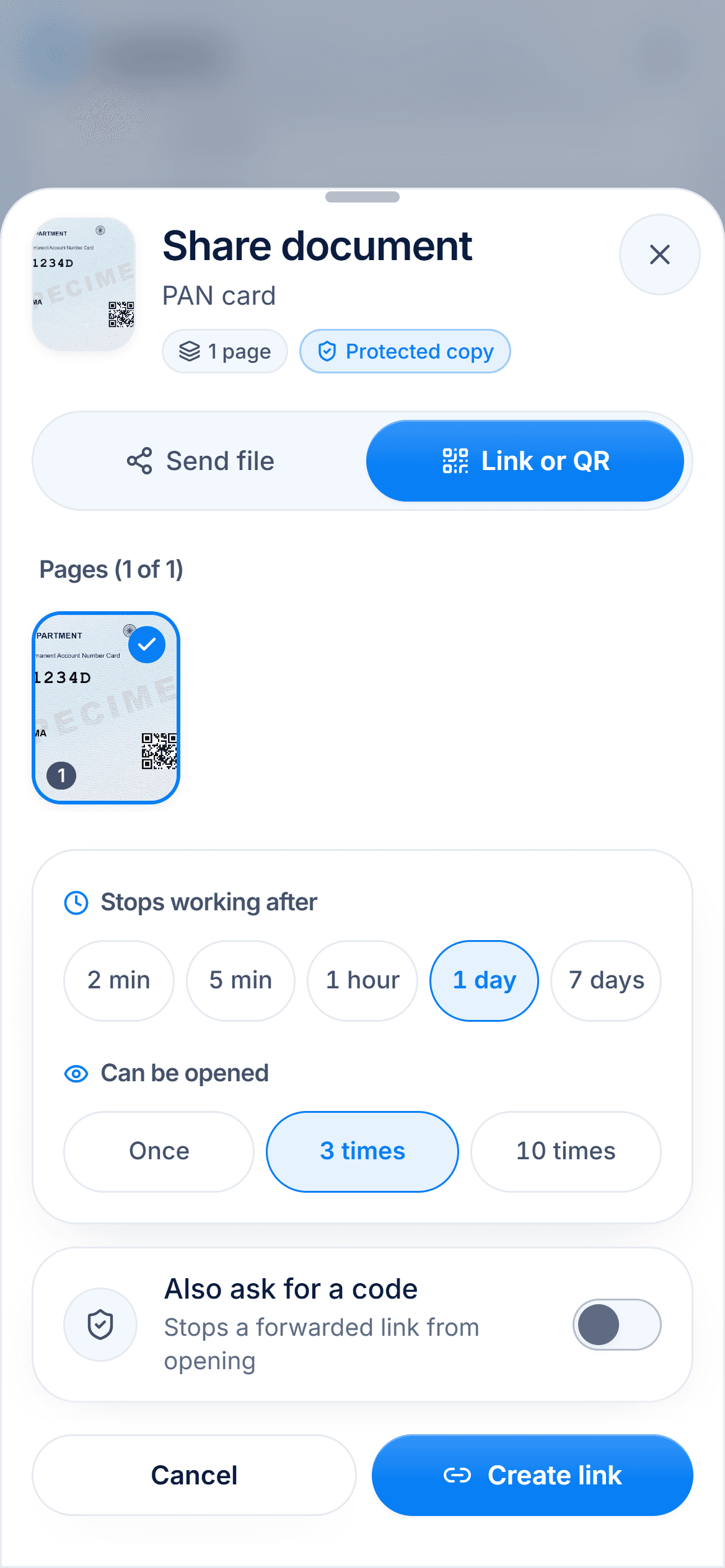
DigiSafe is built for Aadhaar, PAN, passports, certificates and bills. It scans an ID card front and back, reads the document number, encrypts everything on your phone before backup, and shares a copy with a link that ends after 2 minutes to 7 days, with the first 8 Aadhaar digits hidden if you want. It is free today, with 250 MB per account and no ads. It does not hold official issued documents the way DigiLocker does.
Step by step
- 1
Keep government-issued documents in DigiLocker.
- 2
Decide where your own scans, bills and certificates go.
- 3
Choose an app with end-to-end encryption for ID papers.
- 4
Check how it shares: links that expire, and Aadhaar masking.
- 5
Move your documents out of WhatsApp and your gallery.
- 6
Keep a backup you can restore on a new phone.
Questions people ask
Which is the best app to store documents in India?+
It depends on the documents. DigiLocker is best for official documents issued by government, which count as originals. For your own copies of Aadhaar, PAN, passports and bills, an app with end-to-end encryption and safe sharing, such as DigiSafe, Proton Drive or Ente Locker, keeps them private.
Is DigiLocker enough?+
For documents that issuers push to it, yes. Bills, warranties, foreign IDs and family papers can only go in DigiLocker Drive as your own uploads, so many people use another app alongside it.
Is Google Drive safe for Aadhaar and PAN?+
Drive encrypts files in transit and at rest, but not end to end on personal accounts, so Google can process them. If you use it, share a masked Aadhaar rather than the full number.
Which document storage app is free?+
DigiLocker is free, with DigiLocker Drive for your own uploads. Google Drive gives up to 15 GB shared with Gmail and Photos, Proton Drive 5 GB after its checklist, Ente Locker 100 items and 1 GB, and DigiSafe is free today with 250 MB per account. 1Password has no free plan.
Can I use DigiLocker and DigiSafe together?+
Yes. Keep issued documents in DigiLocker, and your own scans, bills, certificates and family papers in DigiSafe. DigiSafe is a private app and is not connected with DigiLocker.
Where this comes from
Official sources, dated.
Every official detail on this page comes from the pages listed here, last checked on 24 October 2026. Fees, rules and links can change after that date. DigiSafe is a private app, not connected with these offices, and cannot guarantee them, so check the official page before you pay or rely on them.
- 1DigiLocker: answers from Ask our Experts (PDF)digilocker.gov.in
- 2DigiLocker and NAD: about, and Rule 9Anad.digilocker.gov.in
- 3Google Drive Help: how Google storage workssupport.google.com
- 4Google Drive Help: privacy and securitysupport.google.com
- 5Google Workspace: about client-side encryptionknowledge.workspace.google.com
- 6Proton Drive: Pricingproton.me
- 7Proton support: More storage on Proton Driveproton.me
- 8Ente Help: Locker, getting startedente.com
- 9Ente Help: Locker encryptionente.com
- 101Password: Pricing1password.com
- 111Password support: Filessupport.1password.com
- 121Password support: Item categories (passport, driver licence)support.1password.com