
Guide
How to compress a PDF or photo to 100 KB or 200 KB for an online form
- Common caps
- 100 KB and 200 KB for photos, 500 KB to 2 MB for PDFs
- Best format
- JPG for photos and ID cards, PDF when the form says PDF
- Quick win
- Black and white often halves the size of a text page

Upload forms reject files for being a few kilobytes too big, and then tell you nothing useful. Here is how to get under the limit without turning your document into a blur.

A real moment
“Your scanned mark sheet is 3 MB. The form wants 200 KB, the deadline is tonight, and every try gives you the same red error. The top search result wants you to upload your document to a stranger's website.”
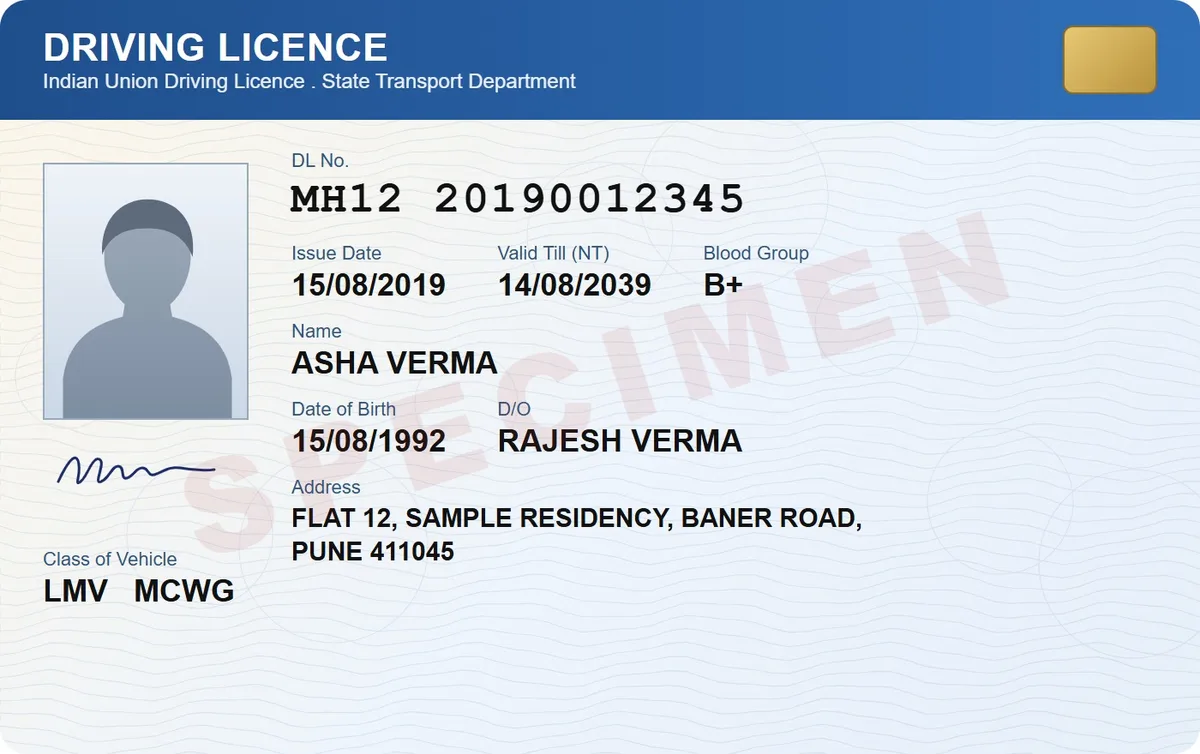
Make one copy at the size the form asks for, instead of compressing again and again. In DigiSafe, tap Make it smaller, choose JPG or PDF and pick 100 KB or 200 KB. The copy is made on your phone, and your original stays at full quality.
Pick the exact cap, like 100 KB or 200 KB
Keep the text sharp enough to read
Never upload your ID to a stranger's website
Common caps
100 KB and 200 KB for photos, 500 KB to 2 MB for PDFs
Best format
JPG for photos and ID cards, PDF when the form says PDF
Quick win
Black and white often halves the size of a text page
Where
On your phone. Avoid compression websites for private documents
Why your file is too big
A modern phone camera makes a photo of 3 to 8 MB, full of detail nobody will look at. A form that wants 100 KB is asking for something 30 to 80 times smaller. That is fine for a page of text or an ID card, if you do it the right way.
Resize first, then compress
The trick is to shrink the pixel size before you lower the quality. A page scanned 3000 pixels wide still reads perfectly at about 1200, and that alone removes most of the weight. Squeezing a 3000 pixel image straight down to 100 KB leaves blocky, blurry text.

Black and white for text pages
For a text document, mark sheet or letter, a black and white copy is smaller and often clearer. Keep colour when the page has a photo or a coloured seal that matters.

Keep private papers off compression websites
The top search result is often a website that wants your file on its server. For a passport or an Aadhaar card, that means a stranger holding your identity. DigiSafe makes the smaller copy on your phone and uploads nothing.
Watch it
Make a file smaller for a form, in 16 seconds
Pick a common size or type any from 10 KB to 20 MB, and DigiSafe makes a lighter copy. Your original stays untouched.
Step by step
- 1
Open the document in DigiSafe.
- 2
Tap Make it smaller.
- 3
Choose JPG or PDF, whichever the form asks for.
- 4
Pick the size cap, for example 100 KB or 200 KB.
- 5
Turn on black and white for text pages.
- 6
Tap Make file, then upload the copy to the form.
Questions people ask
Will the text still be readable at 100 KB?+
For one page of text or an ID card, yes in most cases. For a dense page, try 200 KB or black and white.
JPG or PDF?+
Use whatever the form asks for. If it accepts both, JPG is usually smaller for a single page, and PDF is better for several pages.
What if the form wants a size that is not in the list?+
Type your own size, anywhere from 10 KB to 20 MB. The list covers the common caps, from 50 KB to 2 MB.
Does shrinking change my original?+
In DigiSafe, no. The smaller version is a separate copy.