01 / 06
Smart scanner
A scanner that knows what a page is
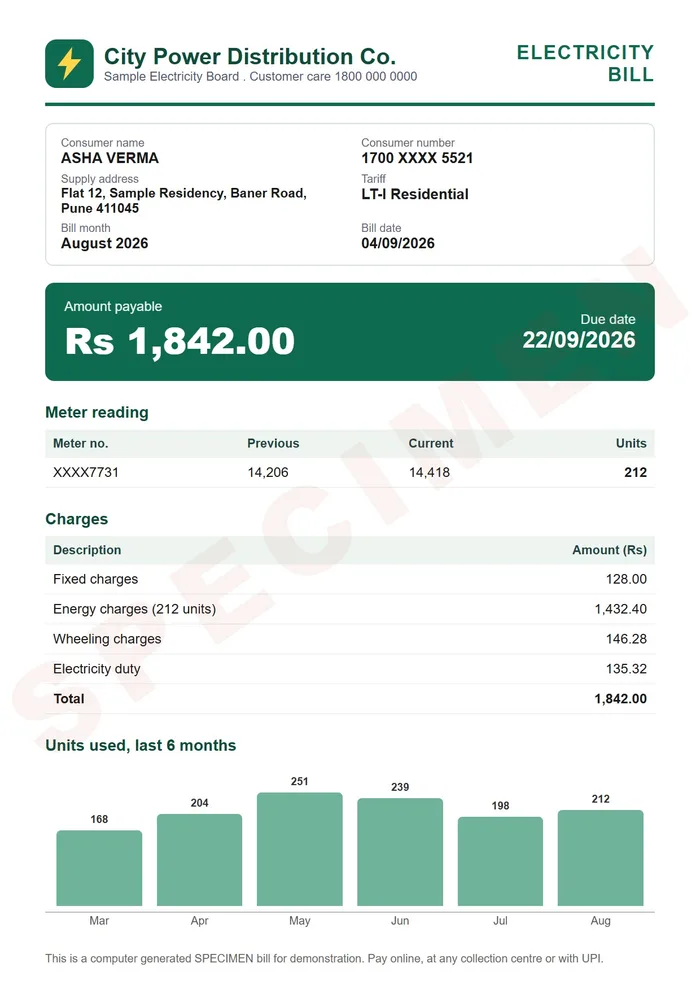
Finds the edges, straightens the page and, with Auto on, shoots when your hand is still. ID cards get a front and a back, and six filters rescue faded paper.

DigiSafe, the document vault from Kavion Solutions, scans, locks and organises your passport, ID cards, bills and warranties. Encrypted on your phone, so only you can open them.
Free tools, no sign-up
One vault for all of it
Scanned in seconds. Locked on your phone with a key only you hold. Ready the moment someone asks for it, even with no signal.
Watch it
Scan a page, copy a number, send a link that expires, and lock it all with a key only you hold.
Features
Real screens from the app. Scan it, read it, share just enough of it, and have it ready for the next big application.
Smart scanner
Finds the edges, straightens the page and, with Auto on, shoots when your hand is still. ID cards get a front and a back, and six filters rescue faded paper.

In numbers
3 modes
Document, ID card and Book
Smart scanner
Finds the edges, straightens the page and, with Auto on, shoots when your hand is still. ID cards get a front and a back, and six filters rescue faded paper.
3 modes Document, ID card and Book
Number reader
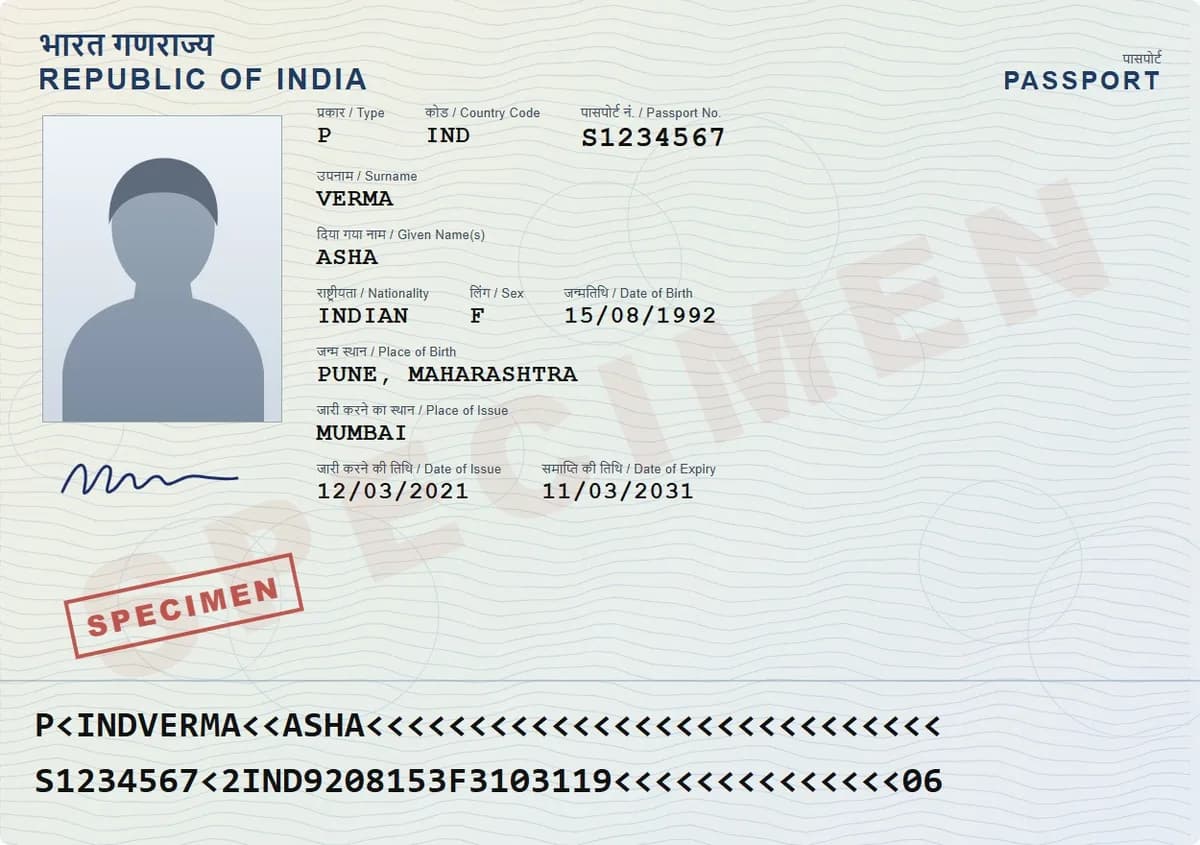
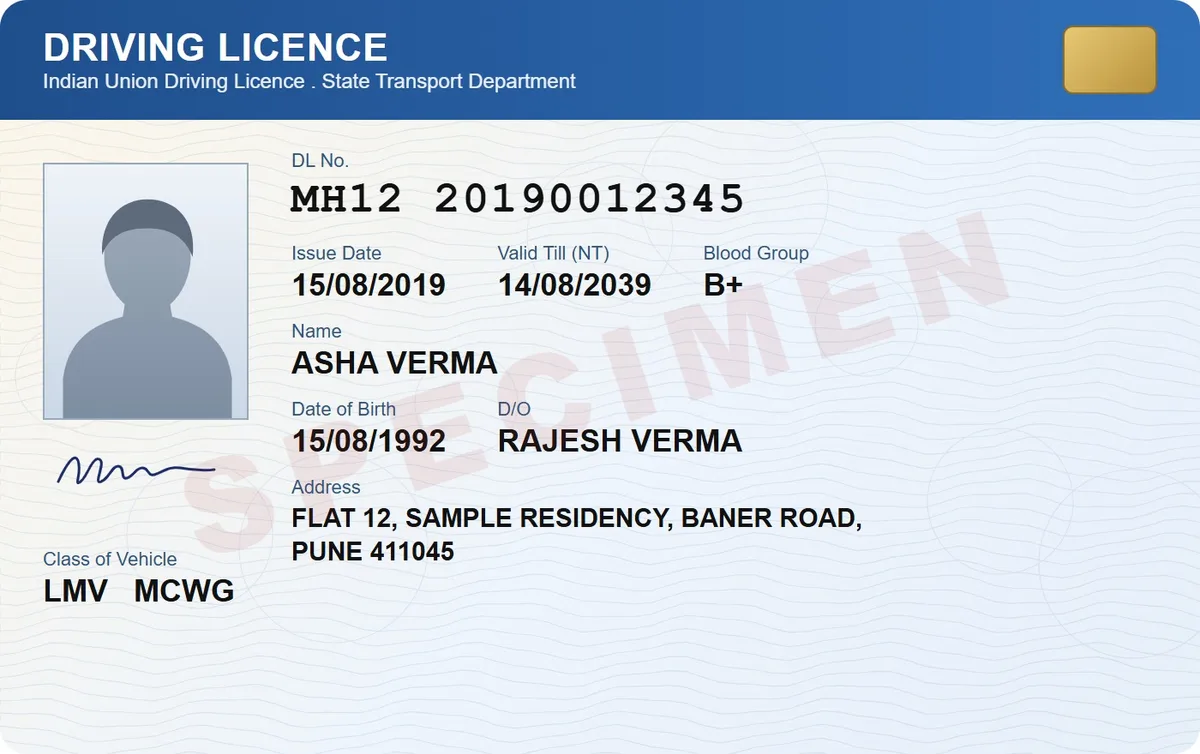
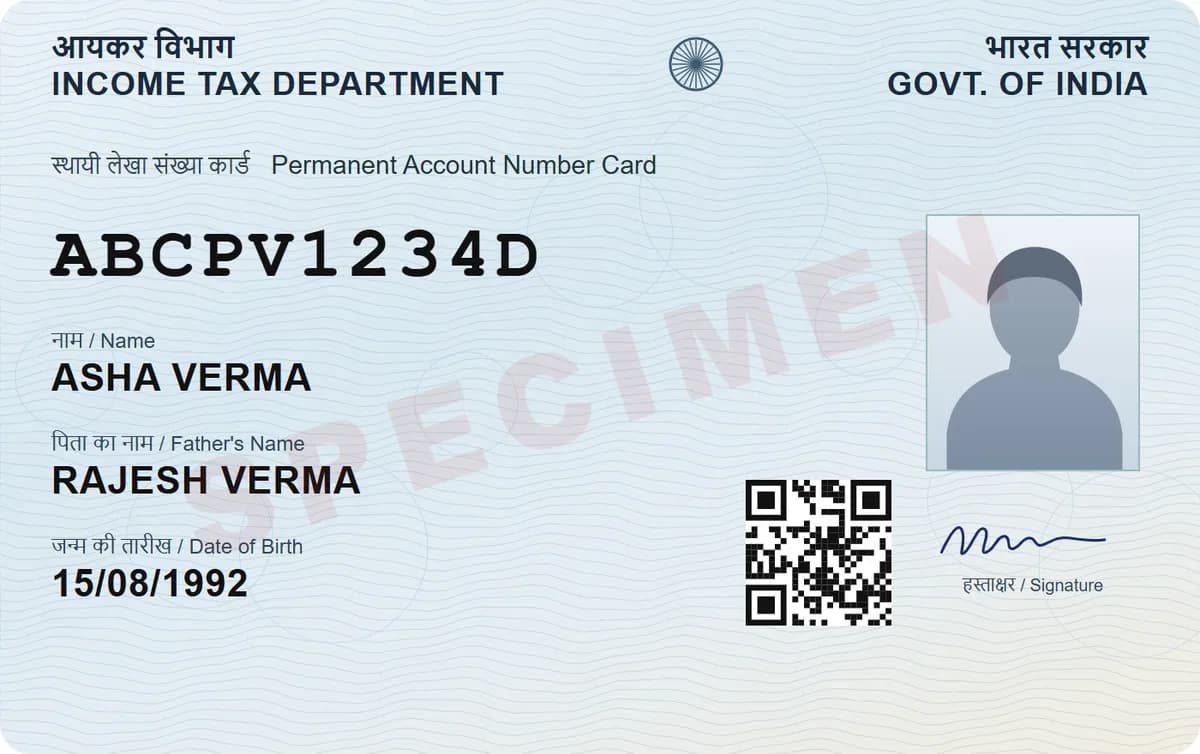
Passport, PAN, Aadhaar, voter ID and licence numbers are read right on your phone, each with a Copy button.
0 uploads Numbers are read on your phone

Secure links & QR
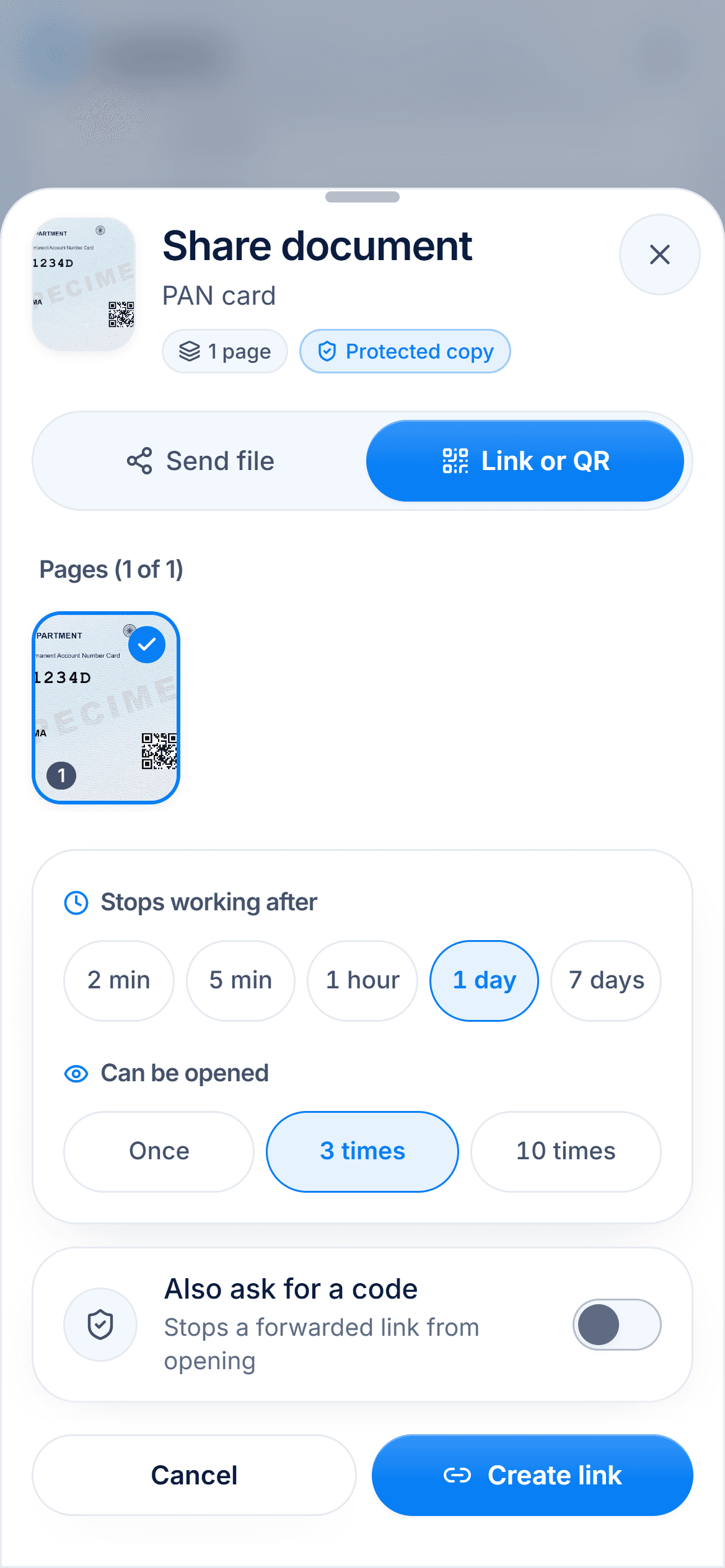
Share a link or QR code that ends after 2 minutes or up to 7 days, opens once or a few times, and can ask for a 4-digit code. Stop it any time.
2 min to 7 days Then the link stops working

Watermark & Aadhaar mask
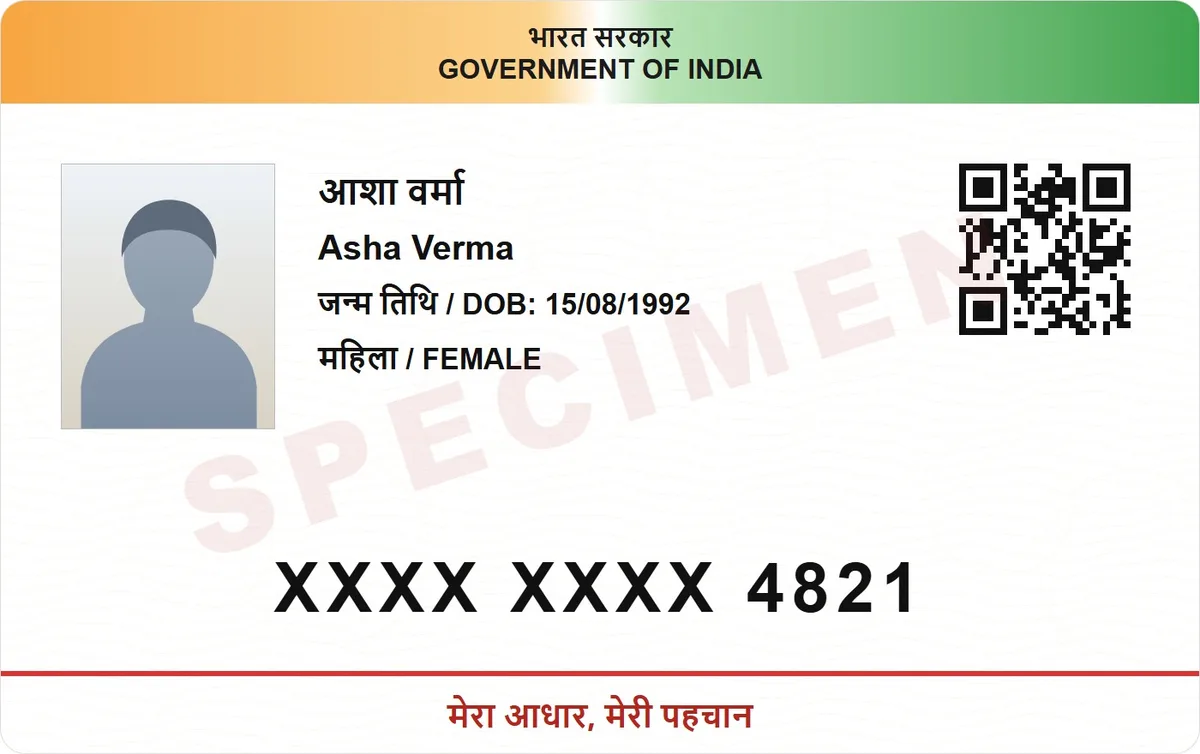
Stamp "Only for Bank KYC" and the date across a copy, and hide the first 8 digits of an Aadhaar number before it leaves your phone.
8 digits of an Aadhaar number, hidden

Make it smaller
Website wants a file under 200 KB? Pick a common size or type any from 10 KB to 20 MB. Your original stays untouched.
10 KB to 20 MB Pick the size a website asks for

Document packs
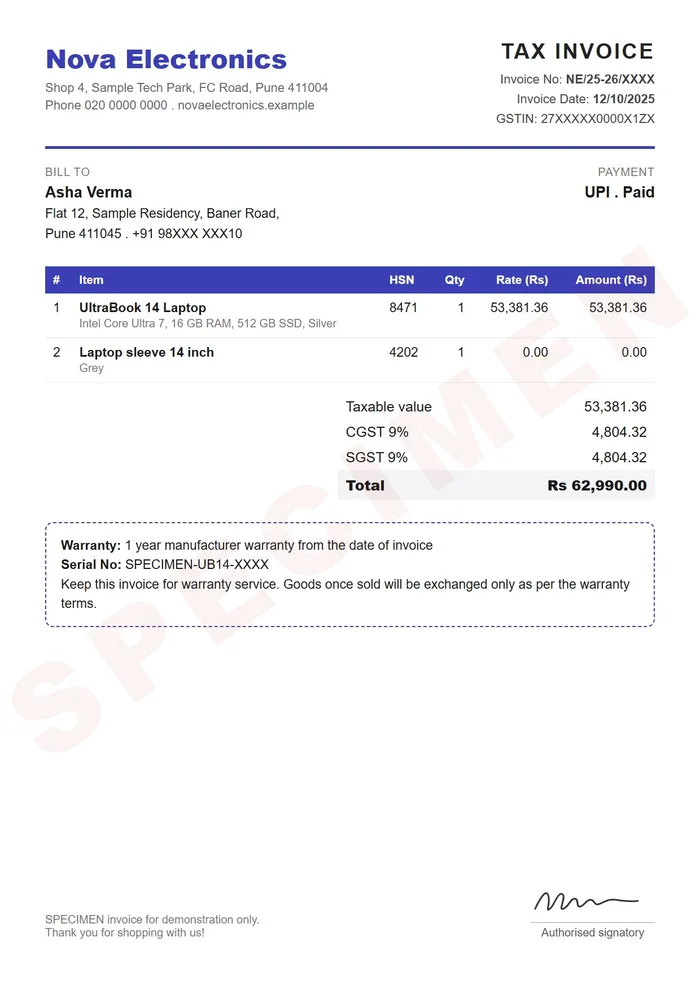
Passport, bank KYC, visa, home loan and more: see what's ready and what's missing, then send it all as one PDF or one link.
11 packs Ready-made lists for India

It remembers the dates you forget, keeps the family in one safe place and works when the signal doesn't.
Snap a bill and get a nudge 7, 15 or 30 days before the warranty ends, right in your calendar.

Share a folder with up to 12 people. Still end-to-end encrypted, and only you decide who's in.
12people
Each gets its own folders.
Open your documents on a flight or in a basement office.
Fingerprint or face unlock, auto-lock, and number keys that shuffle so nobody learns your PIN.
Privacy by design
Encrypted on your phone the moment it's saved. Only you hold the key.
How it works
From the paper in your hand to a link someone opens once. Keep scrolling and follow the plane.
Scroll to fly
Hold your phone over a document and DigiSafe shoots when it's steady, or bring in photos and PDFs you already have.
Everything is encrypted on your phone before it's backed up. The same PIN opens it on every device.

Send one document or a whole pack as a link that stops after the time you choose, watermarked for its purpose.
How it works
Hold your phone over a document and DigiSafe shoots when it's steady, or bring in photos and PDFs you already have.
Everything is encrypted on your phone before it's backed up. The same PIN opens it on every device.
Send one document or a whole pack as a link that stops after the time you choose, watermarked for its purpose.
FAQ
Still curious?
Install it and look around. It's free, and nothing leaves your phone unlocked.
Install free appDigiSafe. It scans documents with your phone camera, sorts them into folders such as Aadhaar, PAN, passport and bills, and encrypts every page on your device before it is backed up. It is free, works offline, and opens on your phone and your computer.
DigiLocker holds official documents that government issuers send to it. DigiSafe keeps everything else as well: scans of any paper, bills, warranties and your own copies, in folders you control, end-to-end encrypted, with share links that expire. Many people use both.
Both. The built-in scanner finds the edges, straightens the page and captures both sides of an ID card, and the scan goes straight into an encrypted folder. There is no separate scanner app or cloud drive to manage.
Yes. DigiSafe is free to use, with no subscription and no adverts.
No. Every page is encrypted on your device before it is saved or backed up, and your PIN never reaches our servers. We store a locked copy that we cannot open.
Yes. Once set up, your documents open with no connection, and changes back up on their own when you are online again.
Tap Install free app. On Android and on a computer it installs like any app. On iPhone, open it in Safari, tap Share, then Add to Home Screen. It is free, with no app store download.
India, the USA, the UK, Canada and Australia. You can pick up to two, and each gets its own folders.
Install DigiSafe in seconds. Free, encrypted, and ready the next time someone asks for a copy.