
Guide
The safest way to keep your ID documents on your phone
- Risk 1
- Gallery photos are readable by any app you give photo access to
- Risk 2
- A chat copy lives on someone else's phone forever
- Risk 3
- A lost phone with no lock is a lost identity

Most people keep their documents as photos in the gallery. It works fine, right up until the day it does not.

A real moment
“Your passport, PAN card and Aadhaar sit in your gallery, between holiday photos and screenshots. Last month you gave a photo editing app access to all your photos. That app can now see every one of those documents.”
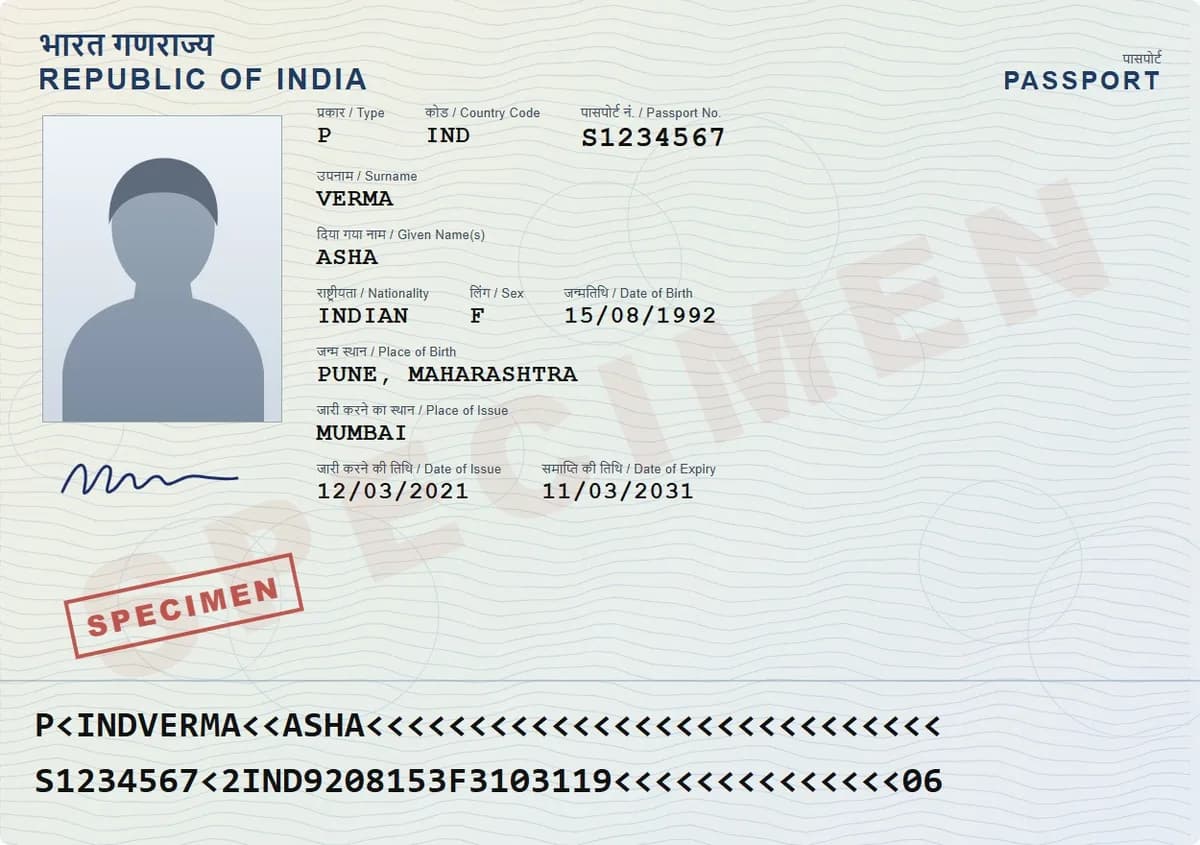
Keep documents in an app that encrypts them on your device and locks them behind a PIN, not in your gallery. Turn on auto-lock, back them up in encrypted form, and share copies with links that expire instead of sending files.
Encrypted on your phone before it is saved
Locked by a PIN, fingerprint and auto-lock
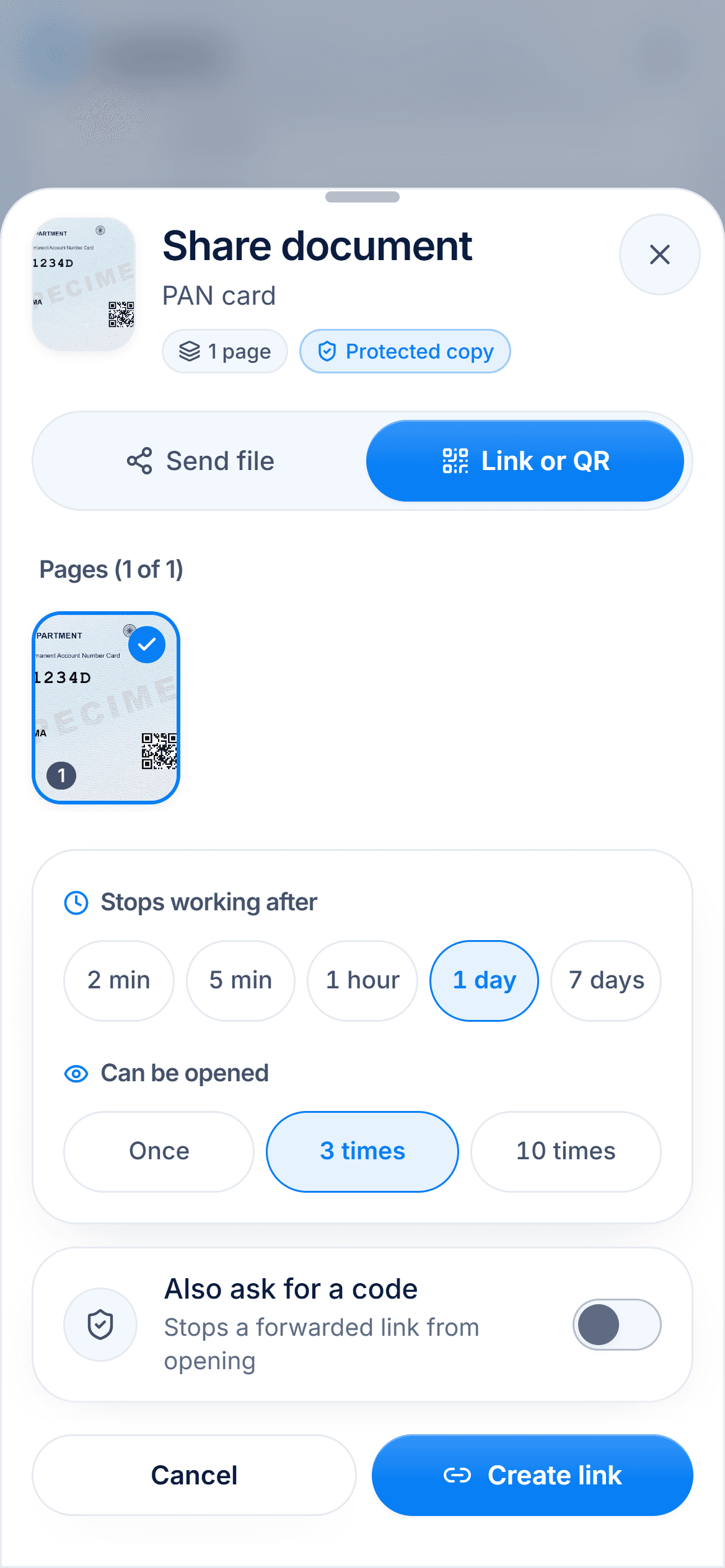
Shared with links that stop working
Risk 1
Gallery photos are readable by any app you give photo access to
Risk 2
A chat copy lives on someone else's phone forever
Risk 3
A lost phone with no lock is a lost identity
Fix
Encrypted vault, PIN or fingerprint, auto-lock, expiring shares
Your gallery is not a vault
Gallery photos sit unencrypted on your phone and in any cloud backup you have switched on. Any app you allow to see your photos can read all of them. That is a lot of trust to give a game or a photo filter.
What a safer setup looks like
Documents are encrypted on your device before they are stored, so a backup is useless without your key. A PIN or fingerprint opens them. Auto-lock means a borrowed phone is not an open vault. And shares expire, so old copies stop working.

Keep a way back in
Real encryption means nobody can recover your files for you. Write your password down and keep it safe, away from your phone. In DigiSafe, your password resets a forgotten PIN. Lose both, and the documents stay locked forever.

Clean up the copies you already sent
Go through your chats and delete old photos of ID cards where you can. From now on, send links that expire instead, so the next copy cleans up after itself.
Watch it
End-to-end encryption in DigiSafe, in 16 seconds
Everything is encrypted on your device before it is backed up, and only you hold the key. DigiSafe keeps a locked copy it cannot open.
Step by step
- 1
Install DigiSafe and set a 6-digit PIN.
- 2
Scan your passport, ID cards and the bills you would miss.
- 3
Turn on fingerprint unlock.
- 4
Turn on auto-lock.
- 5
Delete the loose photos from your gallery once the scans are in.
- 6
Share with links that expire, not files.
Questions people ask
Is a phone safer than paper?+
For copies, usually. Paper originals still belong in a drawer. A phone gives you a copy you can reach anywhere, if it is encrypted and locked.
What if I lose my phone?+
With an encrypted vault and a PIN, the finder gets nothing useful. Sign in on a new phone and your documents come back.
Should I keep documents in cloud storage instead?+
Ordinary cloud storage keeps files the provider can read. An encrypted vault backs up a locked copy instead.
Can anyone at DigiSafe see my documents?+
No. Every page is encrypted on your device before it is saved or backed up. We store a locked copy and do not hold the key.
Read next
Best apps to store documents
The best app to store your documents depends on what you keep: official government documents, everyday files, or your own copies of ID papers.
Store important documents
Originals somewhere safe, copies somewhere else, and a digital set only you can open.
PIN & fingerprint
A vault that is hard to open ends up being left open.