
Guide
Link or update the mobile number on your driving licence and RC
- Licence
- Sarathi: Others, Mobile Number Update
- Vehicle RC
- Vahan mobile update, Aadhaar OTP
- States
- On all 36 Sarathi state pages
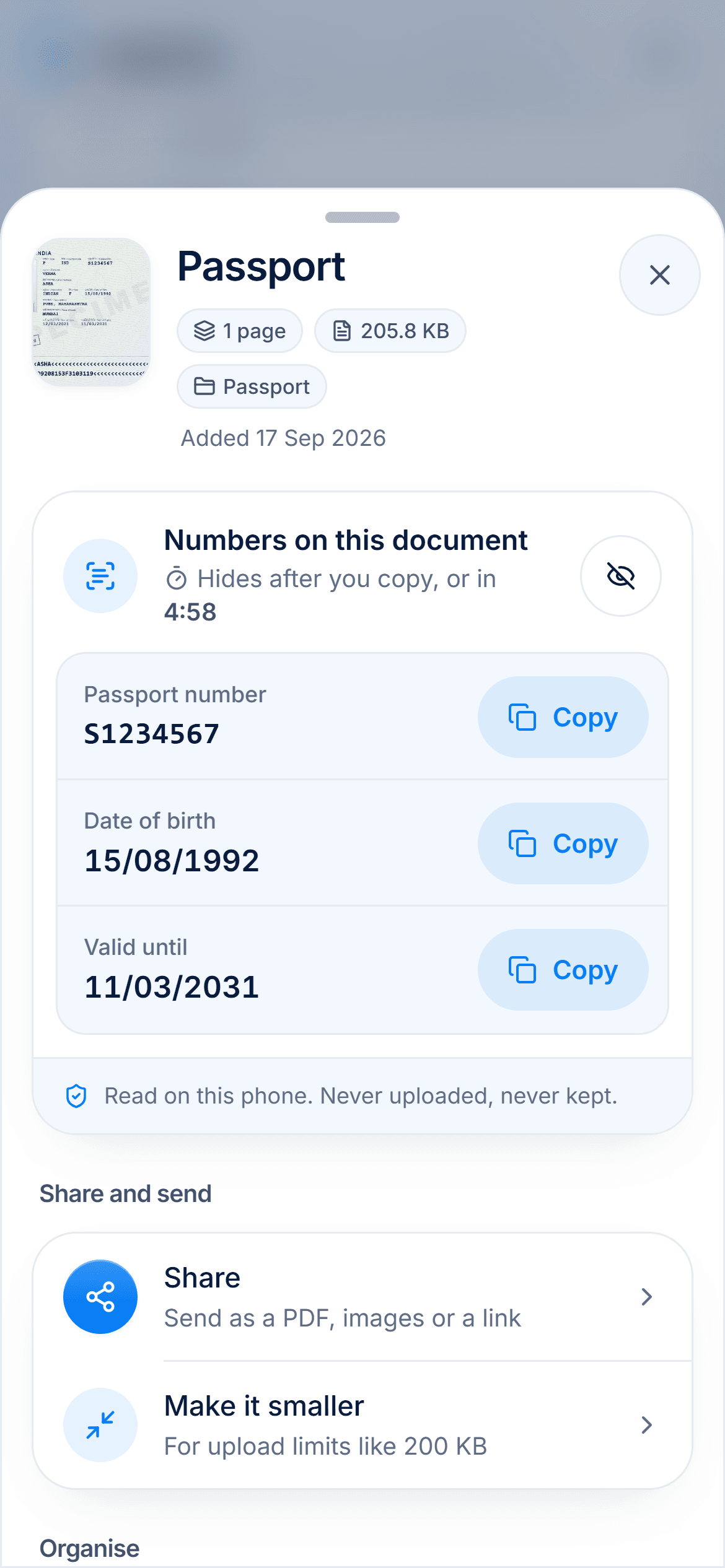
Parivahan urges every driving licence holder and vehicle owner to keep their mobile number updated, and says it can be done online without visiting an RTO. For a licence, use Mobile Number Update on Sarathi; for a vehicle RC, Vahan's mobile number update.

Checked against the official sources on 2 November 2026. DigiSafe is a private app, not connected with these offices.
A real moment
“You changed your number years ago. Now an OTP for a licence service goes to a SIM you no longer have.”
On sarathi.parivahan.gov.in, choose your state, open Others, then Mobile Number Update, and enter your DL number, date of birth, licence issue date and the captcha. For a vehicle RC, use Vahan's mobile number update with the registration, chassis and engine numbers and an OTP to your Aadhaar-registered mobile.
Updating your mobile number, from the Sarathi and Vahan forms (checked 2 November 2026)
| Driving licence | Vehicle RC | |
|---|---|---|
| Where | Sarathi: Others, then Mobile Number Update | Vahan: mobile number update |
| What you enter | Licence issue date, DL number, date of birth, the state of your last licence transaction, captcha | Registration number, full chassis and engine numbers, registration date, validity date |
| How it is verified | Listed under Aadhaar eKYC services in 33 of 36 states | OTP to your Aadhaar-registered mobile |
| If your details do not match | Not stated on Sarathi | Choose an RTO for physical verification with documents |
Steps from Parivahan's own pages
Licence and vehicle RC, both covered
What to do if details do not match
Licence
Sarathi: Others, Mobile Number Update
Vehicle RC
Vahan mobile update, Aadhaar OTP
States
On all 36 Sarathi state pages
Official only
parivahan.gov.in and mParivahan
Why it matters
In 2020 the transport ministry added a mobile number field to the forms under the Central Motor Vehicles Rules, so that citizens could be offered transport services and information about traffic offences could be sent by SMS. Parivahan's sites now carry a notice urging licence holders and vehicle owners to keep the number updated, and say it can be done online without visiting an RTO.
Update it on Sarathi
Parivahan's FAQ gives three steps: go to sarathi.parivahan.gov.in, select your state, and choose Mobile Number Update from the Others menu. The form asks for your licence issue date, DL number, date of birth and the state of your last licence transaction, with a captcha. The service appears on all 36 state pages.
Aadhaar does the checking in most states
In 33 of the 36 states, Sarathi lists the mobile update among its eKYC services, which it says citizens can use online with Aadhaar authentication instead of visiting an RTO. Andhra Pradesh, Kerala and Nagaland list the service without that label. If the mobile on your Aadhaar is out of date too, update it on Aadhaar first.
Your vehicle RC on Vahan
Vahan's mobile number update asks for the registration number, the full chassis and engine numbers, the registration date and the validity date, then sends an OTP to the mobile registered with your Aadhaar. If the name in Vahan does not match your Aadhaar, it asks you to pick an RTO for physical verification and upload documents. Another Vahan form for the same job says verification and approval happen at the RTO.
Use only the official sites
Parivahan warns that vehicle, driving licence and e-challan services are available only through parivahan.gov.in and the NextGen mParivahan app. Ignore links in messages that ask you to update your number elsewhere or to pay to do it.
Keep the licence and RC together
Keep a digital copy of your licence and your RC in DigiSafe, encrypted on your phone, with the number read for you. DigiSafe is a private app, not connected with Parivahan or any transport department, and free today, with no ads.
Step by step
- 1
Go to sarathi.parivahan.gov.in and select your state.
- 2
Open the Others menu and choose Mobile Number Update.
- 3
Enter your licence issue date, DL number and date of birth.
- 4
Complete the verification the form asks for, and enter your new number.
- 5
For your vehicle, use Vahan's mobile number update with your Aadhaar OTP.
- 6
Use only parivahan.gov.in and the mParivahan app.
Questions people ask
How do I link my mobile number to my driving licence online?+
On sarathi.parivahan.gov.in, choose your state, then Others, then Mobile Number Update. Enter your licence issue date, DL number and date of birth with the captcha, and follow the verification.
Do I need to visit the RTO to update my mobile number?+
Usually not. Parivahan says the mobile number can be updated online without visiting an RTO. For a vehicle RC, Vahan sends you to an RTO only if your details do not match your Aadhaar.
How do I update the mobile number on my vehicle RC?+
Use Vahan's mobile number update. Enter the registration number, the full chassis and engine numbers, the registration date and the validity date, then the OTP sent to your Aadhaar-registered mobile.
Is there a fee to update the mobile number?+
Parivahan's pages state no fee for this service. Use only the official sites, and do not pay anyone who offers to do it for you.
Is DigiSafe connected with Parivahan?+
No. DigiSafe is a private app. Update your licence and RC only on Parivahan's Sarathi and Vahan sites.
Where this comes from
Official sources, dated.
Every official detail on this page comes from the pages listed here, last checked on 2 November 2026. Fees, rules and links can change after that date. DigiSafe is a private app, not connected with these offices, and cannot guarantee them, so check the official page before you pay or rely on them.
- 1Parivahan Sarathi: Mobile number updatesarathi.parivahan.gov.in
- 2Parivahan Sarathi: Select your statesarathi.parivahan.gov.in
- 3Parivahan: FAQ on mobile number updateparivahan.gov.in
- 4Parivahan Vahan: Mobile number update for a vehiclevahan.parivahan.gov.in
- 5Parivahan Vahan: Online servicesvahan.parivahan.gov.in
- 6PIB: MoRTH year-end review 2020 (mobile number in CMVR forms)pib.gov.in
Read next
Download driving licence and RC
A licence or RC fetched into DigiLocker or mParivahan counts like the original during a traffic check.
Aadhaar mobile number update
You can change the mobile number on your Aadhaar in UIDAI's Aadhaar app if you can still get OTPs on the old number, or at any Aadhaar centre without it.
Lost RC book
A lost registration certificate is replaced by the RTO that last registered the vehicle.