







Guide
How to download your driving licence and RC on your phone, legally valid
- Where
- DigiLocker or mParivahan
- Valid?
- Yes, at par with the originals (MoRTH)
- Names
- Aadhaar must match your licence and RC

A licence or RC in DigiLocker or mParivahan counts like the original during a traffic check. Here is how to get them, and the rules that make them valid.

A real moment
“A traffic officer waves you over, and your licence and RC are in the glovebox of the other car. Your phone is in your pocket.”
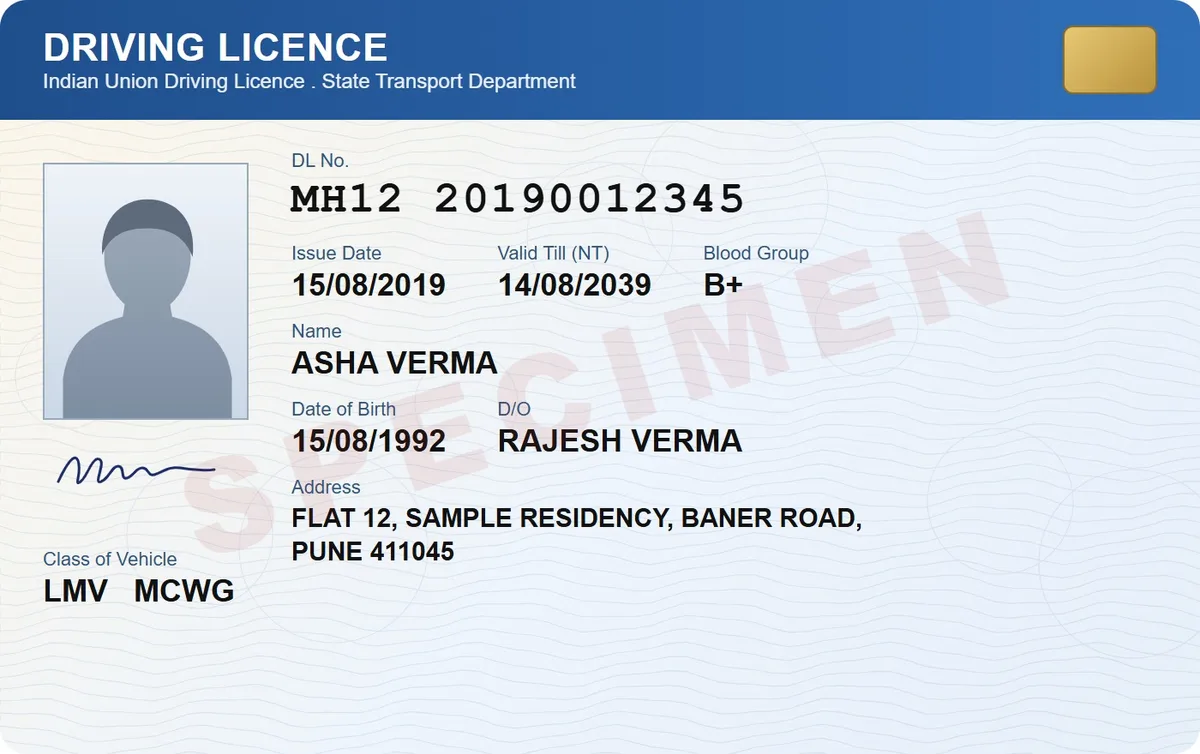
Link your Aadhaar to DigiLocker, then use Get your Digital Driving license or Get your Digital Vehicle RC. The document is fetched from the national register and saved under Issued Documents. MoRTH treats DigiLocker and mParivahan copies as valid, at par with the originals, under the Motor Vehicles Act.
DigiLocker steps, from its own FAQ
Legally valid under MoRTH's rules
What to do if it is not found
Where
DigiLocker or mParivahan
Valid?
Yes, at par with the originals (MoRTH)
Names
Aadhaar must match your licence and RC
Insurance
Shown on mParivahan when in force
Getting them in DigiLocker
DigiLocker says to link your Aadhaar first. Then use the quick links Get your Digital Driving license and Get your Digital Vehicle RC, which fetch the documents from the Ministry of Road Transport's database and save them in your Issued section.
Why it might not be found
Your name on Aadhaar must match your name in the licence and RC records. And DigiLocker can only fetch a licence or RC that exists in the national register; you can check your record on Parivahan's status page.

Valid at a traffic check
A 2018 MoRTH advisory says licences and RCs in DigiLocker or mParivahan are legally recognised at par with the originals, and a rule change that year lets you show documents in physical or electronic form to a police officer. If the in-force insurance shows on mParivahan, a paper insurance copy is not needed.

When you still need paper
MoRTH's procedure says that if the virtual copy, with its QR code, or the current validity of insurance, tax, permit or PUC is not available on the app, you need the paper documents. The QR code can be checked without internet.

Step by step
- 1
Sign in to DigiLocker and link your Aadhaar.
- 2
Tap Get your Digital Driving license and enter your licence number.
- 3
Tap Get your Digital Vehicle RC and enter your registration details.
- 4
Find both under Issued Documents.
- 5
Keep the paper originals at home.
- 6
Scan the paper copies into DigiSafe as a second backup.
Questions people ask
Is a driving licence in DigiLocker valid?+
Yes. MoRTH's 2018 advisory treats licences and RCs in DigiLocker or mParivahan as legally recognised at par with the originals under the Motor Vehicles Act.
Why can't DigiLocker find my driving licence?+
Your name on Aadhaar must match your licence record, and the licence must exist in the national register. Check your record on Parivahan's status page.
Do I need a paper insurance copy if my RC is on mParivahan?+
Not if the in-force policy shows on mParivahan or the eChallan app. MoRTH says the physical insurance copy is then not to be insisted on.
Where this comes from
Official sources, dated.
Every requirement on this page comes from the official pages listed here, last checked on 1 October 2026. Rules change and offices can ask for more, so check the official page before you go.
- 1DigiLocker: FAQsdigilocker.gov.in
- 2MoRTH advisory on DigiLocker and mParivahan (8 August 2018, PDF)parivahan.gov.in
- 3MoRTH: Rule 139 amendment letter (19 November 2018, PDF)parivahan.gov.in
- 4MoRTH: Standard operating procedure (17 December 2018, PDF)parivahan.gov.in
- 5PIB: Documents in DigiLocker and mParivahan valid (9 August 2018)pib.gov.in
Read next
Driving licence documents
One form, Form 2, covers both the learner's licence and the full driving licence.

Lost RC book
A lost registration certificate is replaced by the RTO that last registered the vehicle.
Lost driving licence
Replacing a licence is quick when you know where to go and have your details to hand.
Do it in a minute, on your phone.
DigiSafe is free, encrypted on your device, and it works offline.