
Guide
How to get your documents ready for a big application
- Start with
- The official list from the office or portal
- Scan
- Straight, complete, both sides of every card
- Sizes
- Match the portal's caps before you upload

Applications fail for small, boring reasons: one missing paper, a file that is too big, a crooked scan. A little order before you start saves you days later.

A real moment
“Your visa appointment is on Monday. On Sunday night you are still looking for last year's bank statement, and the portal has rejected your photo twice. Each step was simple, but nothing was ready.”
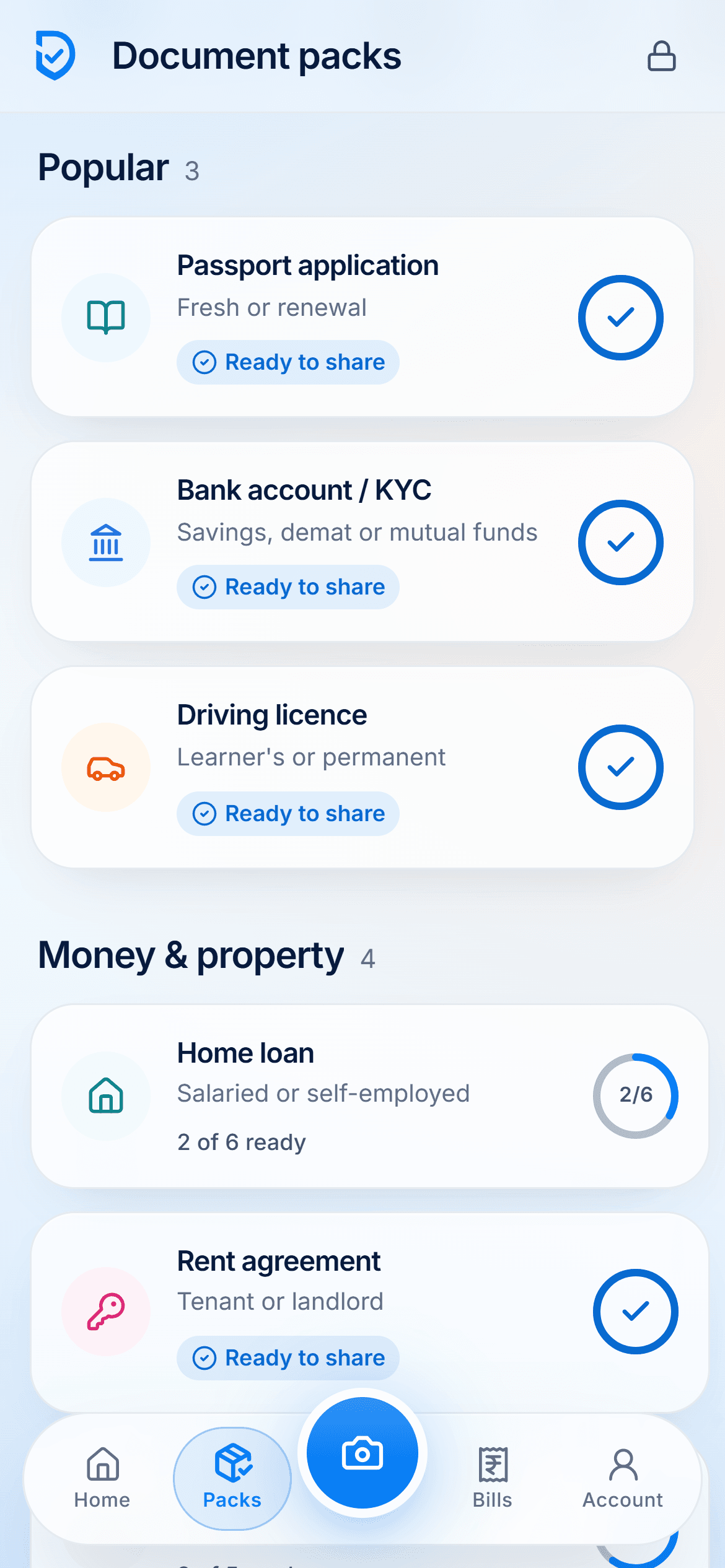
List what the application needs, scan anything missing, get each file to the size the portal allows, and send the set as one PDF or one link. DigiSafe packs help: they tick off what you already have and show what is still missing.
See what you have and what is missing
Get every file under the portal's size cap
Send the full set as one PDF or one link
Start with
The official list from the office or portal
Scan
Straight, complete, both sides of every card
Sizes
Match the portal's caps before you upload
Send
One PDF or one link, not five messages
Start from the official list
Requirements change, and a checklist on a blog goes out of date sooner than the office's own page. Start there. Then use an app to keep track of what you have gathered.
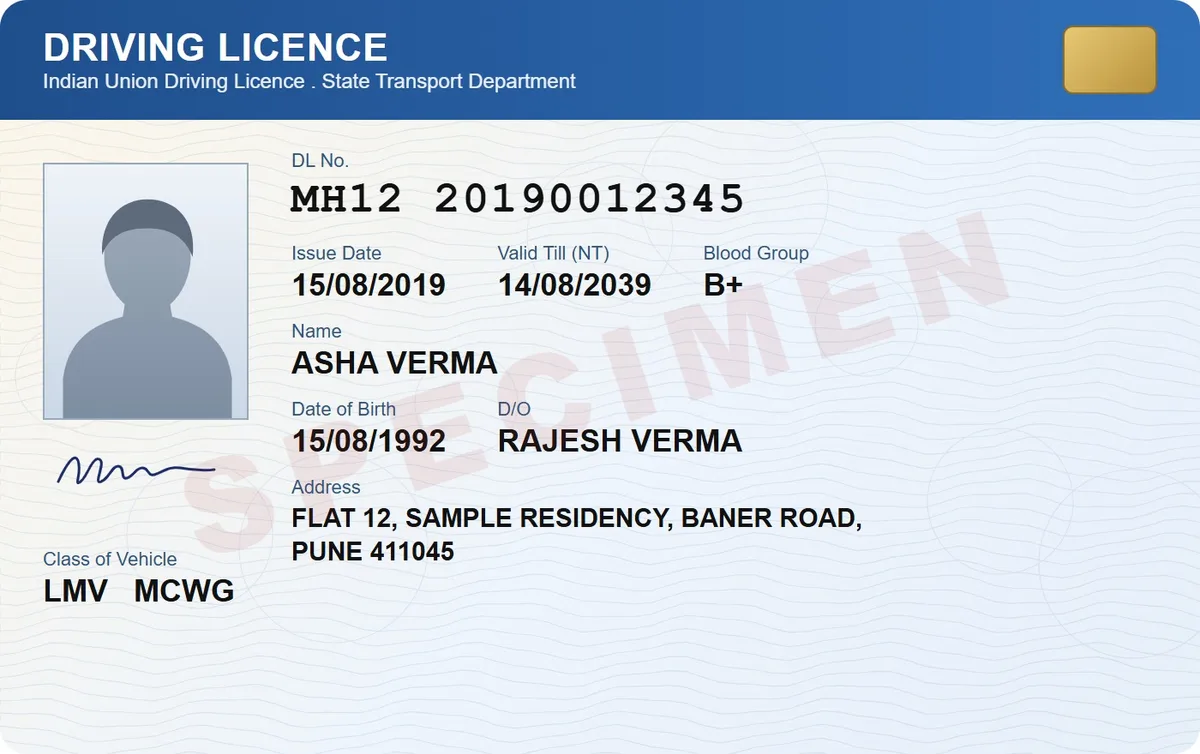
Scan it properly, once
A crooked photo with a table edge in it gets rejected and costs you another trip. Scan it straight, capture both sides of every card, and check the corners before you save.

Fix file sizes before the portal fights you
Portals cap uploads, often at 100 KB or 200 KB. Make copies at the right size in advance, and the upload takes a minute instead of an evening.

Send it as one thing
A single PDF with a cover page, or one link, is harder to lose than six attachments spread over three emails. It is also easier for the person at the other end to check.
Watch it
Document packs in 16 seconds
Passport, bank KYC, visa, home loan and more: see what is ready and what is still missing, then send it all at once.
Step by step
- 1
Open Packs in DigiSafe.
- 2
Choose the application, or make your own list.
- 3
See what is ready and what is missing.
- 4
Scan the missing ones straight from the pack.
- 5
Make smaller copies if the portal caps file sizes.
- 6
Share the pack as one PDF or one link.
Questions people ask
Are the ready-made packs official?+
No. They are practical checklists based on what these applications usually ask for. Always check the office's own list.
Which applications have ready-made packs?+
Eleven, all for India: passport, bank KYC, driving licence, home loan, rent, vehicle RC transfer, health insurance claim, visa, trip abroad, joining a job and admission.
Can I make a pack for something not listed?+
Yes, for any country and any set of documents.
Can I share a pack with an agent?+
Yes, as one PDF or a link that expires, with a watermark if you want.
