
Guide
Lost your Aadhaar, PAN card or wallet? What to do, step by step
- First
- Block your debit and credit cards
- Then
- A police report, online in many states
- Duplicates
- Apply on each official website

Losing your wallet feels like losing a week. It goes faster when you do things in the right order, and faster again when you already have the numbers somewhere safe.

A real moment
“You get home after a crowded train ride and your wallet is gone. Your debit card, PAN card, driving licence and an Aadhaar printout were all inside. You cannot remember a single number on any of them.”
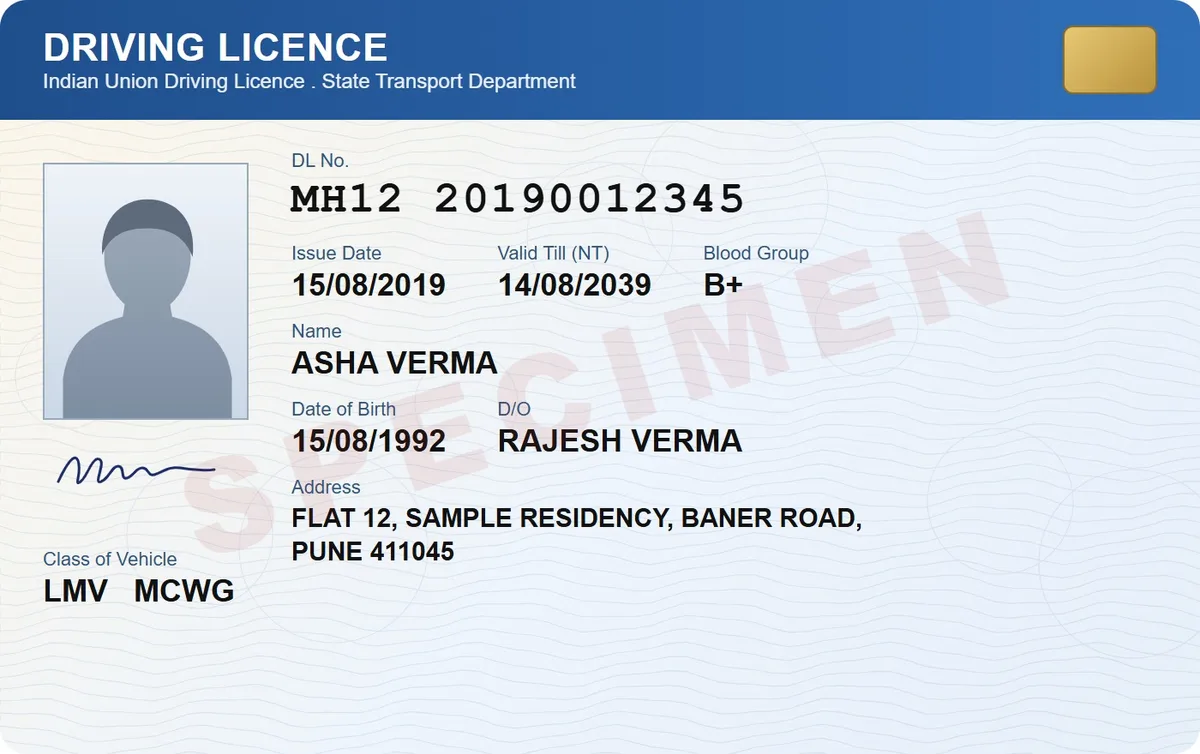
First block your bank cards. Then report the loss to the police, online if your state allows it. After that, apply for duplicates: Aadhaar on myAadhaar, PAN through Protean or UTIITSL, your licence on Parivahan Sarathi and your passport on Passport Seva. Keep the report and the numbers handy.
The right order: cards, police, duplicates
Where to apply for each duplicate
Your numbers ready, even with no signal
First
Block your debit and credit cards
Then
A police report, online in many states
Duplicates
Apply on each official website
Shortcut
The old numbers and a copy of each document
Block cards first, then report it
Block your cards in your bank's app or on its helpline before anything else. A missing debit card can cost money within minutes. Then file a police report, even for a loss. Many state police websites take lost document reports online. Keep a copy, since a passport reissue asks for one.
Aadhaar and PAN
On myAadhaar, download your e-Aadhaar or order a PVC card, with an OTP to your registered mobile. Forgot the number? The same site can find it from your name, date of birth and registered mobile or email. For PAN, ask for a reprint from Protean or UTIITSL, whichever handled your PAN card.

Driving licence and passport
For a licence, pick your state on Parivahan Sarathi and apply for a duplicate. A copy of the old licence helps. For a passport, apply on Passport Seva for a reissue, with the reason as lost. Expect to show the police report and a sworn statement about how it was lost.

The old number saves the most time
Nearly every form asks for the number of the document you lost. With a scan in DigiSafe, the number reader shows your Aadhaar, PAN, licence and passport numbers with a Copy button, even with no signal. If your phone went too, sign in on another device and your documents come back.

Step by step
- 1
Block your debit and credit cards in your bank's app or on its helpline.
- 2
File a police report for the loss, online if your state offers it.
- 3
Aadhaar: download the e-Aadhaar or order a PVC card on myAadhaar.
- 4
PAN: ask Protean or UTIITSL for a reprint.
- 5
Driving licence: apply for a duplicate on Parivahan Sarathi.
- 6
Passport: apply for a reissue on Passport Seva, with the police report.
Questions people ask
Is a scan in DigiSafe as good as the original?+
No. A scan is a copy, not an official document, and DigiSafe does not issue replacements. It gives you the numbers and a copy, which make the forms for a duplicate much quicker.
I do not remember my Aadhaar number. What now?+
myAadhaar can find it from your name, date of birth and the mobile or email registered with Aadhaar. If neither is registered, visit an Aadhaar Seva Kendra. Our lost Aadhaar card guide links each official page.
How much does each duplicate cost?+
Fees change, so check the official site when you apply. Pay only on the official website, never to someone who calls offering to help.
What if I lose my passport abroad?+
Report it to the local police and to the nearest Indian embassy or consulate, and follow their advice for a new passport or travel document.
