
Guide
Moving abroad? The documents to take and how to keep them safe
- Carry
- Originals that are hard to replace from abroad
- Scan
- Everything, including what you leave behind
- Leave
- Copies with someone you trust at home

Some papers you need in your first week abroad, and some only once in five years, usually when they are in a cupboard back in India. Sorting them before you fly saves a lot of calls home.

A real moment
“Three months into your new job in Manchester, HR asks to see your degree certificate. The original is in a trunk at your parents' home in Nagpur. Your father spends a Sunday searching, then sends a blurry photo on chat.”
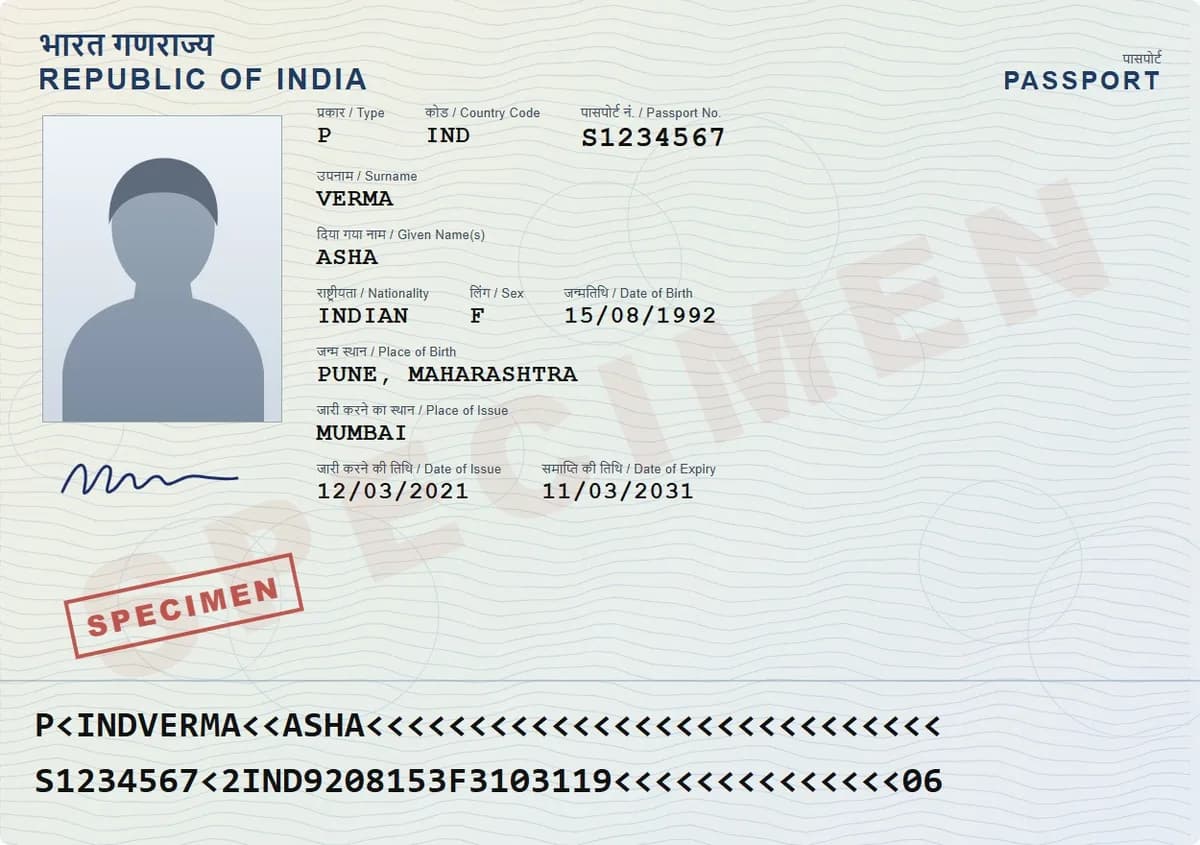
Carry originals of what you cannot replace from abroad: passport, visa, degree certificates, birth and marriage certificates. Keep scans of everything else, and leave a copy with family at home. DigiSafe keeps India and one of the USA, UK, Canada or Australia in separate folders, opens offline, and shares folders with family.
India plus the country you move to
Opens on a flight, with no signal
A family folder for the people at home
Carry
Originals that are hard to replace from abroad
Scan
Everything, including what you leave behind
Leave
Copies with someone you trust at home
Countries
India plus the USA, UK, Canada or Australia
Identity, education and work
Passport and visa come first, with your PAN and Aadhaar close behind, since Indian banks and tax offices may still need them. Then every degree, mark sheet and experience letter, plus your offer letter and recent salary slips. Some countries want certificates apostilled by the Ministry of External Affairs. That process starts in India, so ask early.
Money, health, property and family
Bank statements, tax returns, insurance policies and loan papers. Vaccination records and prescriptions for any regular medicine. Property papers, birth certificates and your marriage certificate. Nobody asks for most of these for years, and then someone needs one by Friday.

Originals or copies?
Take the originals of what is hard to replace from abroad: passport, degrees, birth and marriage certificates. Leave property papers with someone you trust at home. Scan everything either way. A scan does not replace an original, but it answers most questions quickly.

Reaching your papers from abroad
In DigiSafe, pick India plus the USA, UK, Canada or Australia, and each gets its own folders. Your documents open offline, on a flight or in a new flat with no Wi-Fi yet. A family folder lets someone at home add a paper for you, and a link that expires lets you send one to an office.
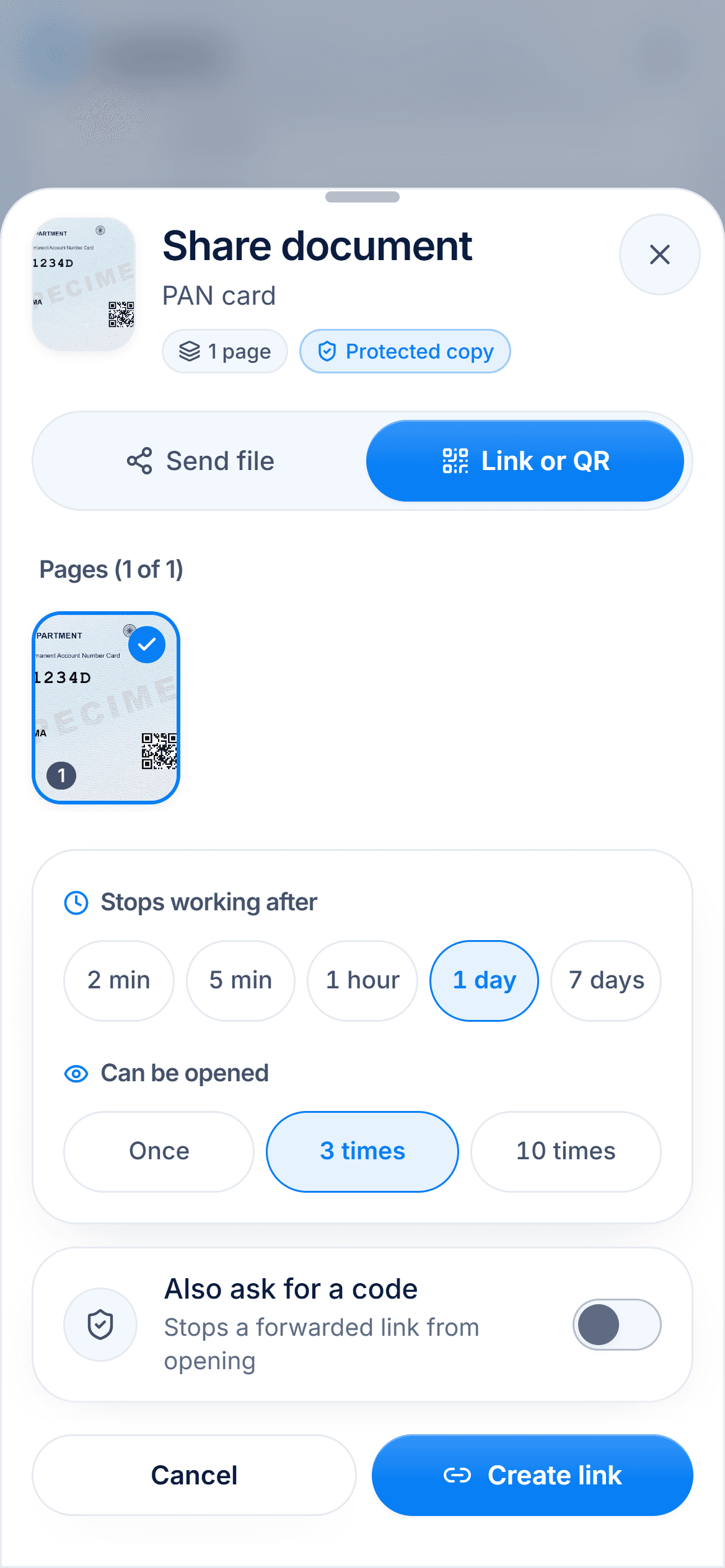
Step by step
- 1
In DigiSafe, pick India and the country you are moving to.
- 2
Scan your passport, visa, degrees and certificates before you pack.
- 3
Scan the papers you are leaving behind as well.
- 4
Create a family folder and invite a parent or sibling at home.
- 5
Put your phone in flight mode and check your documents still open.
- 6
Carry the originals in your cabin bag, not your checked suitcase.
Questions people ask
Should I carry originals or copies?+
Originals of what is hard to replace from abroad, like your passport, degrees and birth certificate. Copies of the rest, with the originals kept safe at home.
What if I am moving to a country that is not listed?+
You can still keep papers from anywhere, since folders and documents are yours to name. The ready-made country folders cover India, the USA, the UK, Canada and Australia.
Can my family at home add documents for me?+
Yes. Members of a family folder can view and add documents, and only you decide who is in it.
Do I need internet to open my documents abroad?+
No. Once you are set up, they open with no connection. Share links and family folders need internet.

