








Guide
Are scanner apps safe for your ID? Adobe Scan, Genius Scan and CamScanner, checked
- Genius Scan
- On your device, unless you create an account
- Adobe Scan
- Saved to Adobe Document Cloud automatically
- CamScanner
- Ad-library module found in 2019, later taken out

Is Adobe Scan safe for your Aadhaar, PAN or passport? It saves every scan to Adobe's cloud automatically, and Adobe may analyse stored content unless you opt out. Genius Scan keeps scans on your phone unless you make an account. Here is what each maker says, from its own pages.

A real moment
“You need a clean PDF of your passport for a visa form tonight. Before you scan it, you want to know where that copy will end up.”
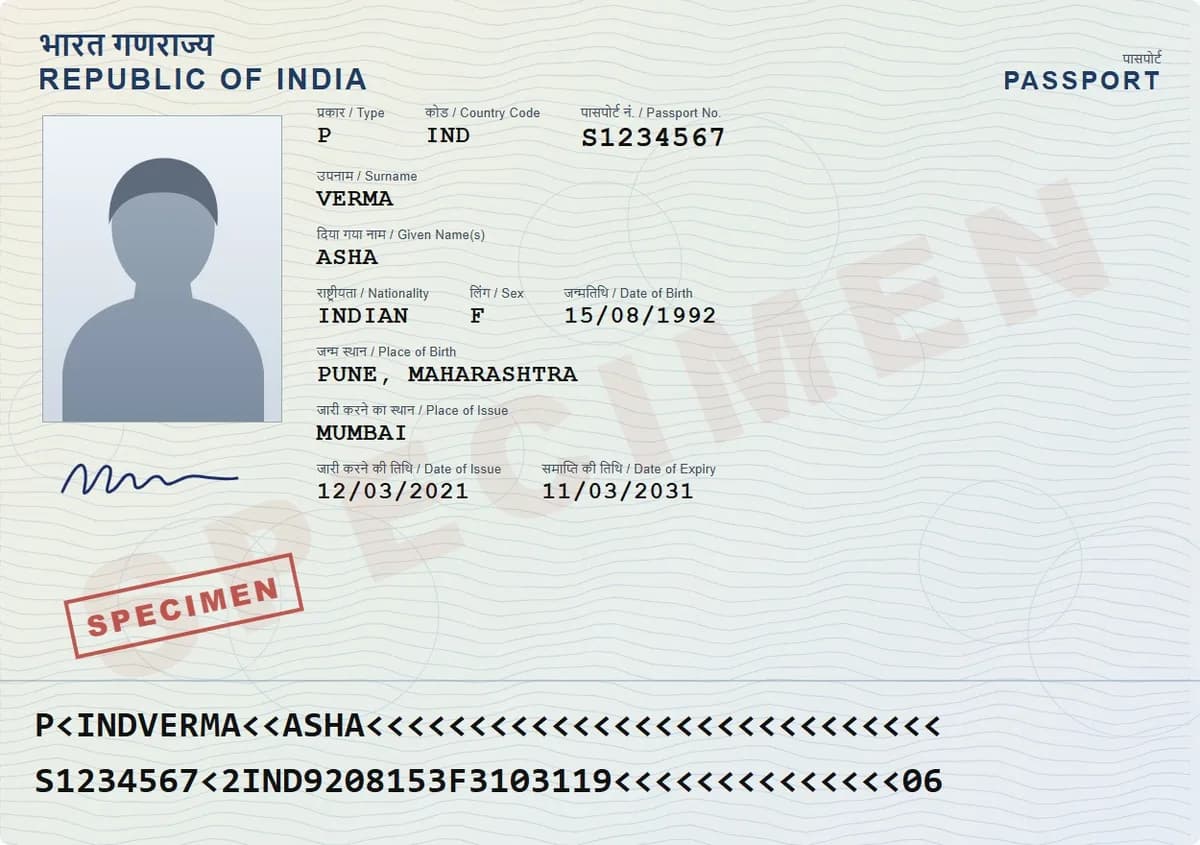
It depends on where the scans go. Genius Scan keeps scans on your device unless you create an account. Adobe Scan saves every scan to Adobe's cloud, where Adobe may analyse content unless you opt out. CamScanner's 2019 ad-library module has since been taken out, and India blocked the app in 2020, as one of 59 apps. DigiSafe encrypts each page on your phone with a key only you hold.
Where each scanner keeps your scans
| App | Where scans are kept | Who can read them | Good to know |
|---|---|---|---|
| DigiSafe | On your device, plus an encrypted backup | Only you: pages are encrypted on your device before backup | Free today, no ads; reads ID numbers and hides Aadhaar digits |
| Genius Scan | Your device; its servers only if you create an account | Synced copies are encrypted in transit and at rest | Processing happens on your device; it says it shows no third-party ads |
| Adobe Scan | Adobe Document Cloud, automatically | Adobe may analyse stored content to improve its products, unless you opt out | Adobe says it does not train generative AI on your content |
| Google Drive scanner | Your Google Drive | Encrypted in transit and at rest; Google can process files, for example to check for viruses | Built into the Drive app on Android |
| CamScanner | Not covered by the sources we checked | Not covered by the sources we checked | Kaspersky found a malicious module in an ad library in August 2019, later taken out; blocked in India since June 2020, as one of 59 apps |
Where each app keeps your scans
What each maker says about who can read them
A scanner that encrypts on your phone
Genius Scan
On your device, unless you create an account
Adobe Scan
Saved to Adobe Document Cloud automatically
CamScanner
Ad-library module found in 2019, later taken out
DigiSafe
Encrypted on your phone, with your own key
Why the scanner matters more than the filters
A scan of your Aadhaar, PAN or passport is straight, sharp and easy to read, which is exactly what makes it useful to anyone who gets hold of it. So before your first ID scan, ask two things: where does the app keep the copy, and who else can read it?

Genius Scan: on your device by default
Genius Scan's privacy policy says scans are processed only on your device, including text recognition and PDF creation, and stay there if you do not create an account. With an account, your documents are stored on its servers for sync and backup, encrypted in transit and at rest.
Adobe Scan: in Adobe's cloud
Adobe says Adobe Scan saves your scans automatically to Adobe Document Cloud. Its content analysis FAQ says Adobe may analyse content stored on its servers to improve its products, which you can turn off in your account preferences, and that it does not use your content to train generative AI.

Google Drive's scanner
The scanner in the Google Drive app saves scans to your Drive. Google encrypts Drive files in transit and at rest, and says it may process them, for example to check for viruses.
CamScanner: a malicious module in 2019, a ban in 2020
In August 2019, Kaspersky found a malicious module, Trojan-Dropper.AndroidOS.Necro.n, in an advertising library inside CamScanner's Android app. It could show intrusive ads and sign people up for paid subscriptions. Google removed the app, then restored it once the module was taken out. India blocked CamScanner on 29 June 2020, as one of 59 apps in the same order.
Where DigiSafe fits
DigiSafe scans on your phone and encrypts each page with AES-256-GCM before it is backed up. Your PIN never reaches our servers, so we keep a copy we cannot open. There are no ads, and the same app reads your ID numbers, hides Aadhaar digits and shares copies with links that expire.

Watch it
End-to-end encryption in DigiSafe, in 16 seconds
Everything is encrypted on your device before it is backed up, and only you hold the key. DigiSafe keeps a locked copy it cannot open.
Step by step
- 1
Before your first ID scan, check where the app saves scans.
- 2
Prefer a scanner that keeps scans on your device or encrypts them first.
- 3
Already use Adobe Scan? You can turn off content analysis in your Adobe account preferences.
- 4
Do not leave ID scans in a shared folder or a chat.
- 5
Scan IDs into DigiSafe, where each page is encrypted on your phone.
- 6
Share copies with a link that expires, not as an attachment.
Questions people ask
Is Adobe Scan safe for sensitive documents?+
It depends on whether you want ID scans in Adobe's cloud. Adobe Scan saves every scan to Adobe Document Cloud automatically. Adobe says it may analyse stored content to improve its products, which you can turn off in your account preferences, and that it does not train generative AI on your content.
Is Genius Scan safe?+
Genius Scan's privacy policy says scans are processed only on your device and stay there unless you create an account. With an account, documents are stored on its servers, encrypted in transit and at rest.
Is CamScanner safe to use?+
The sources we checked do not say where CamScanner keeps scans. In August 2019, Kaspersky found a malicious module in an advertising library in its Android app. Google removed the app, then restored it once the module was taken out. India blocked CamScanner on 29 June 2020, as one of 59 apps.
Which scanner app encrypts scans on my phone?+
DigiSafe encrypts each page on your device with AES-256-GCM before it is backed up, so only you can read it. It is free today, with no ads.
Where this comes from
Official sources, dated.
Every official detail on this page comes from the pages listed here, last checked on 6 October 2026. Fees, rules and links can change after that date. DigiSafe is a private app, not connected with these offices, and cannot guarantee them, so check the official page before you pay or rely on them.
- 1Genius Scan: Privacy policyhelp.geniusscan.com
- 2Adobe Help: Adobe Scan FAQhelpx.adobe.com
- 3Adobe Help: Content analysis FAQhelpx.adobe.com
- 4Google Drive Help: Privacy and securitysupport.google.com
- 5Kaspersky: CamScanner malicious Android app (27 August 2019)kaspersky.com
- 6PIB: Government blocks 59 mobile apps (29 June 2020)pib.gov.in